To set the iForm status follow the steps below:
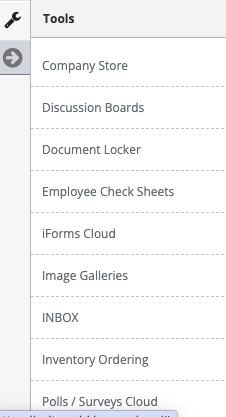
Step 1: Access the iForms cloud
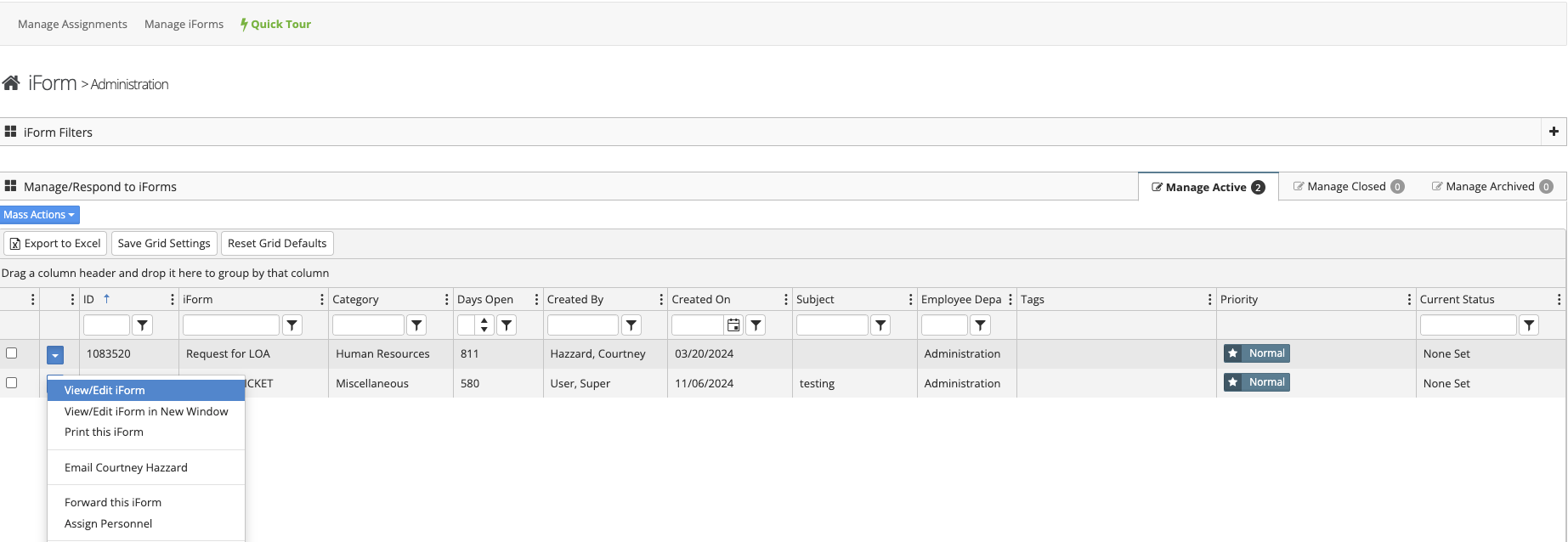
Step 2: Locate the iForm you want to interact with (Step 1&2 can be found in the Accessing/Searching Submitted iForms article)
Step 3: Select 'View/Edit iForm' from the Button next to the submitted iForm
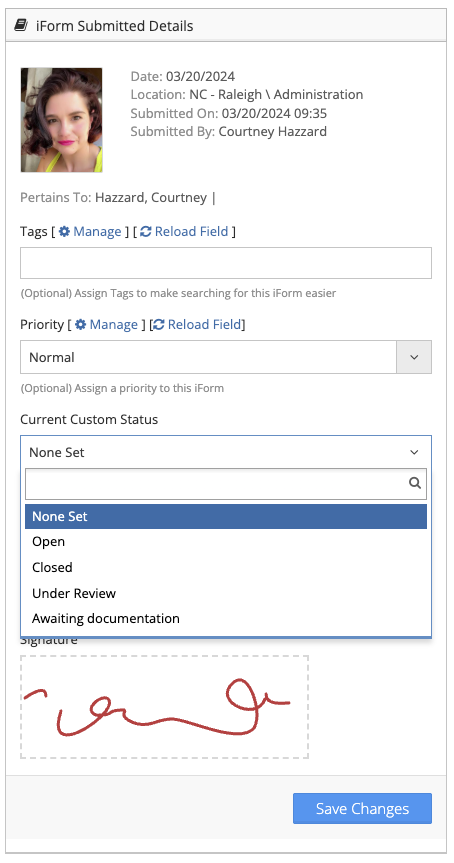
Step 4: Select the "Current Custom Status" from the drop-down
Additional Information:
- The iForms current custom status will be displayed on the manage submitted iForms grid