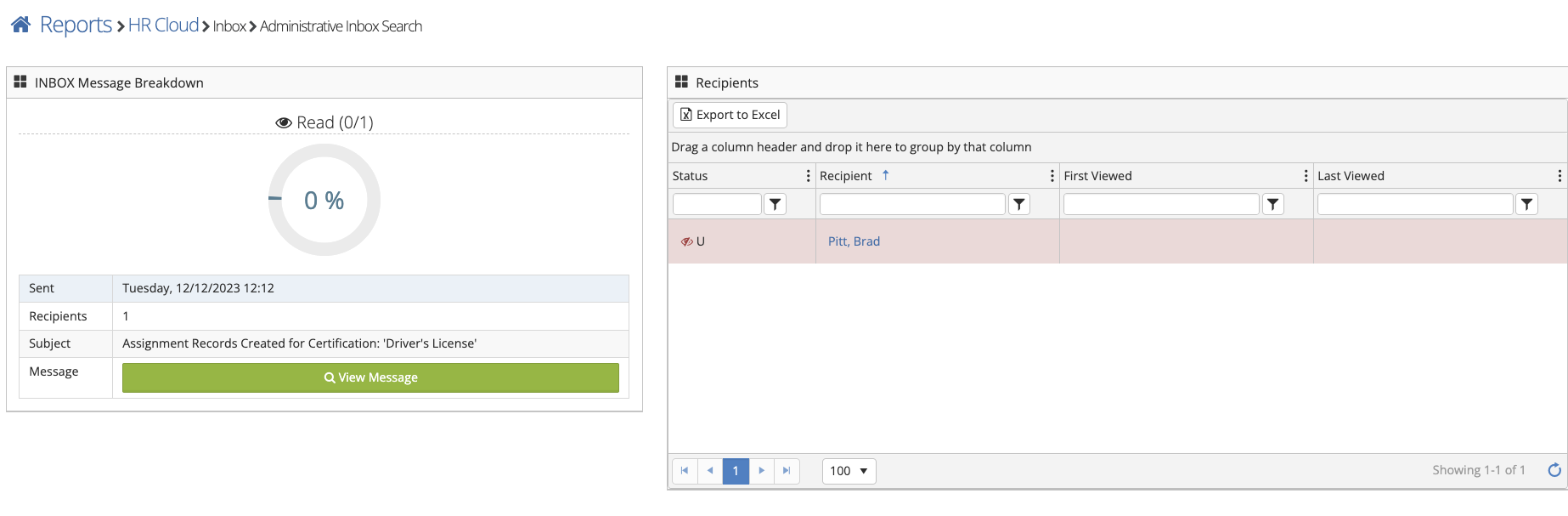
To interact with sent Inbox messages follow the steps below.
Step 1: Log into the VAIRKKO Platform
Step 2: Access the Administrative area by clicking 'ADMIN' in the upper right-hand corner.
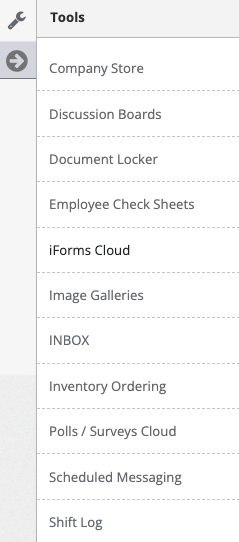
Step 3: Access the 'Inbox' from the Administrative Toolbar
Step 4: Select the 'Sent' folder to see the Inbox messages you have sent to employees.
Step 5: From the sent folder select the report icon next to the Inbox message to see who has and hasn't read the message.
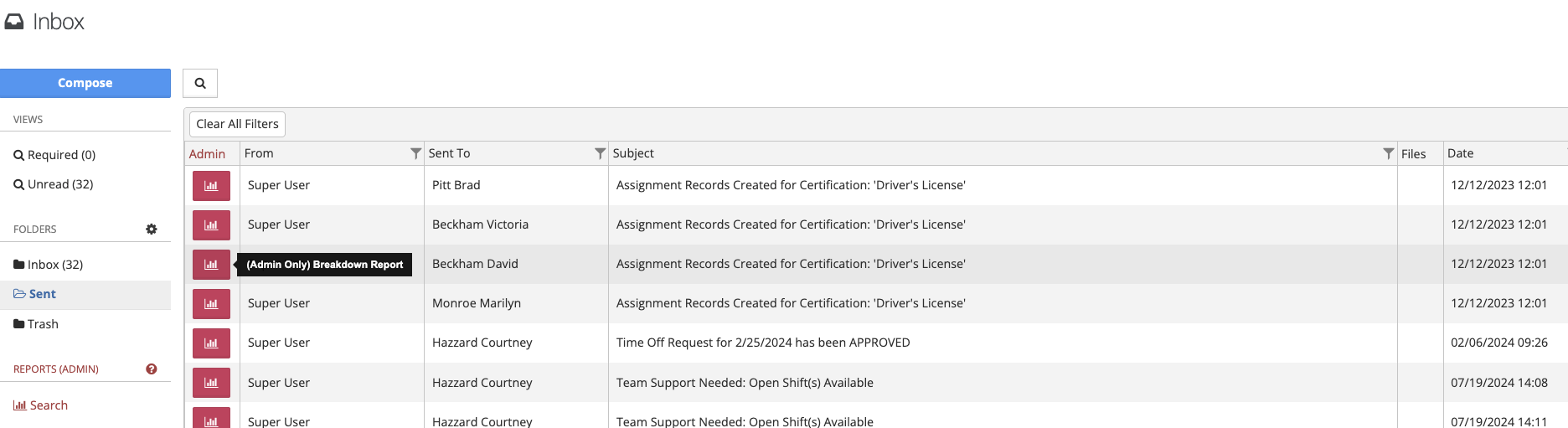
Step 6: Select the message itself to forward, reply, or delete the sent Inbox message from the recipient's account