Follow the steps below to create a new user account in VAIRKKO.
How to Add a New User
Step 1: Log In as an Admin
Log into the VAIRKKO platform using your administrator credentials.
Step 2: Navigate to User Management
Go to the User Management section.
Step 3: Add a New User
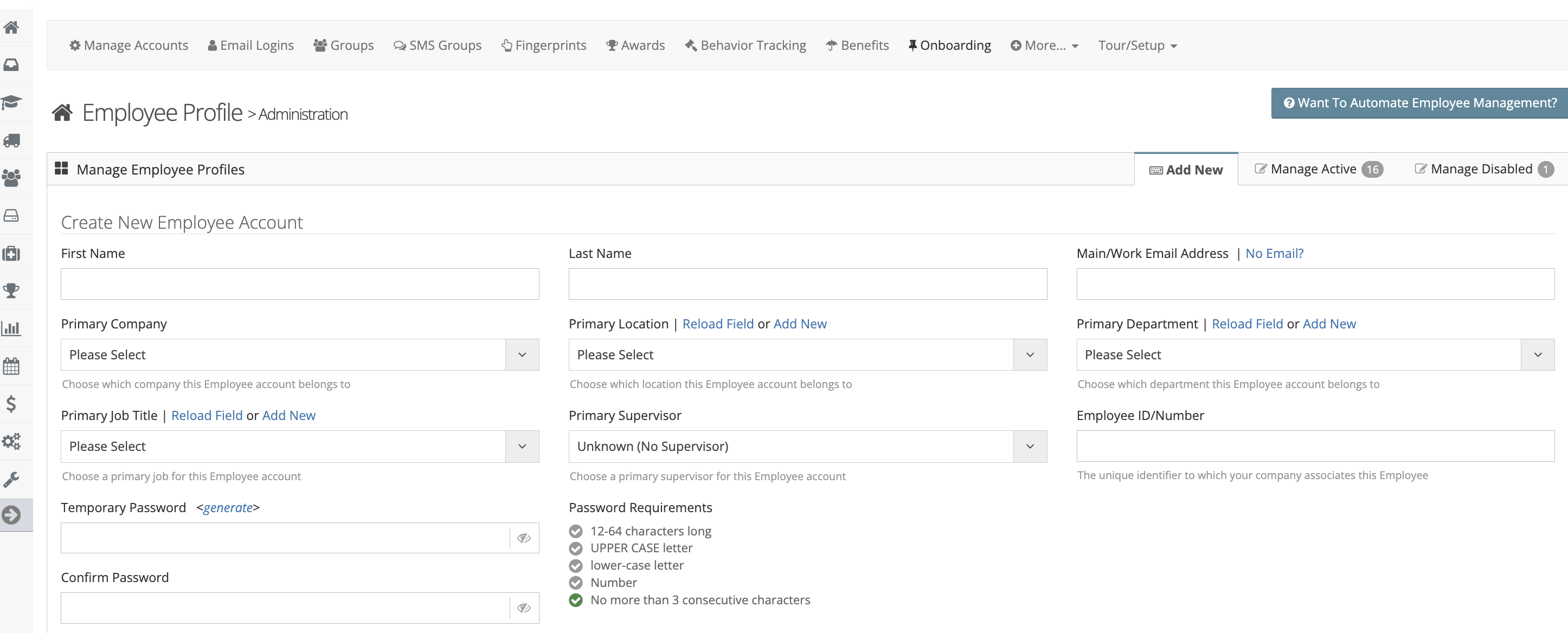
Click “Add New User” and enter the required information.
Step 4: Set Permissions
Assign the appropriate roles and permissions based on the user’s responsibilities.
Step 5: Save and Notify
- Click Save to create the account
- Notify the user with their login details (if applicable)
Was this article helpful?
That’s Great!
Thank you for your feedback
Sorry! We couldn't be helpful
Thank you for your feedback
Feedback sent
We appreciate your effort and will try to fix the article