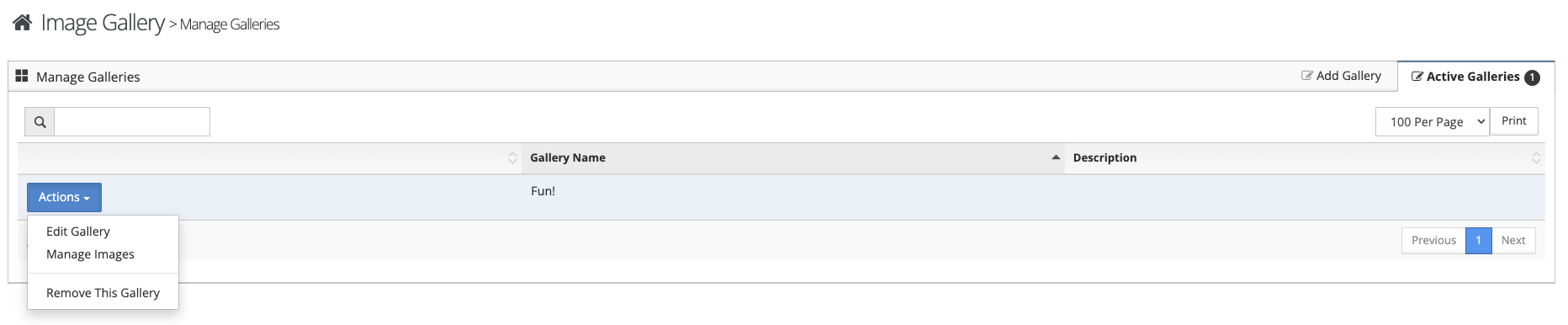
To add images to the image gallery follow the steps below.
Step 1: Log into the VAIRKKO Platform
Step 2: Access the Administrative area by clicking 'ADMIN' in the upper right-hand corner.
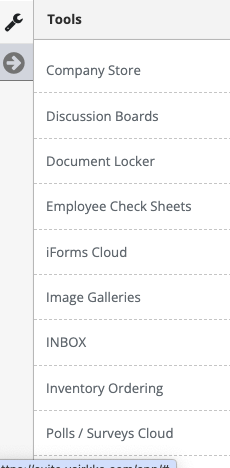
Step 3: Access the 'Image Galleries' from the Administrative Toolbar
Step 4: Select the 'Add Gallery' tab
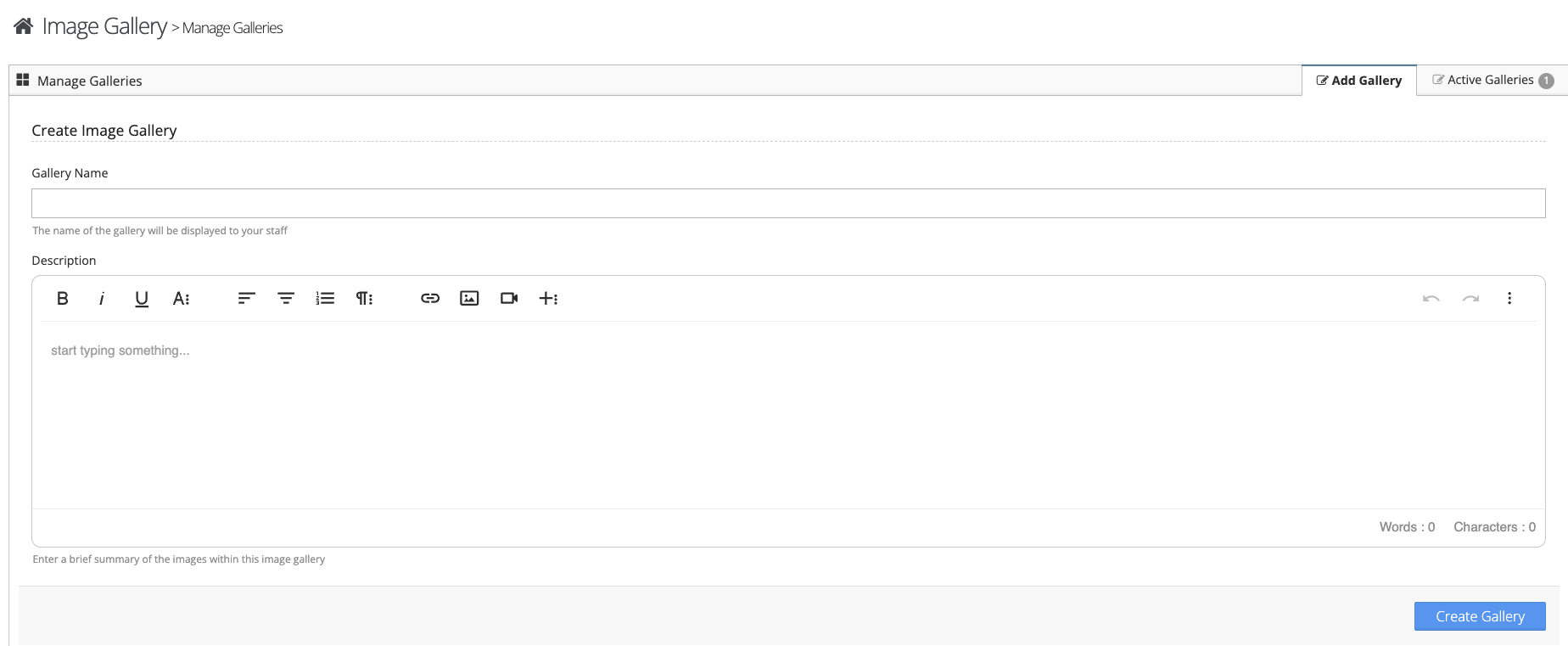
Step 5: Follow the on-screen prompts to add your gallery
Managing Galleries & Adding Images
Step 1: Select the 'Active Galleries' tab
Step 2: From the actions button next to the gallery you view/edit the gallery, add images to the gallery, or remove the gallery