To display your road closures follow the steps below.
Step 1: Log into the VAIRKKO Platform.
Step 2: Select 'Admin' in the upper-right hand side of the screen.
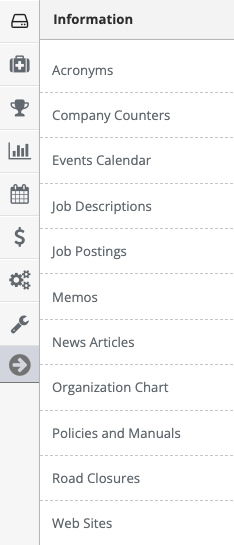
Step 3: Access 'Road Closures' from the Administrative Toolbar
Step 4: Select the 'Add New' tab

Step 5: Follow the on-screen prompts to enter your Road Closure
Managing Road Closures
Step 1: Select the 'Manage' tab
Step 2: From the actions button next to your posting you can View/Edit the entry or Delete the entry
Additional Information
With the Road Closure dashboard Pod, your staff can view closure from their login dashboard. Please refer to the custom dashboards article for more information