Assets - Perform a Maintenance Event
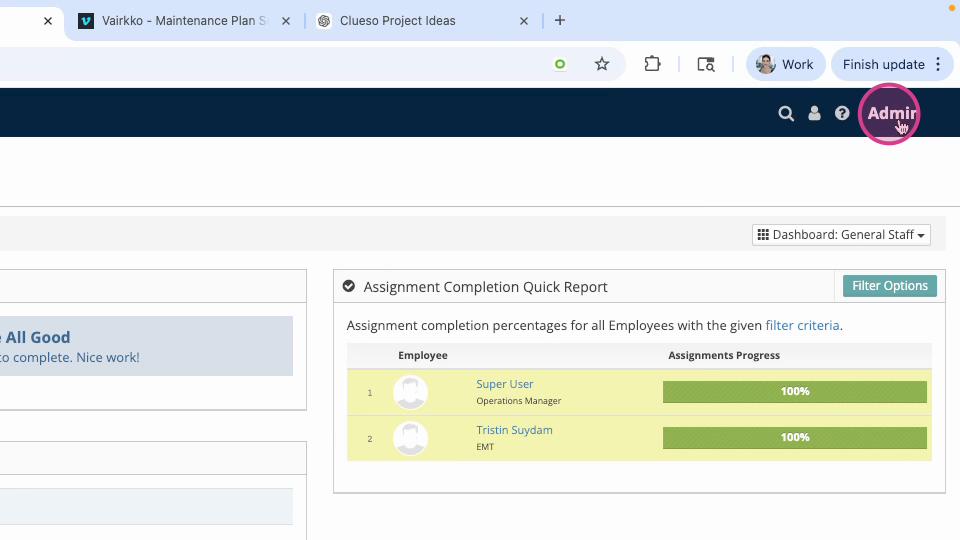
Step 1: Log in to the VAIRKKO platform and click admin in the upper right corner to access the administrative area.
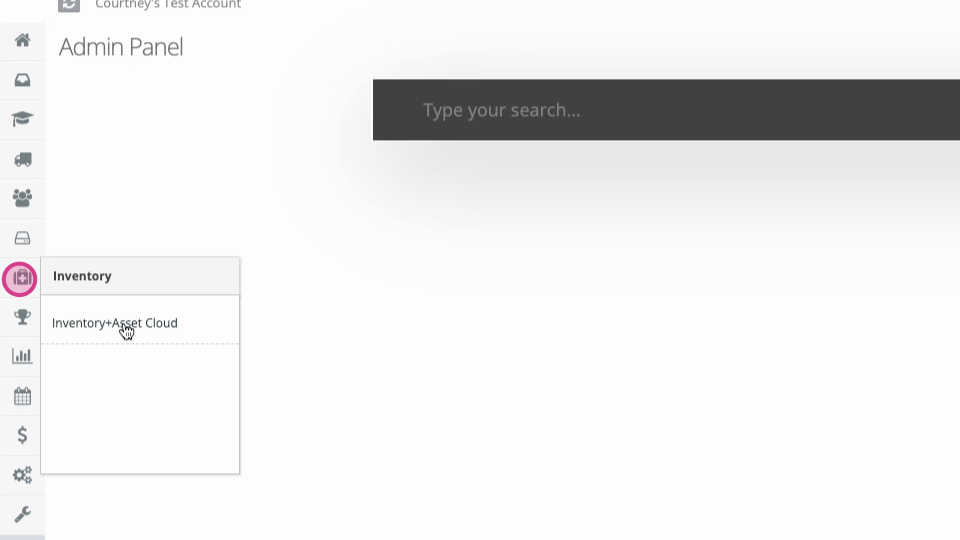
Step 2: In the admin panel, open Inventory and Asset Cloud.
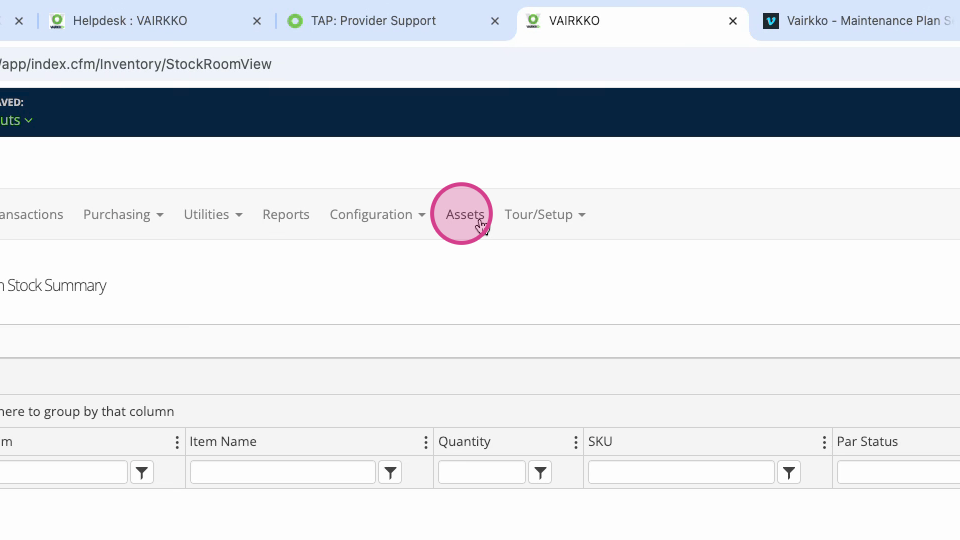
Step 3: Click Assets at the top.
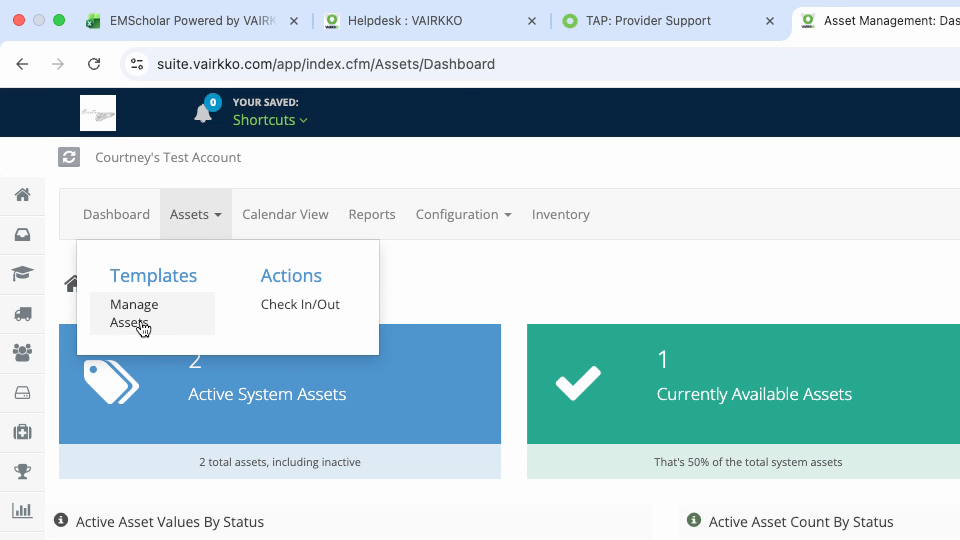
Step 4: From the Assets dropdown menu, select Manage Assets.
Step 5: Find the asset you want to update and select View and Edit.
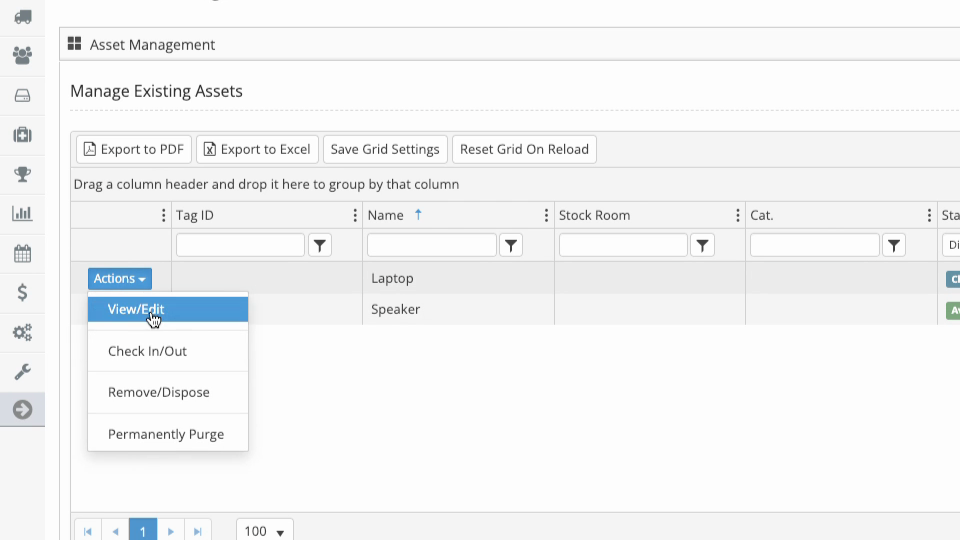
Step 6: Navigate to the Services tab on the asset’s details page.
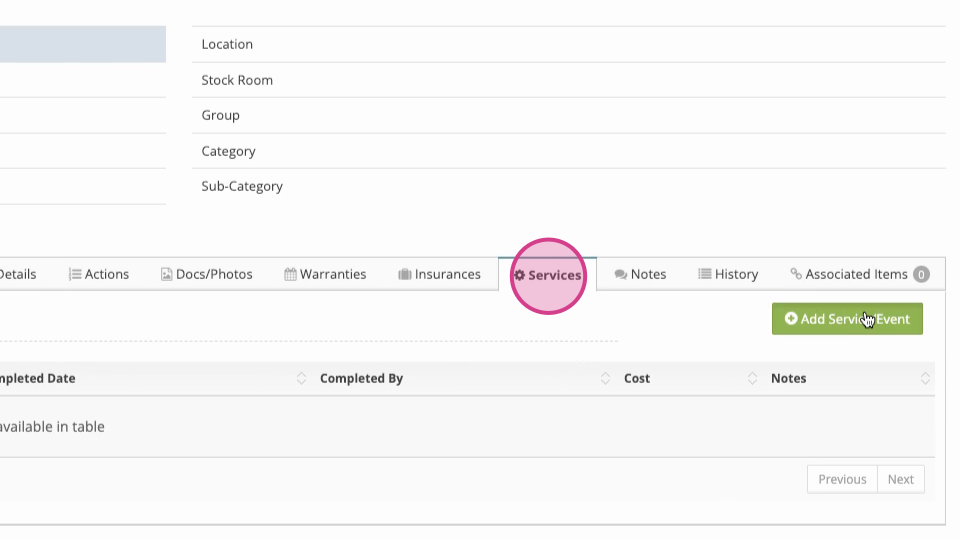
Step 7: Click Add Service Event and follow the on-screen prompts to assign the service.
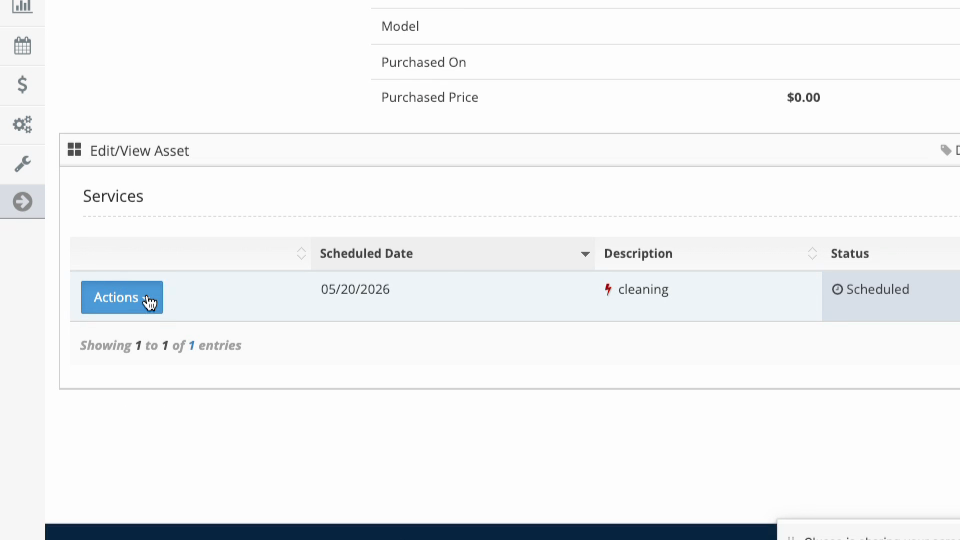
Step 8: To edit or remove a service event, click the Actions button. Here you can view the service history or delete the record.