To configure a micro poll follow the steps below.
Step 1: Log into the VAIRKKO Platform
Step 2: Access the Administrative area by clicking 'ADMIN' in the upper right-hand corner.
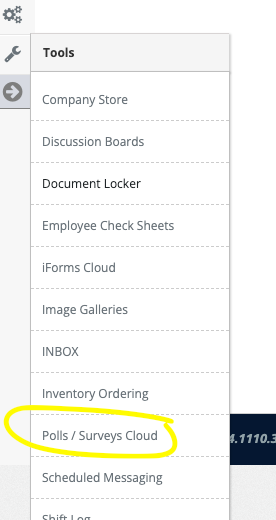
Step 3: Access the 'Polls/Surveys' from the Administrative Toolbar
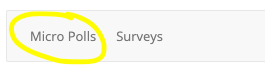
Step 4: Select 'Micro Poll' from the in-app menu
Step 5: Select the 'Add New' tab
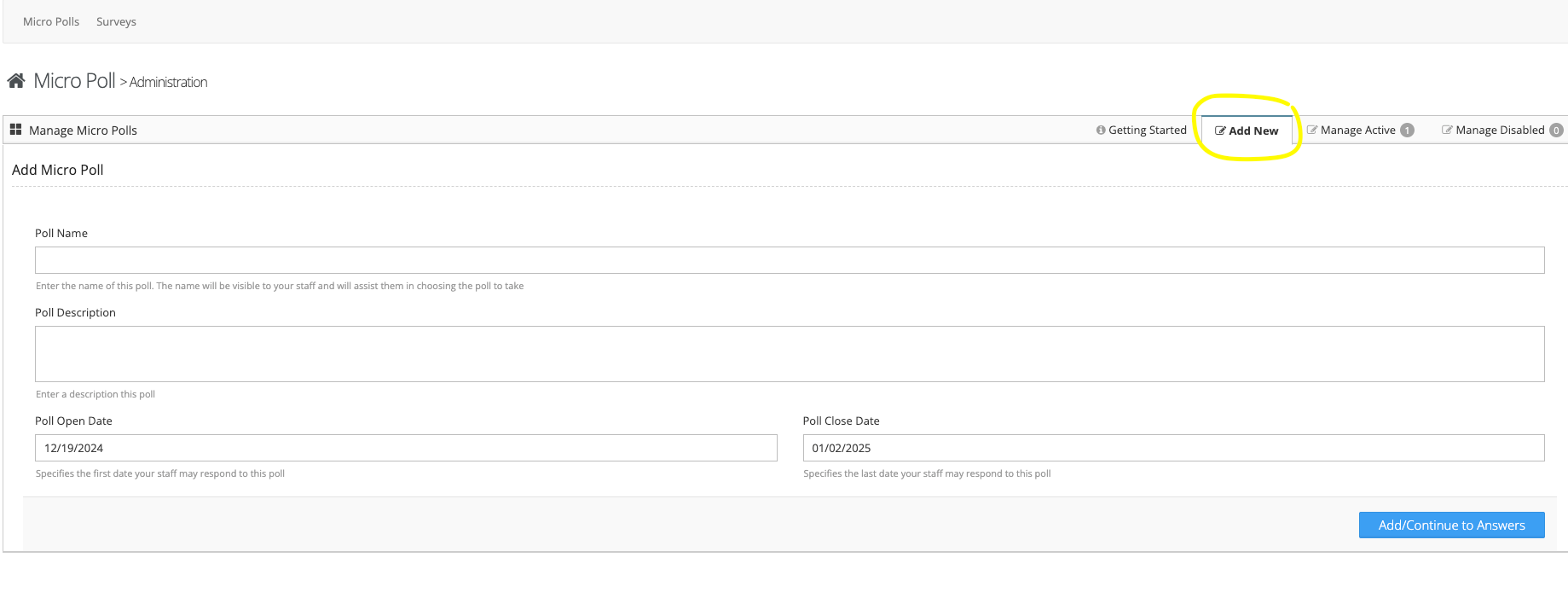
Step 6: Follow the on-screen prompts to enter your poll
Managing Polls
Step 1: Select the 'Manage Active' tab
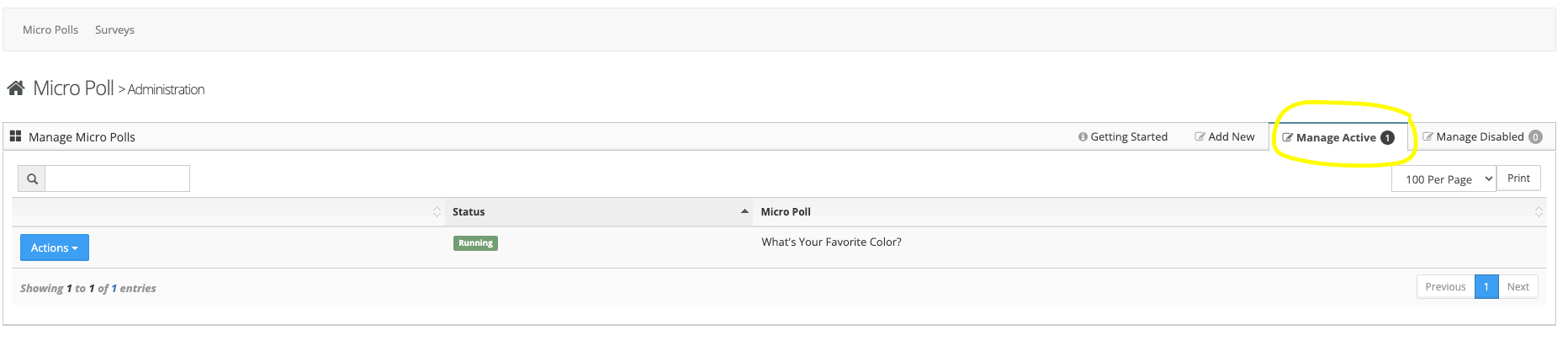
Step 2: From the actions button next to the Poll you can View/Edit the poll, update poll answers, view poll responses, or remove the poll
Additional Information
The Polls title and description are used to specify what question you are asking. For example, the Polls title could be 'Holiday Off' the description could ask the employee to select the holiday they want off. The polls answers would be those holidays.