Active Groups
VAIRKKO helps admins easily manage and create user groups based on selected criteria. These dynamic groups keep your organization organized and up to date—no manual maintenance required.
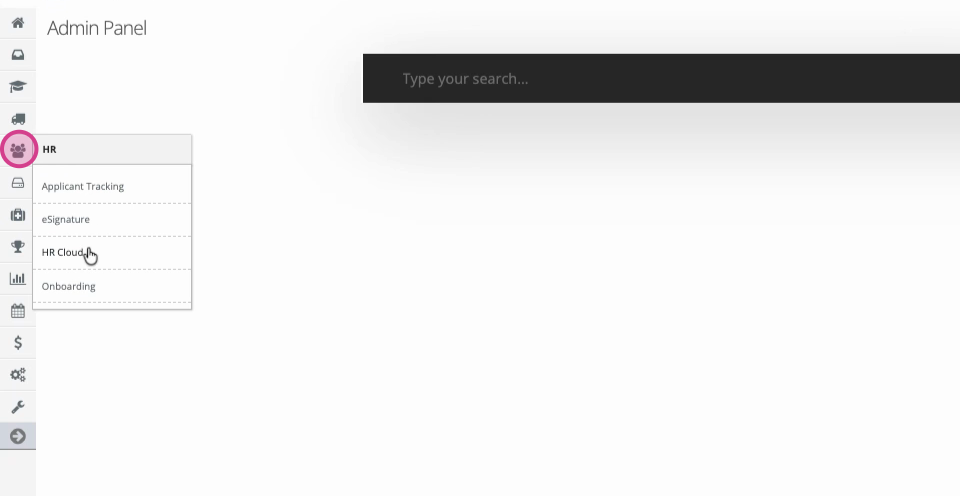
Step 1: Go to your administrative panel, then navigate to the HR cloud or User Management area.
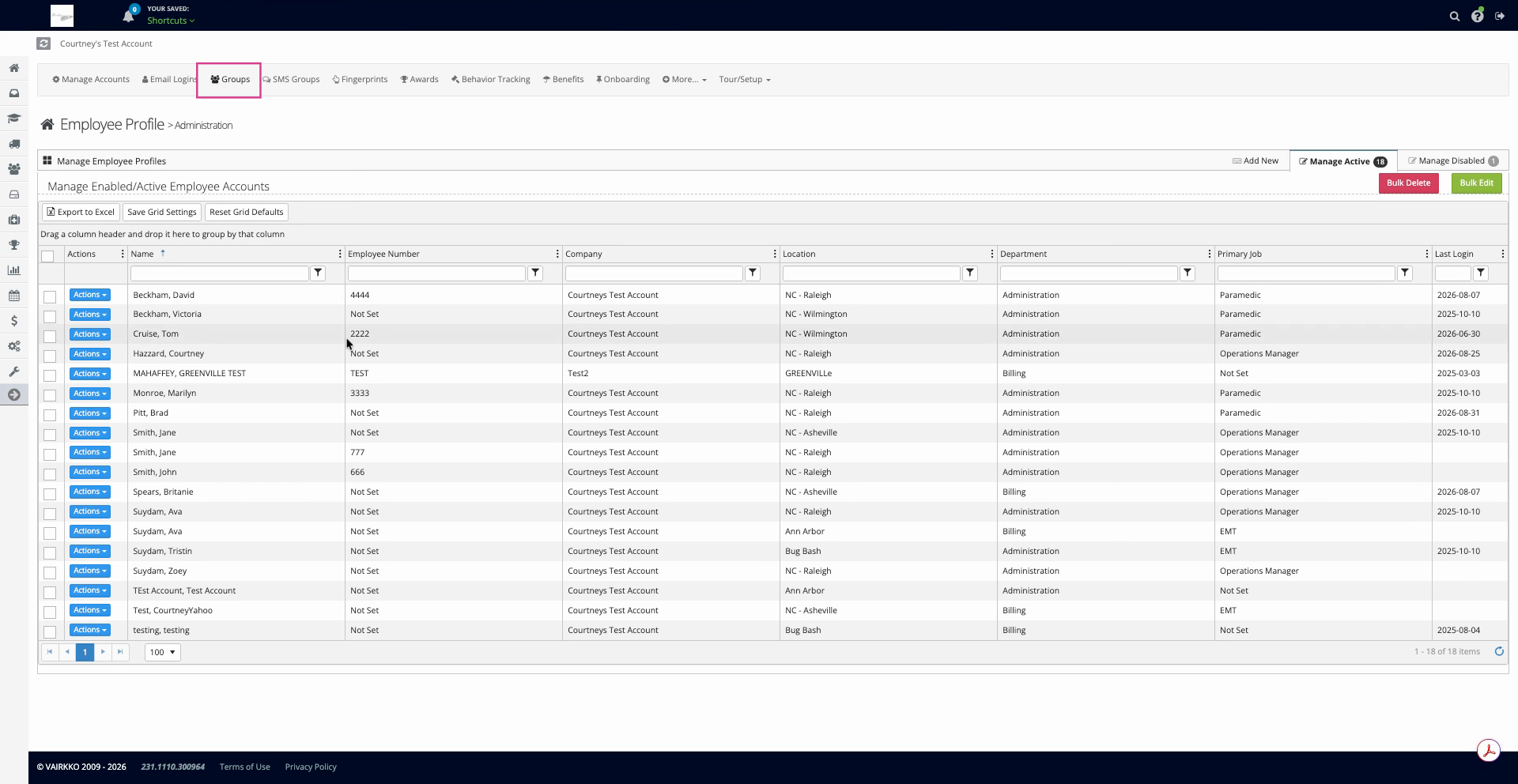
Step 2: Click Groups at the top of the menu.
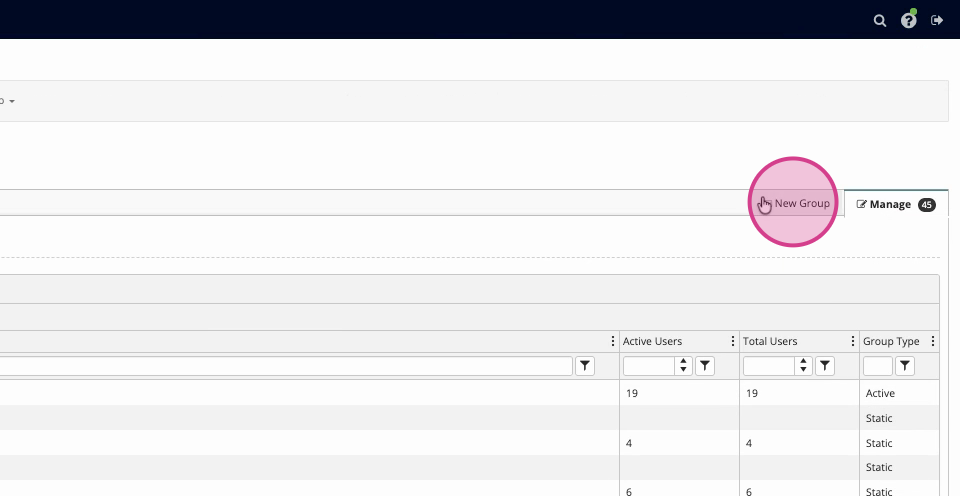
Step 3: Select New Group.
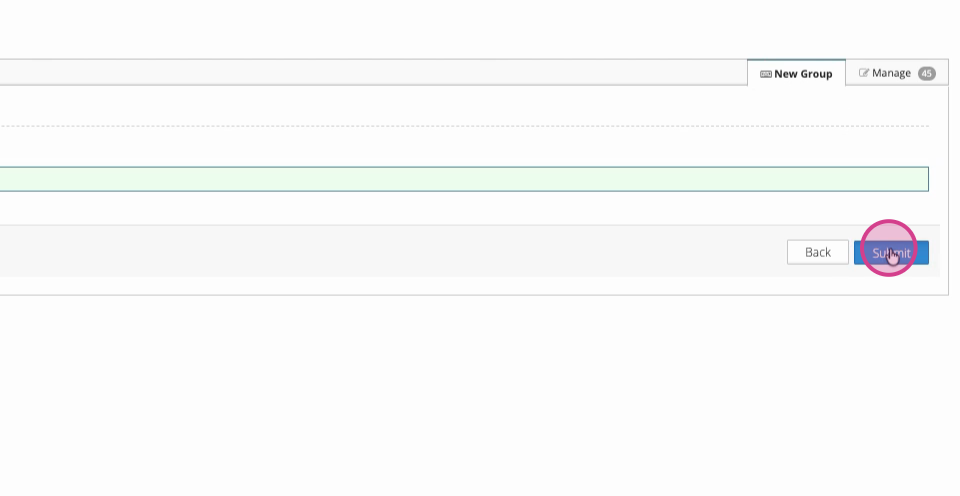
Step 4: Enter a group name and click Submit.
Step 5: Scroll down and select Active Group. Choose the criteria for your group.
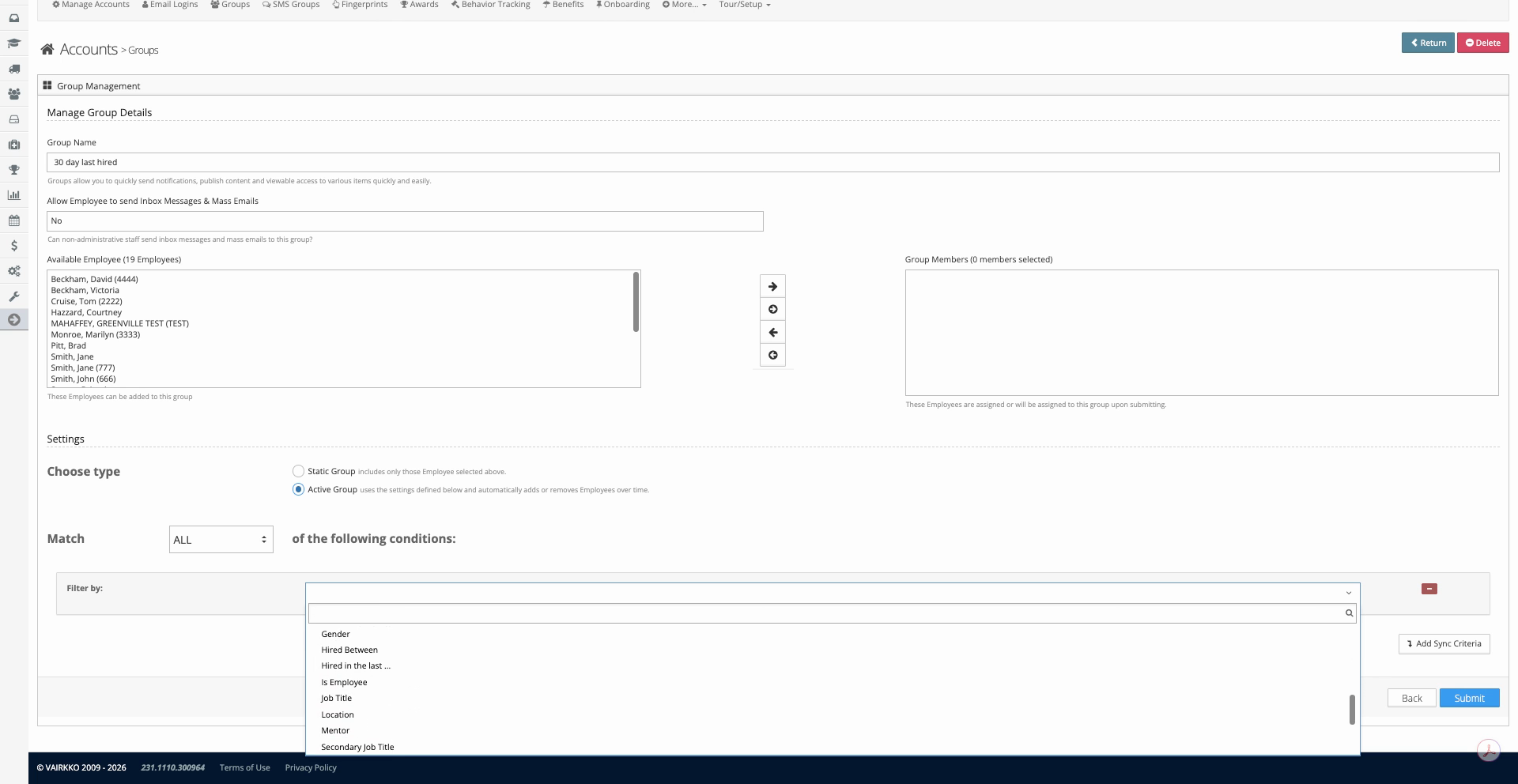
Step 6: VAIRKKO will now automatically move users in and out the group based on your filtered criteria.
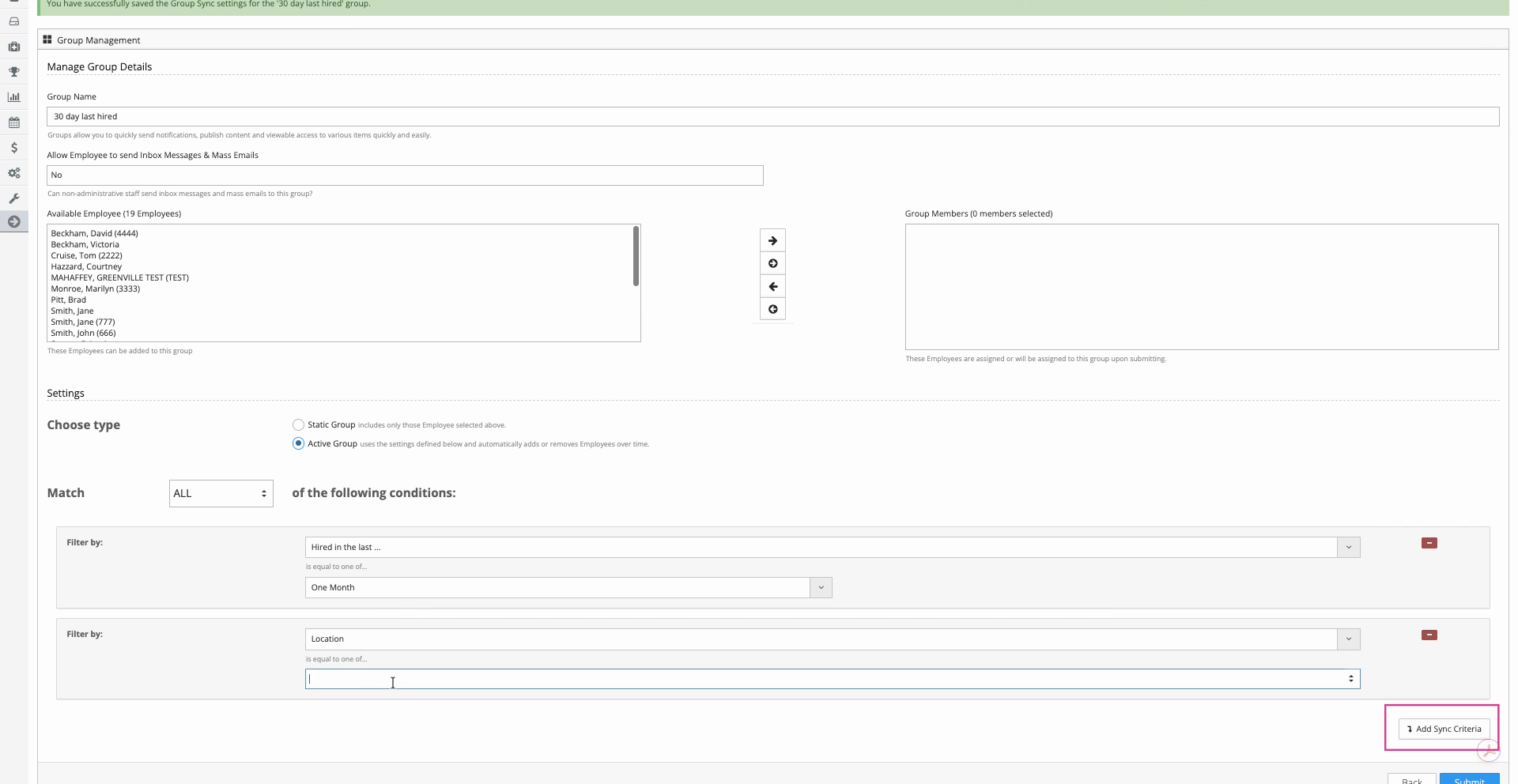
Step 7: To further fine-tune your group, add more criteria.
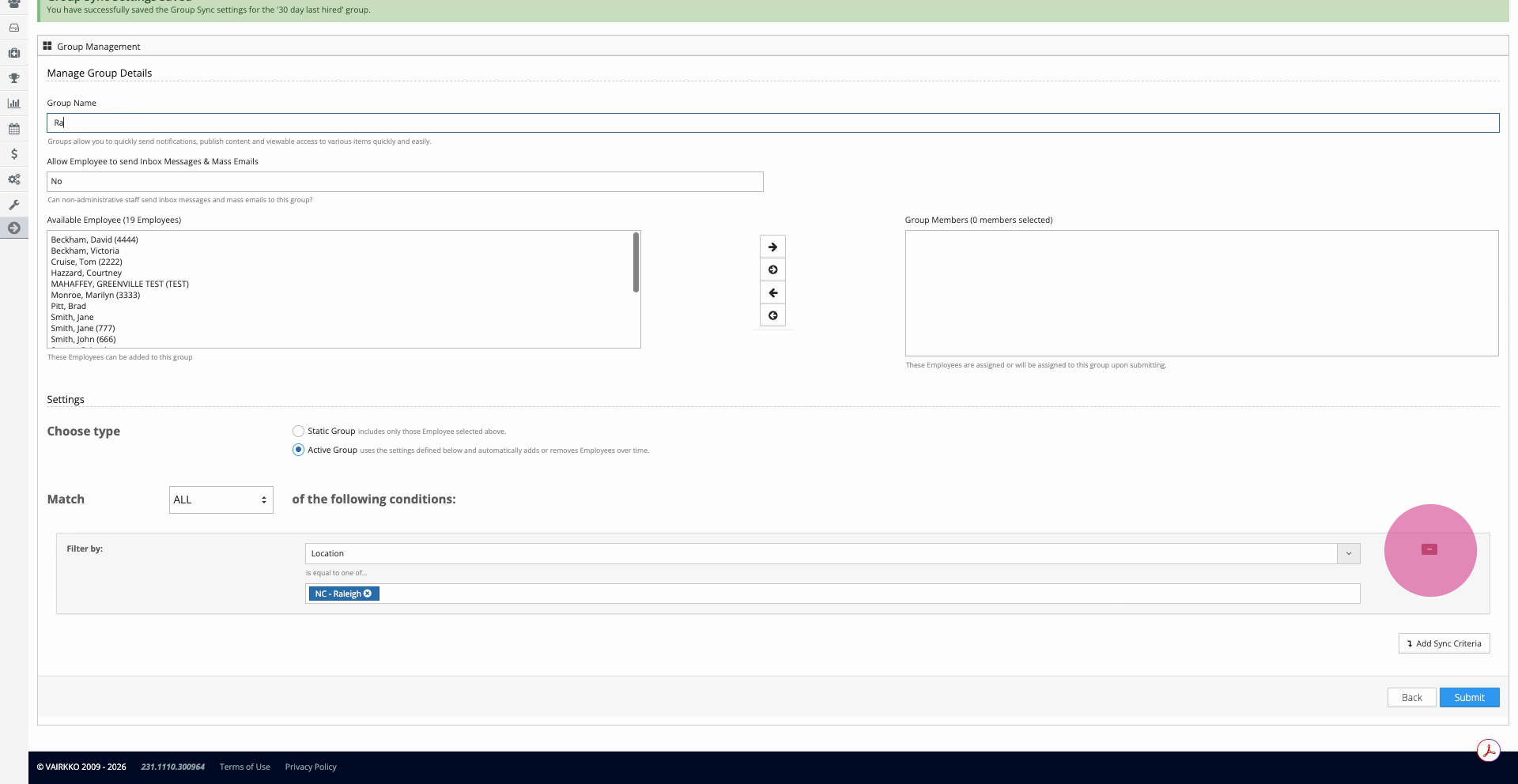
Step 8: Remove criteria by click on the red "-" symbol.
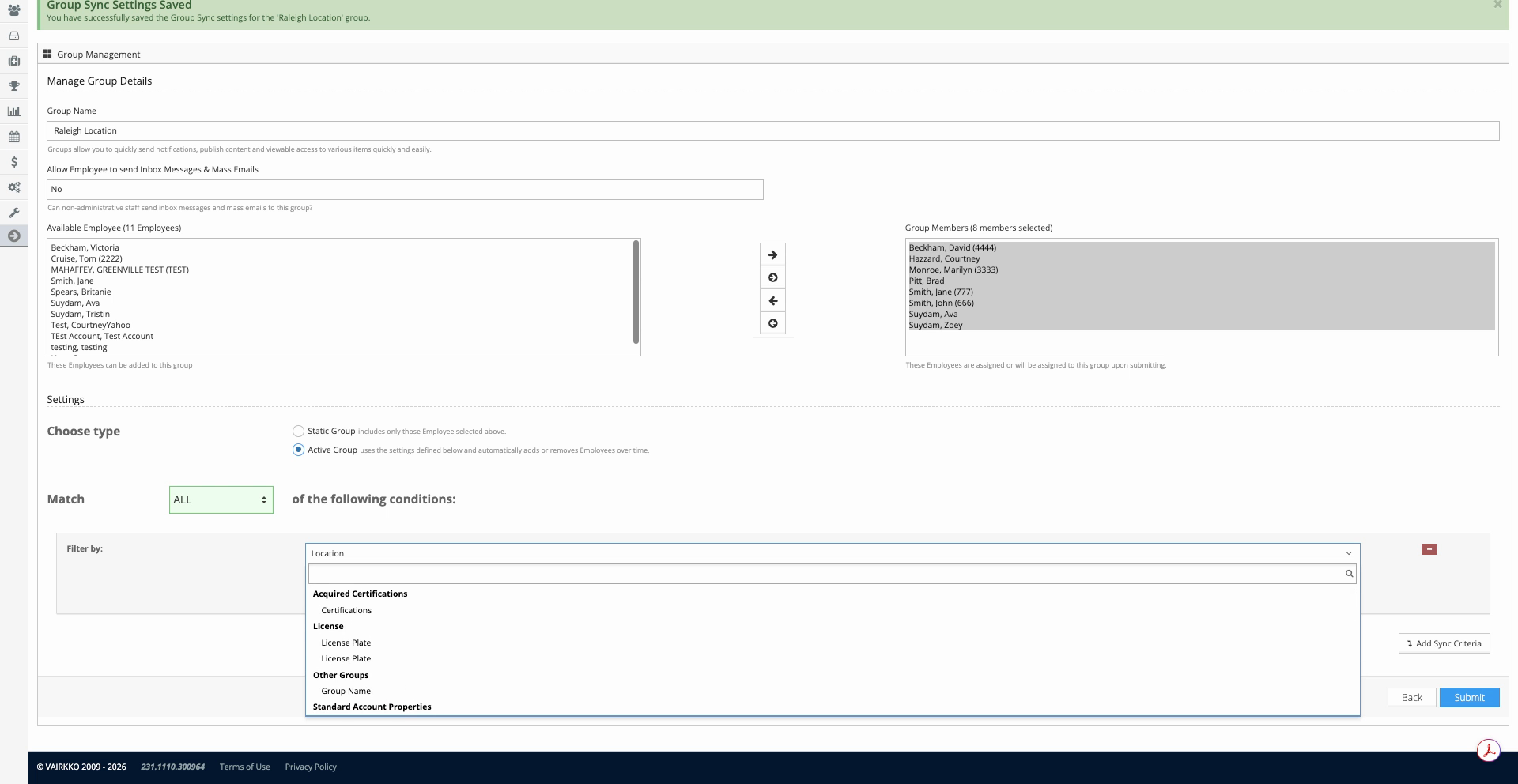
Step 9: You’re not limited to standard fields—add custom user profile fields to create groups tailored to your organization’s needs.
Was this article helpful?
That’s Great!
Thank you for your feedback
Sorry! We couldn't be helpful
Thank you for your feedback
Feedback sent
We appreciate your effort and will try to fix the article