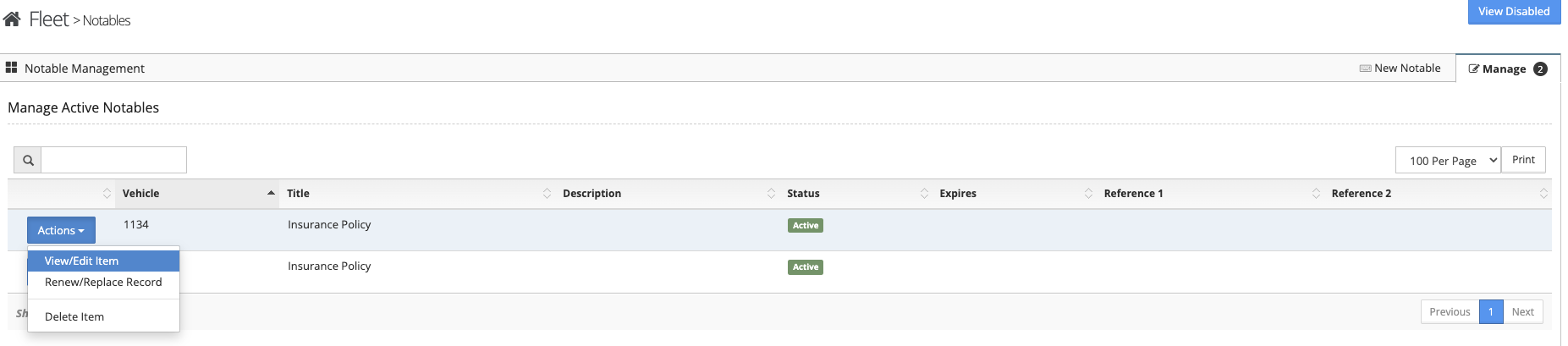
To update an entered notable follow the steps below.
Step 1: Log into the VAIRKKO Platform
Step 2: Access the Administrative area by clicking 'ADMIN' in the upper right-hand corner.
Step 3: Access 'Fleet Cloud' from the Administrative Toolbar
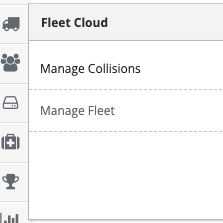
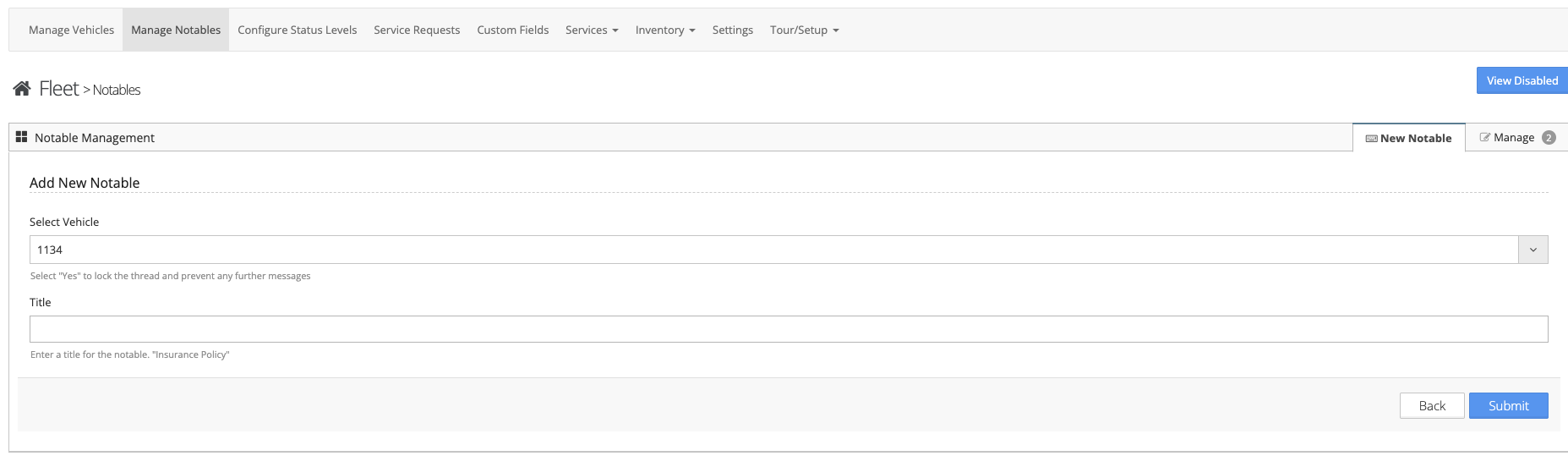
Step 4: Select 'Manage Notables' from the in-app menu.
Step 5: Select the 'New Notable' tab to enter a new notable.
Step 6: From the Actions Button you can View/Edit Item, Renew/Replace Record, or Delete Item