Processing Employee Stock Orders
Step 1: Log in to the VAIRKKO platform.
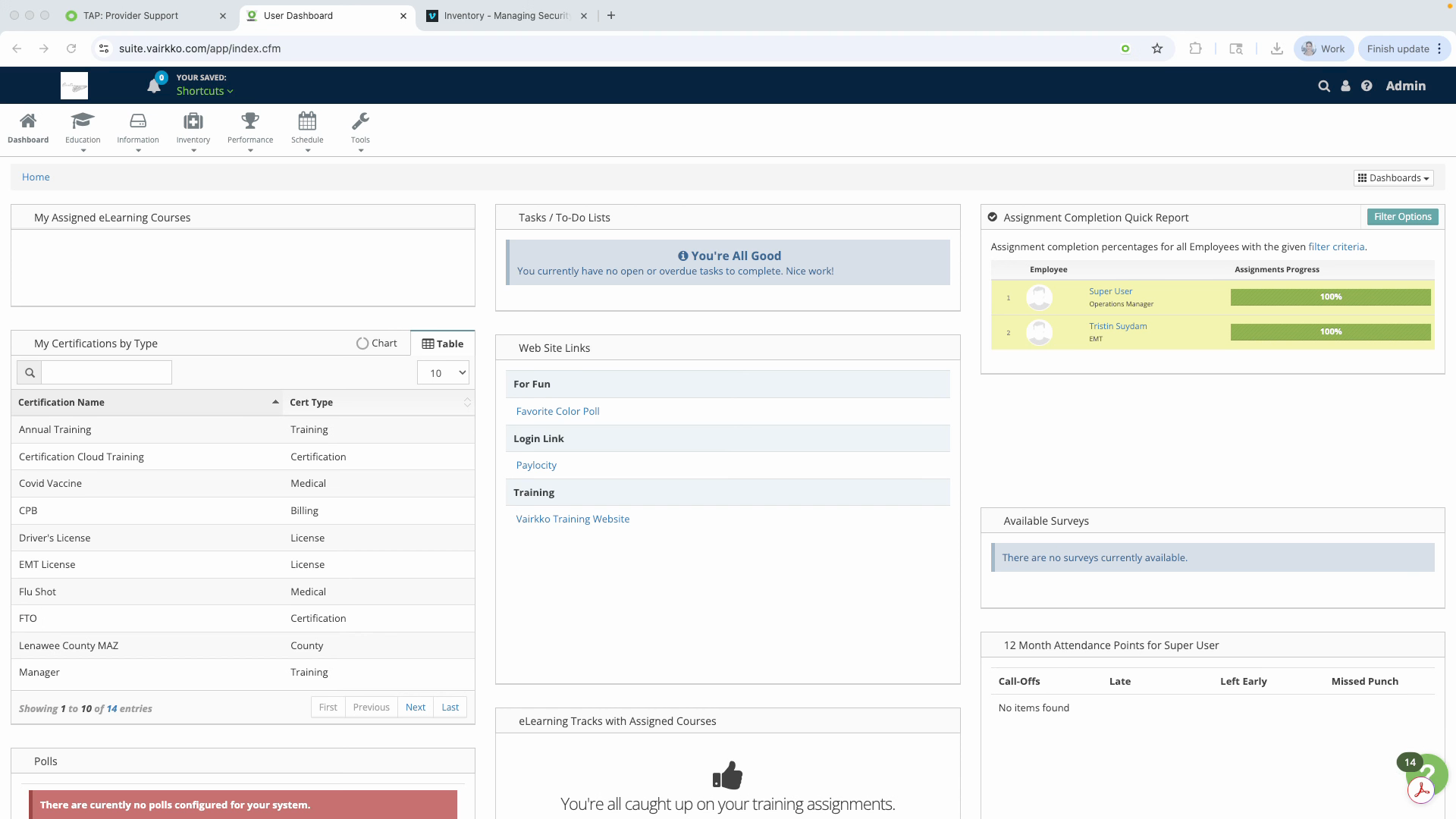
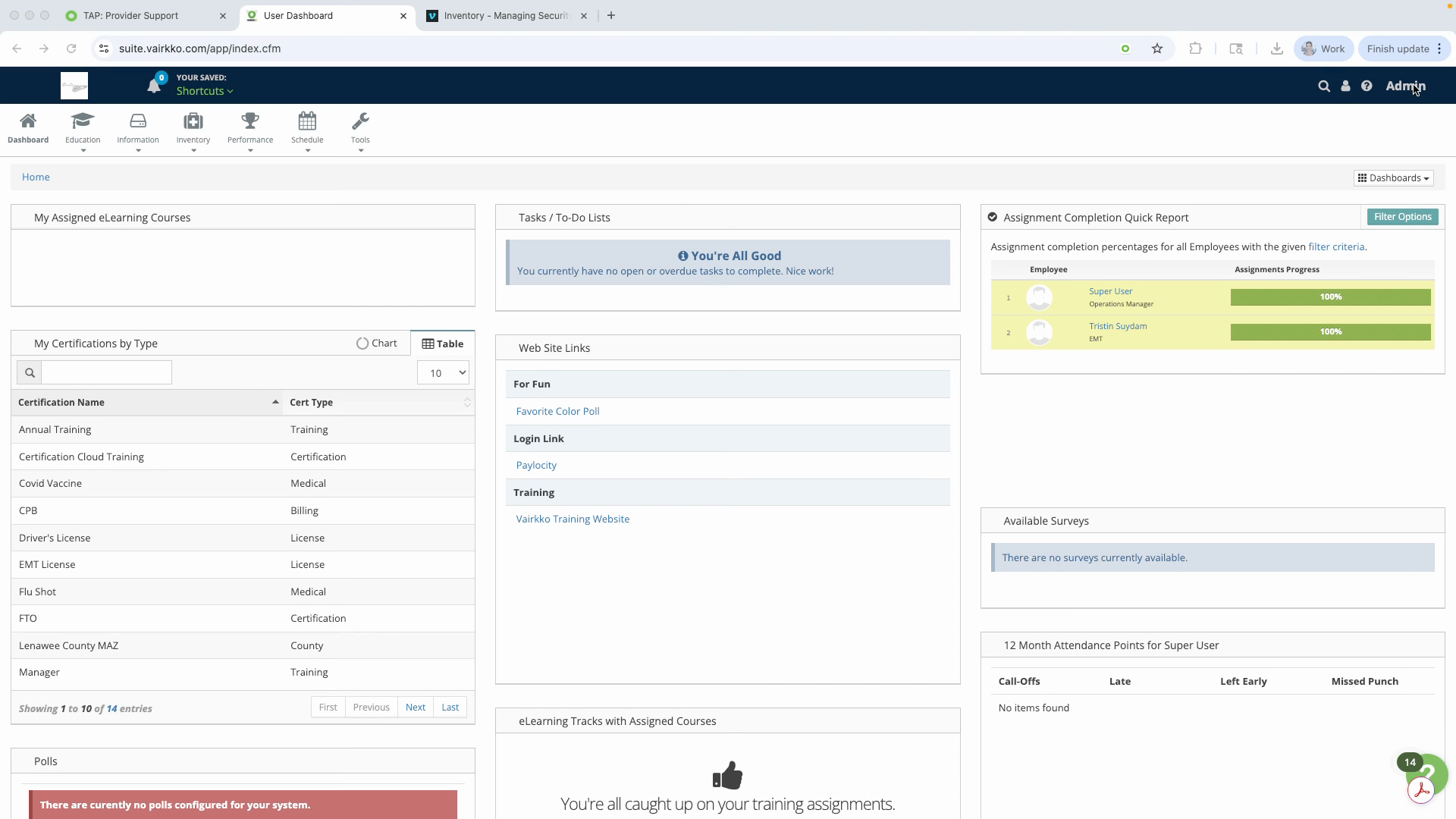
Step 2: Click Admin in the upper right-hand corner to access the administrative area.
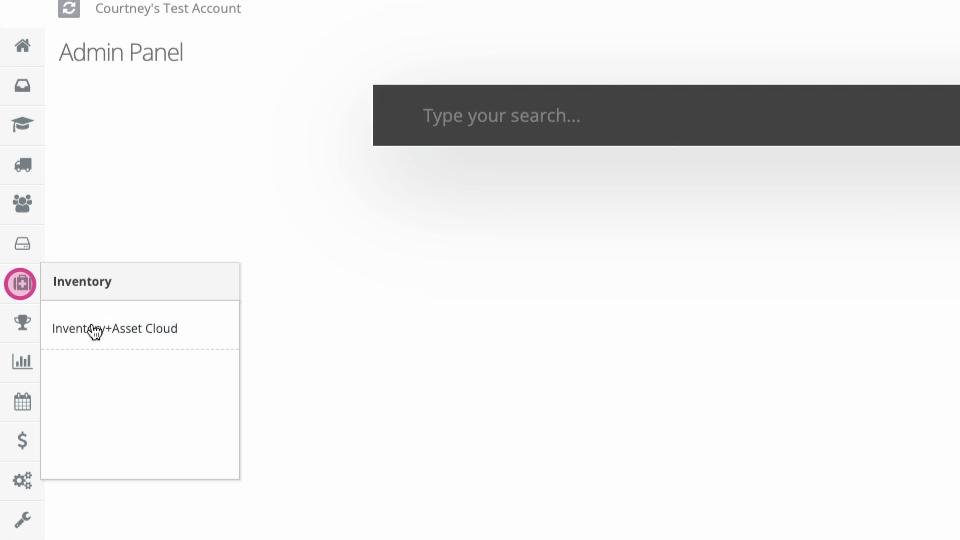
Step 3: Navigate to the Inventory + Asset Cloud.
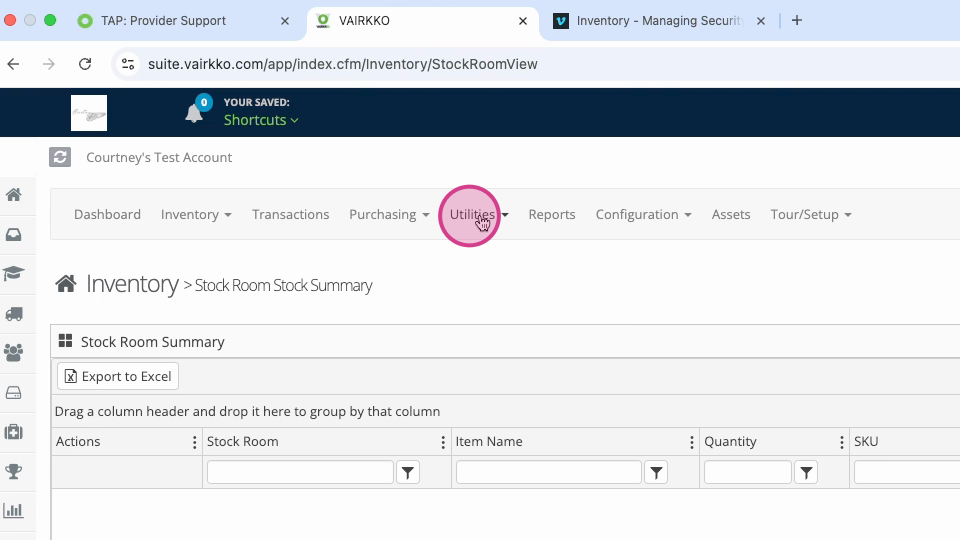
Step 4: Go to Internal Stock Orders from the top of the screen, underneath Utilities.
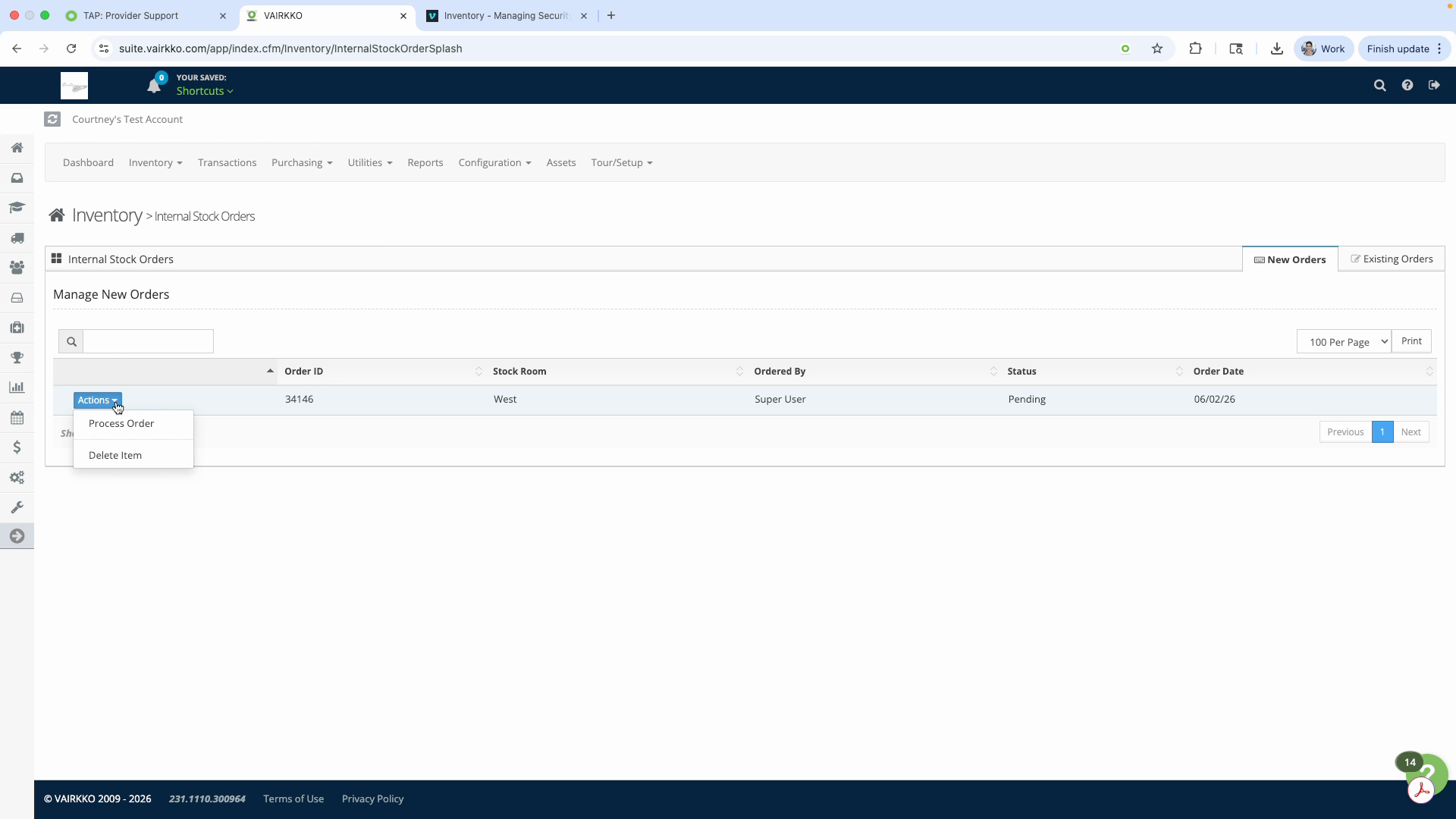
Step 5: Click the Actions button to process or delete the order.
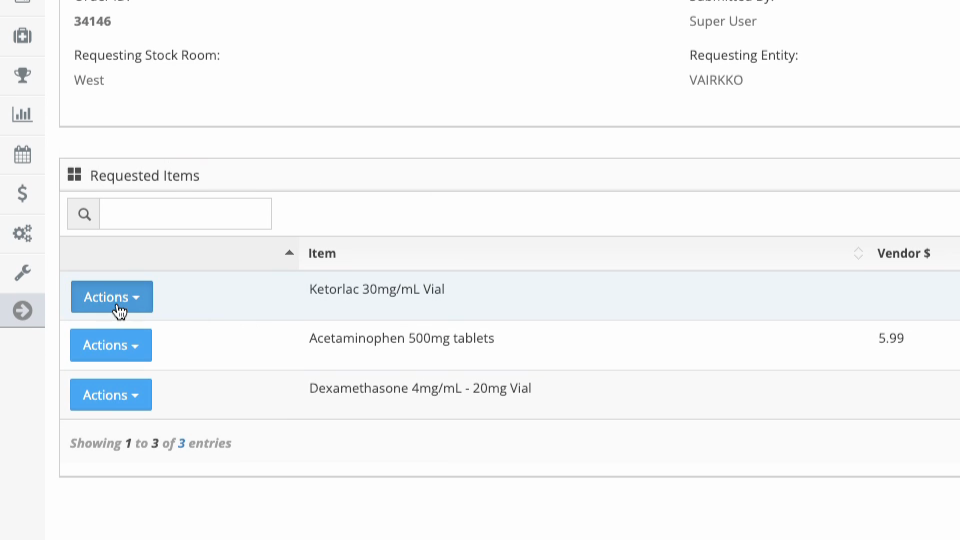
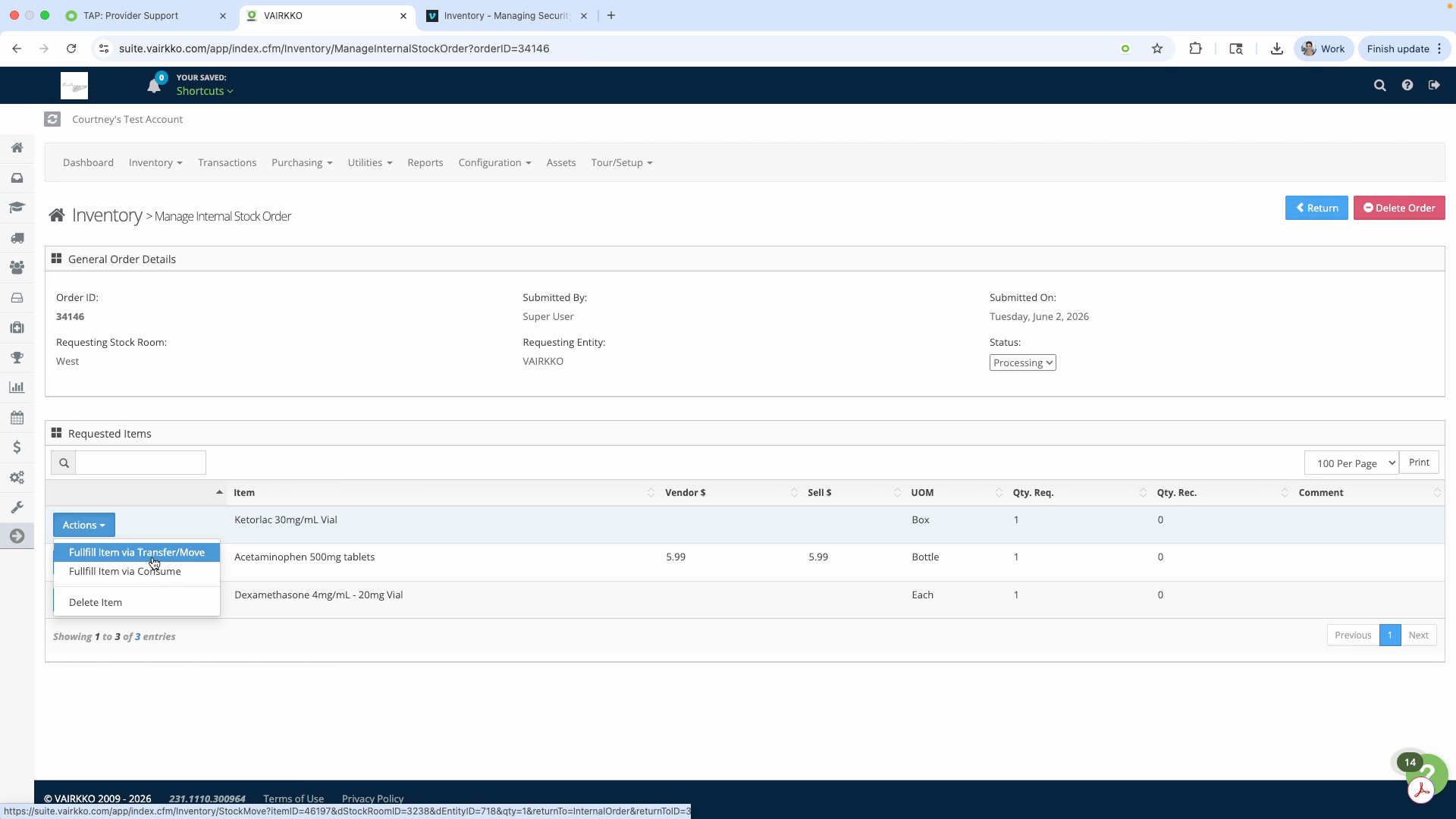
Step 6: For each item in the order, select how it will be fulfilled: choose to Transfer, Consume, or Delete if needed.
Step 7: Follow the on-screen prompts for each item to complete the fulfillment process.
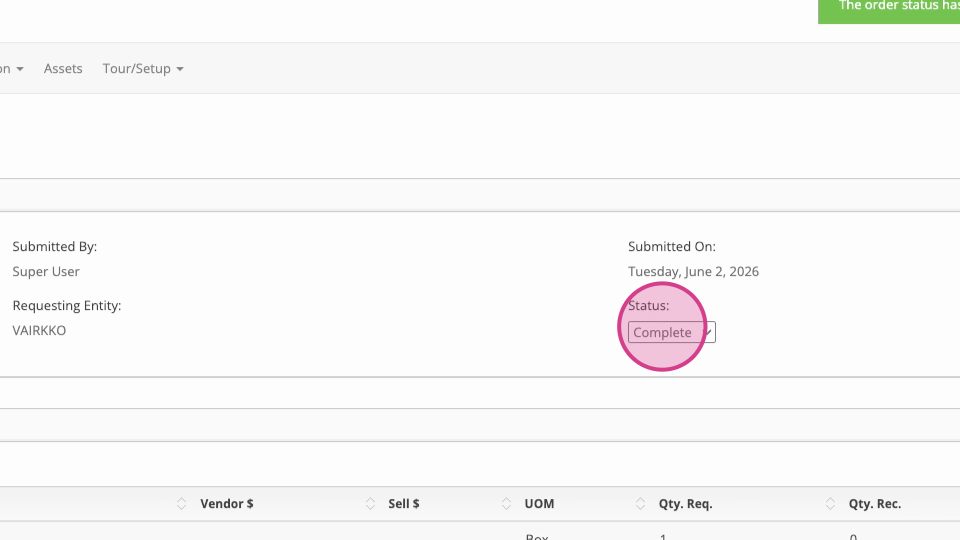
Step 8: Once finished with all items, change the order status to Complete.