Inventory - Product Groupings
Product groupings help you organize inventory into categories, subcategories, and sub-subcategories. This structure makes it much easier to report on your stock and gain insights into your stock.
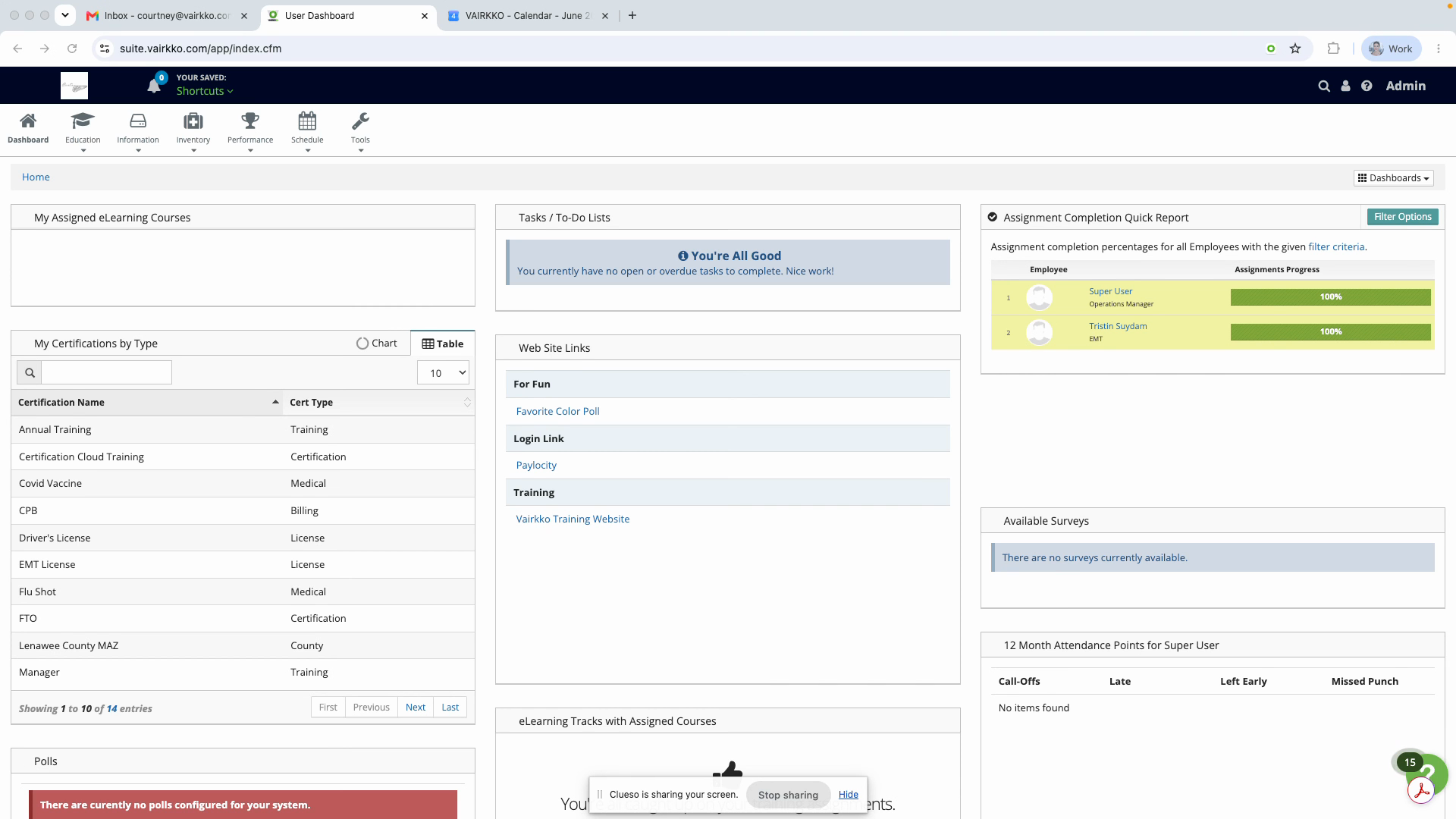
Step 1: Log in to the VAIRKKO platform.
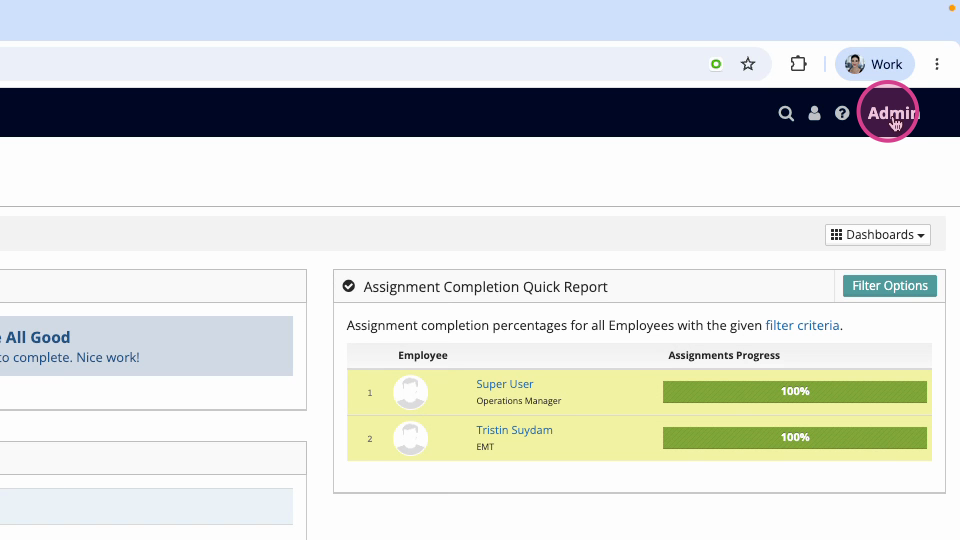
Step 2: Switch to the administrative side of the system by clicking on "Admin" in the upper right hand corner.
Step 3: Go to the Inventory and Asset Cloud.
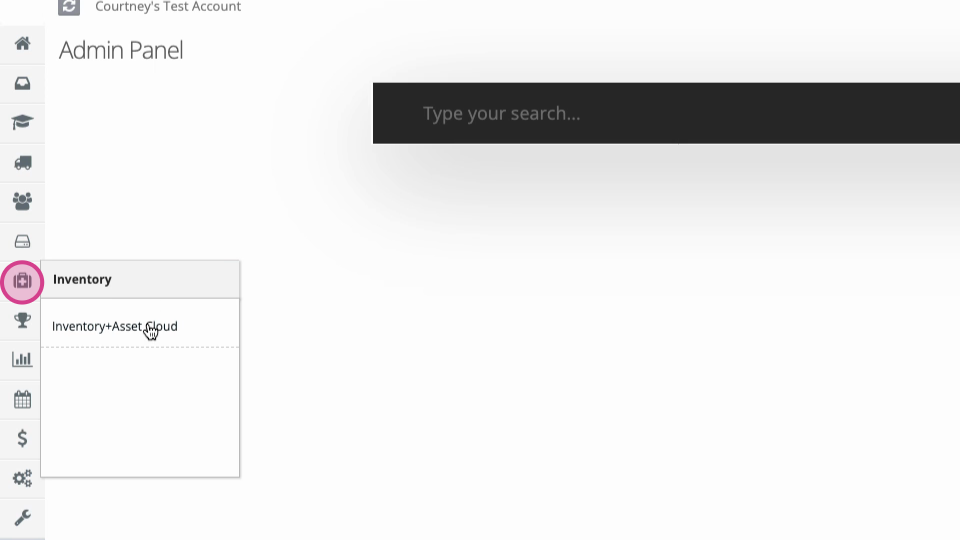
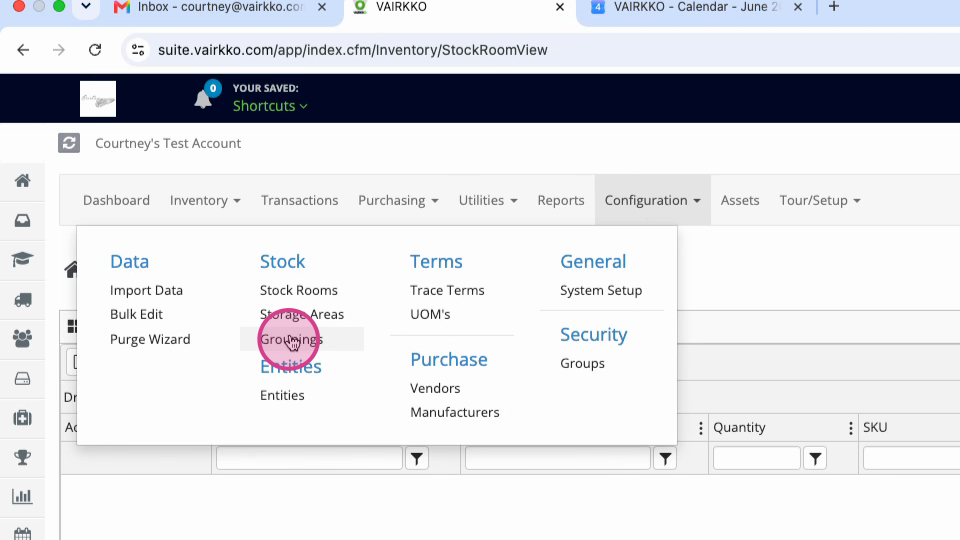
Step 4: At the top of the screen, look under Configuration, then groupings under stock
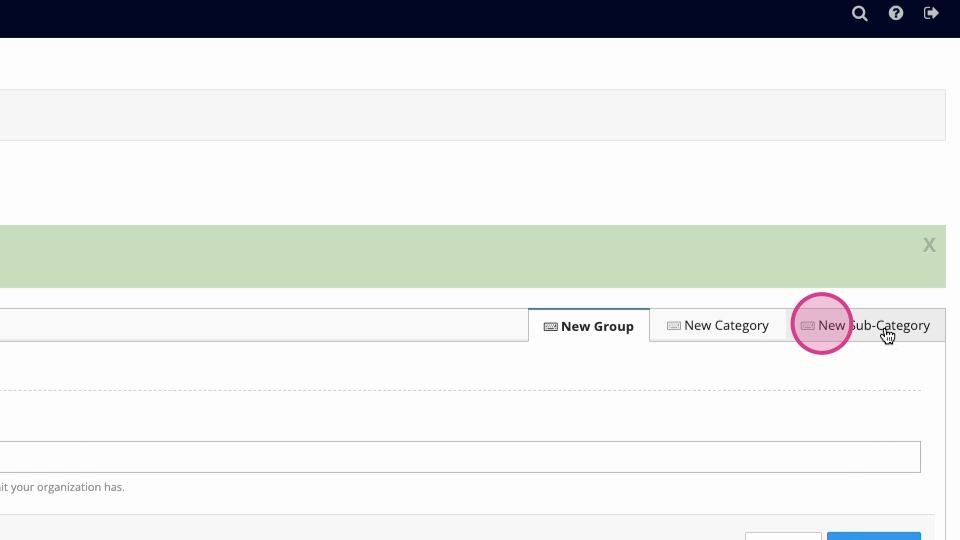
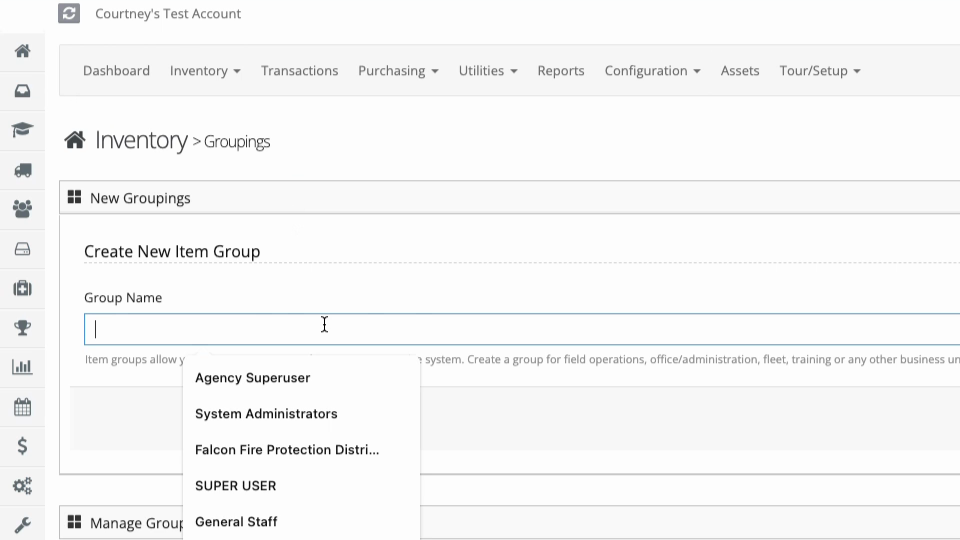
Step 5: Create a group name. After entering the name, hit Submit.
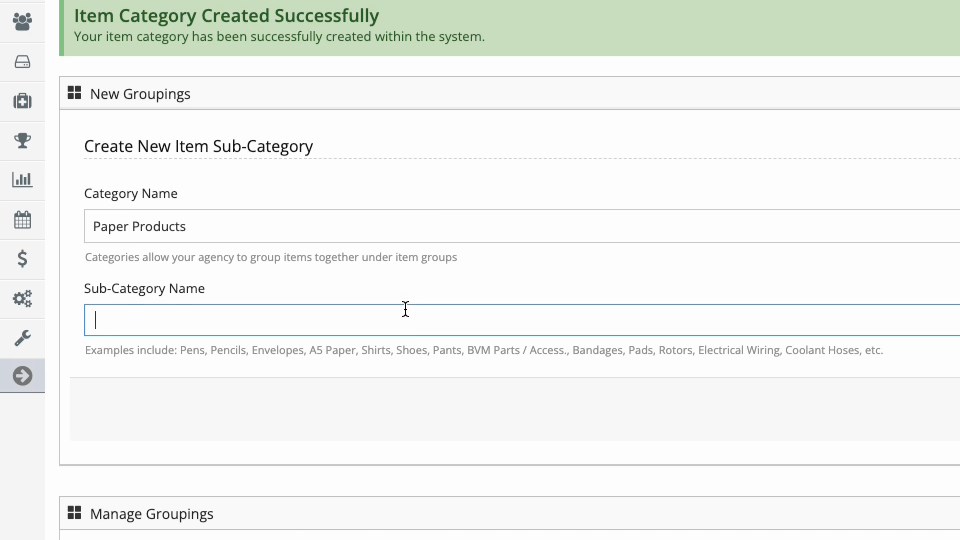
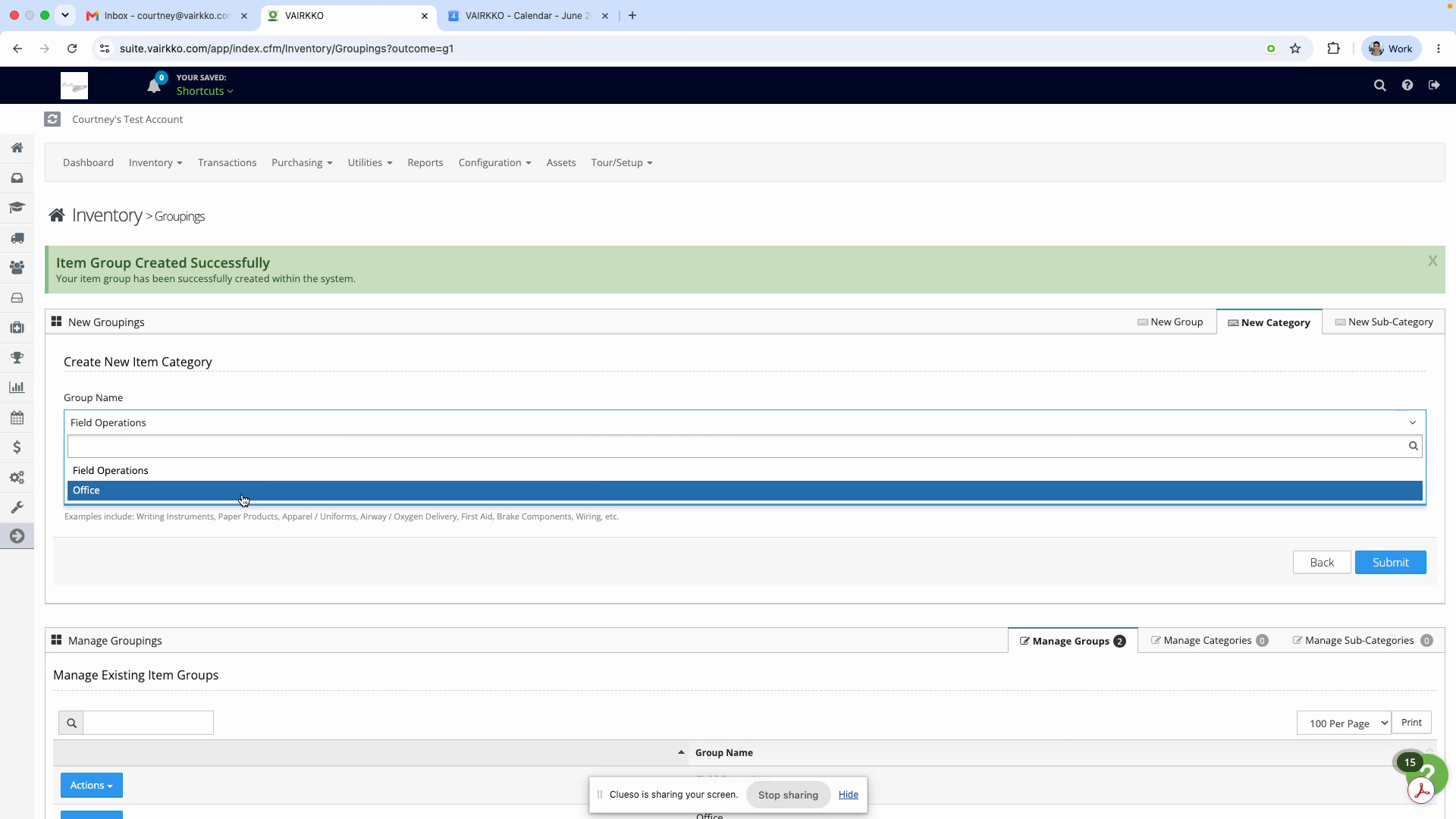
Step 6: Create categories within that group. For example, for a group like “Office,” add a category such as “Paper Products.”
Step 7: Add subcategories to each category. If you added “Paper Products,” a subcategory might be “Envelopes.”