Consuming Stock
Step 1: Log in to the VAIRKKO platform.
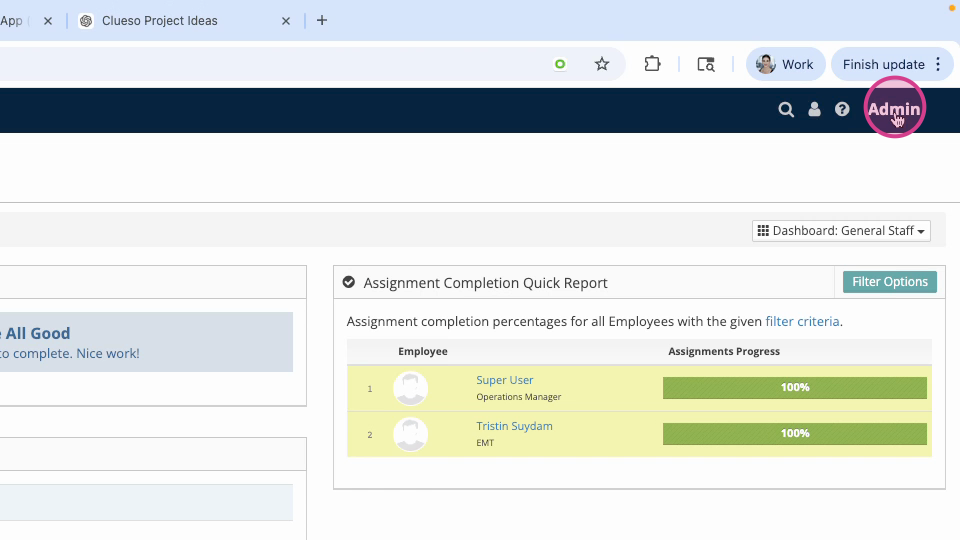
Step 2: Access the administrative area by clicking the profile icon in the upper right corner.
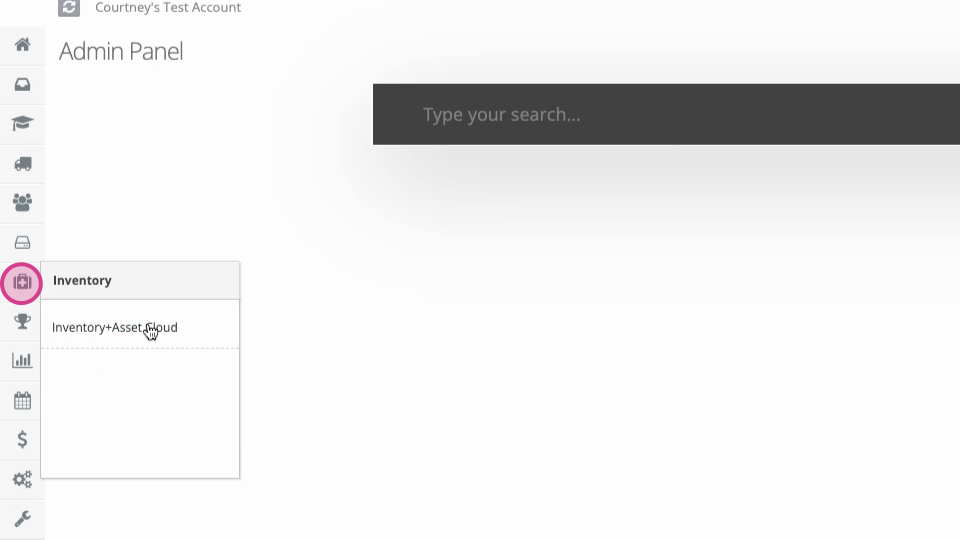
Step 3: Open the inventory and asset cloud from the administrative toolbar.
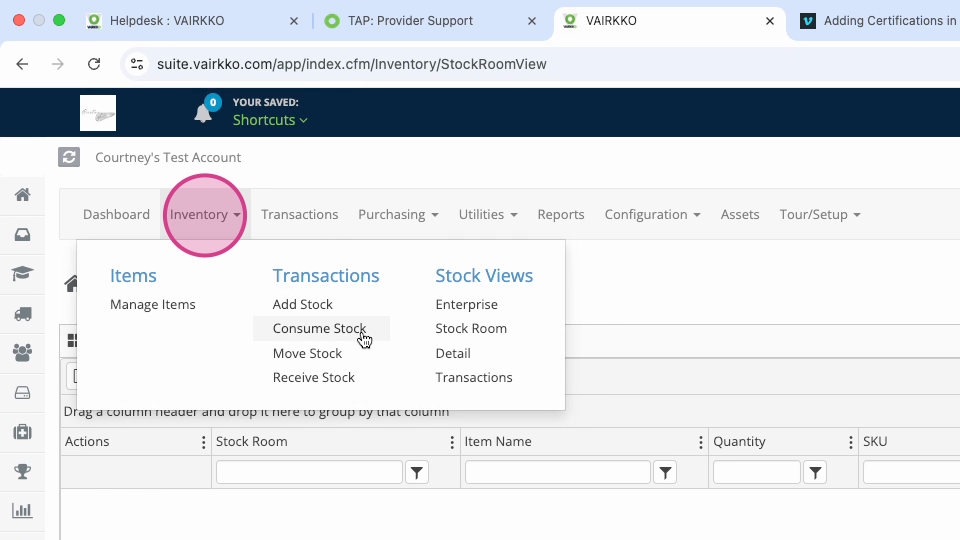
Step 4: In the top drop-down menu under Inventory, select Consume Stock.
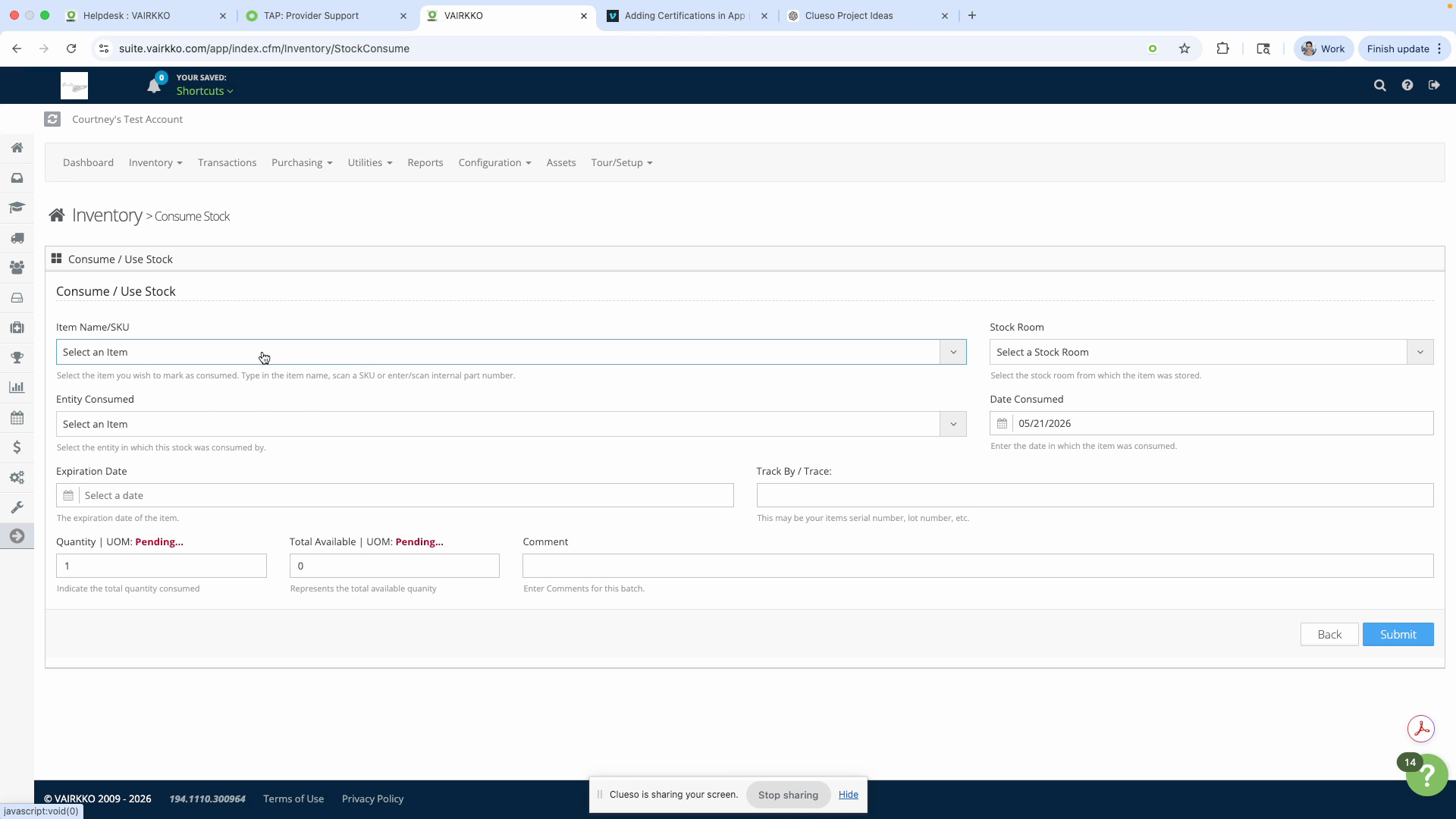
Step 5: Follow the on-screen prompts to consume your stock.
What is Consuming Stock?
When you consume stock it is removed from that stockroom and used. For example, if you only want to track stock in the main stockroom and not after it leaves this stockroom you would consume it. This will remove it from that main stockroom and update the count in that stockroom accordingly.
Was this article helpful?
That’s Great!
Thank you for your feedback
Sorry! We couldn't be helpful
Thank you for your feedback
Feedback sent
We appreciate your effort and will try to fix the article