Entities help your agency track sub-agencies and manage inventory efficiently in the VAIRKKO platform. Even if you don’t track other agencies, you’ll need to set up at least your own as an entity. Here’s how to add and manage entities in the inventory management system.
Step 1: Log in to the VAIRKKO platform.
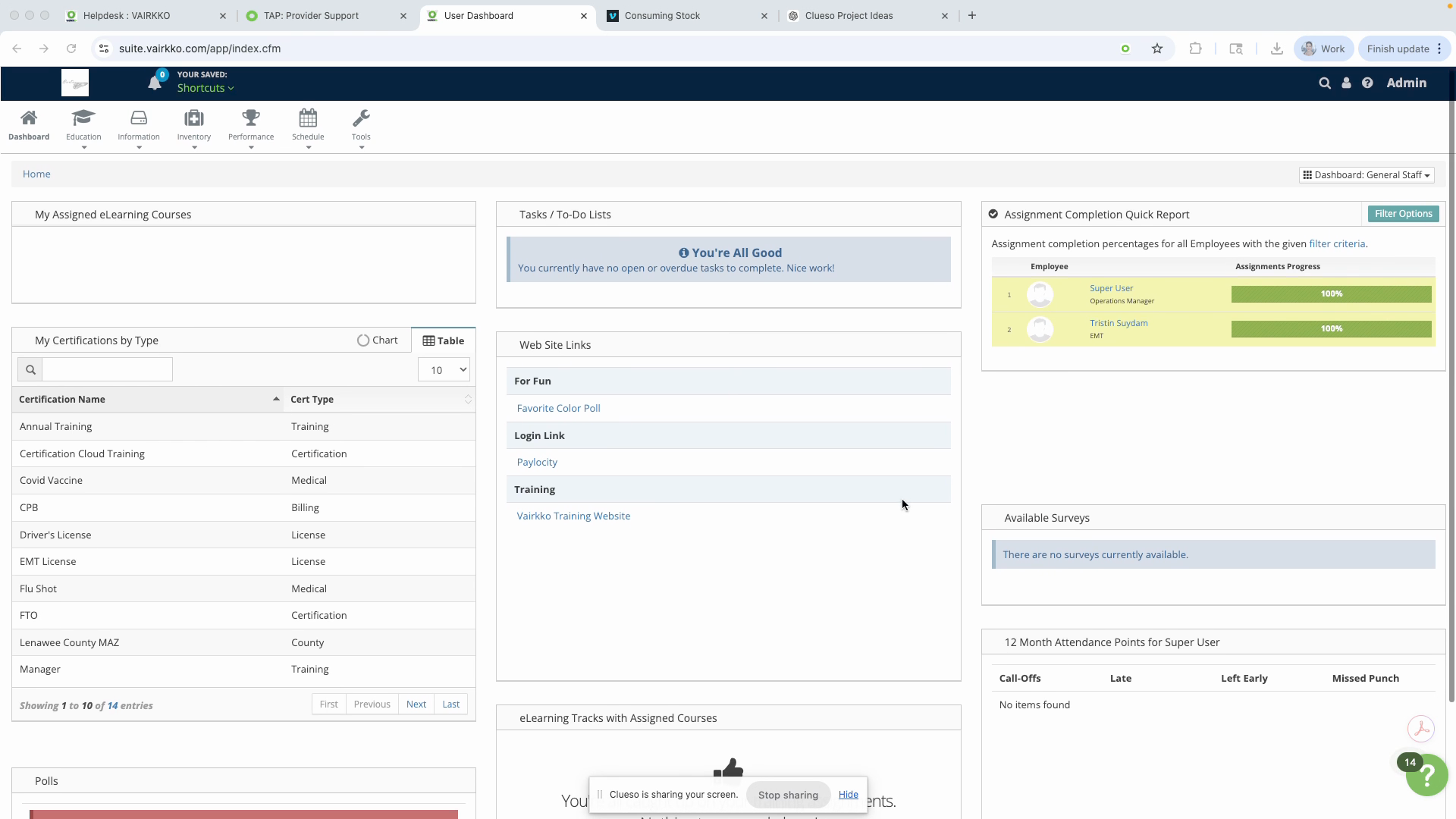
Step 2: Click Admin in the upper right-hand corner to access the administrative area.
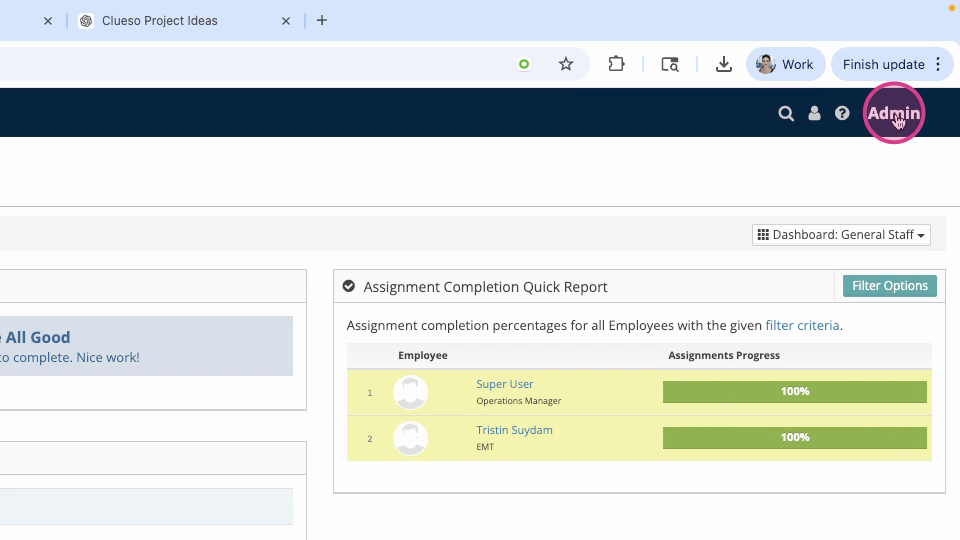
Step 3: Navigate to Inventory and Asset Cloud.
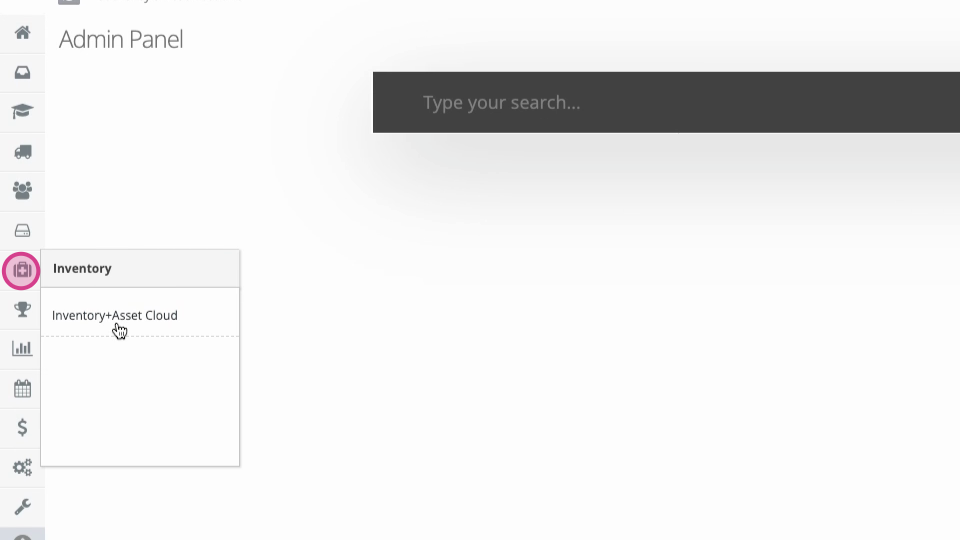
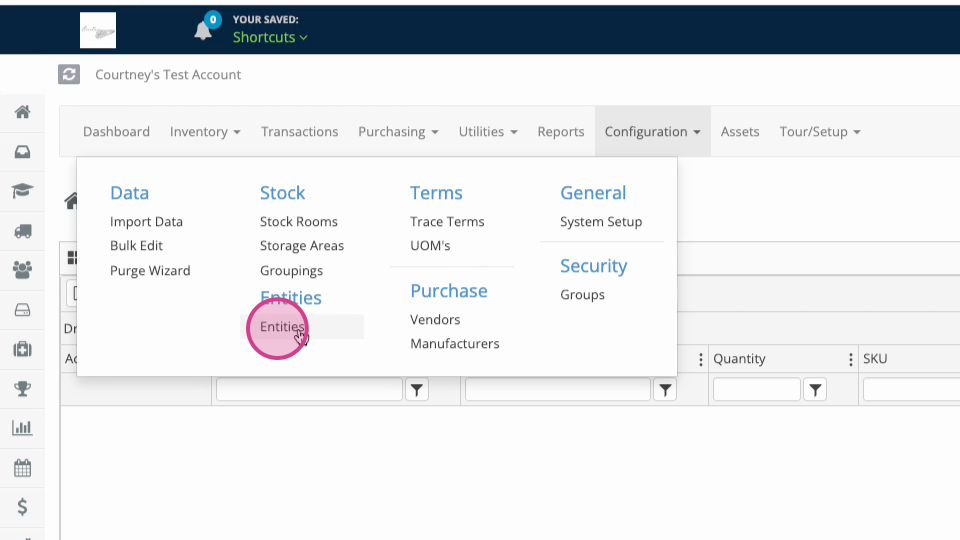
Step 4: Open the Configuration area and select Entities from the drop-down menu.
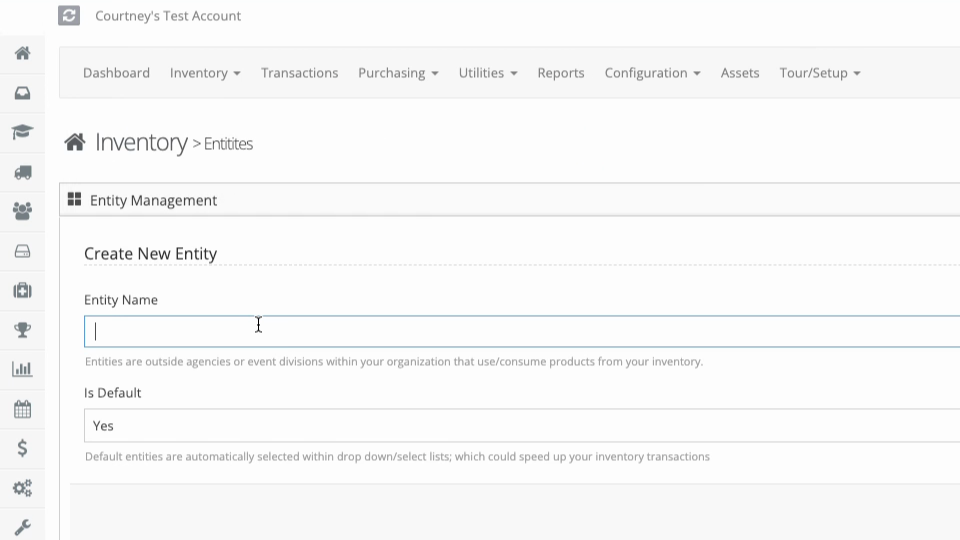
Step 5: Enter the agency or sub-agency name for the entity, mark it as default if appropriate, and click Submit.
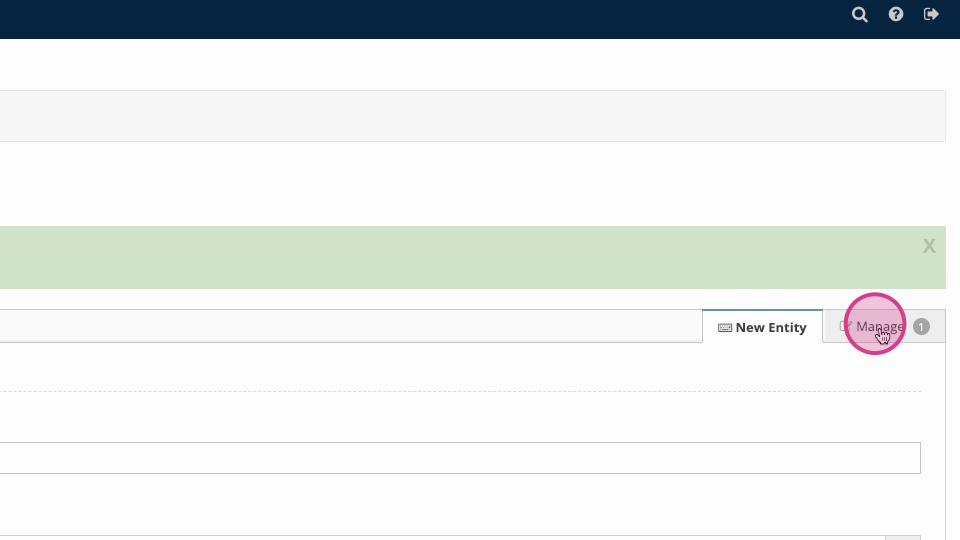
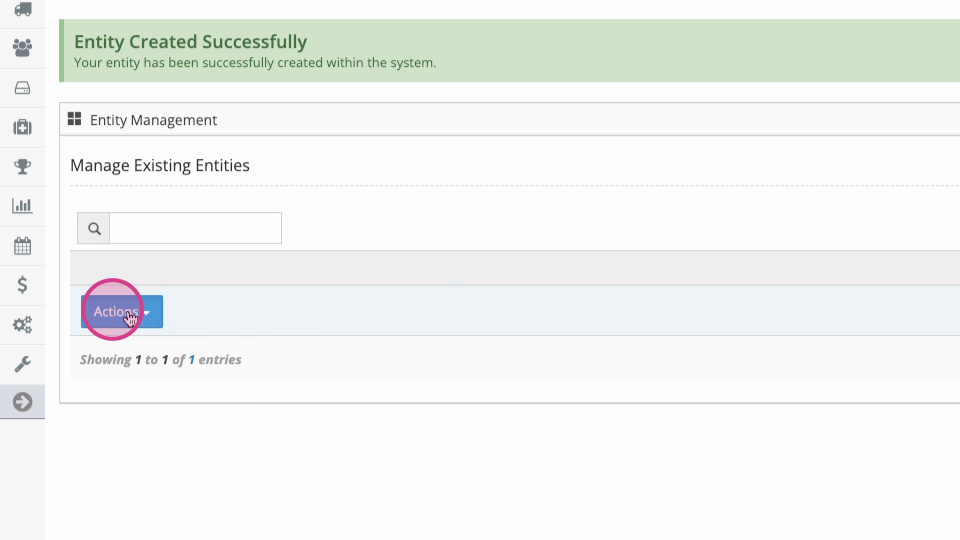
Step 6: To manage entities, make sure you’re on the Manage tab. Use the Actions button to view, edit, or delete entities.
Entities can represent anything from an external agency you supply to an ambulance within your own agency. Organizing with entities ensures your inventory is well-structured and easy to track.
Was this article helpful?
That’s Great!
Thank you for your feedback
Sorry! We couldn't be helpful
Thank you for your feedback
Feedback sent
We appreciate your effort and will try to fix the article