Inventory - Vendors
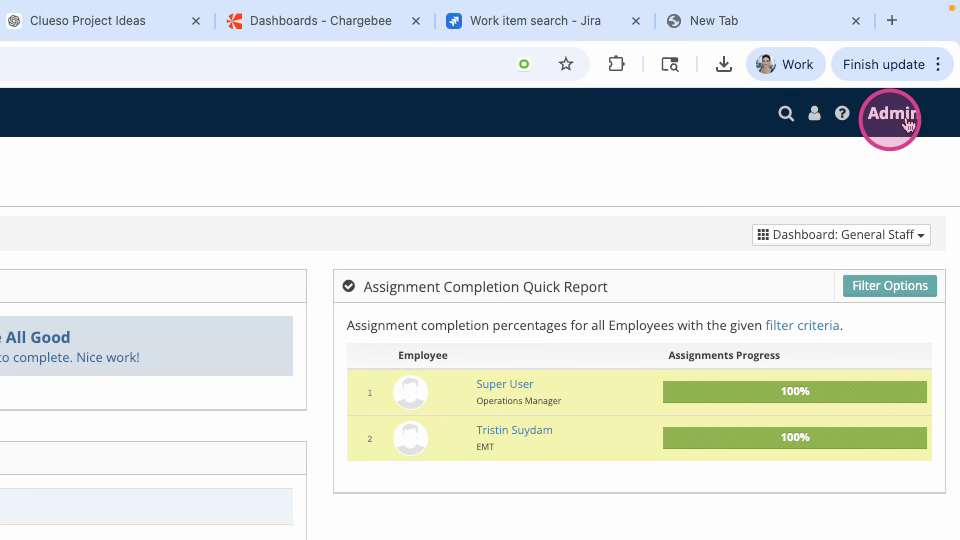
Step 1: Log in to your VAIRKKO account and click on admin in the upper right corner.
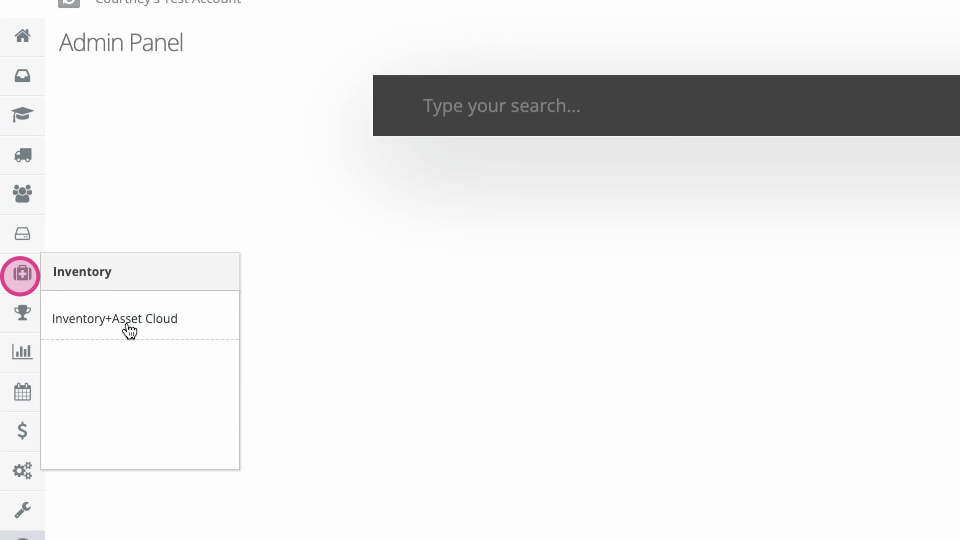
Step 2: Click on inventory and asset cloud.
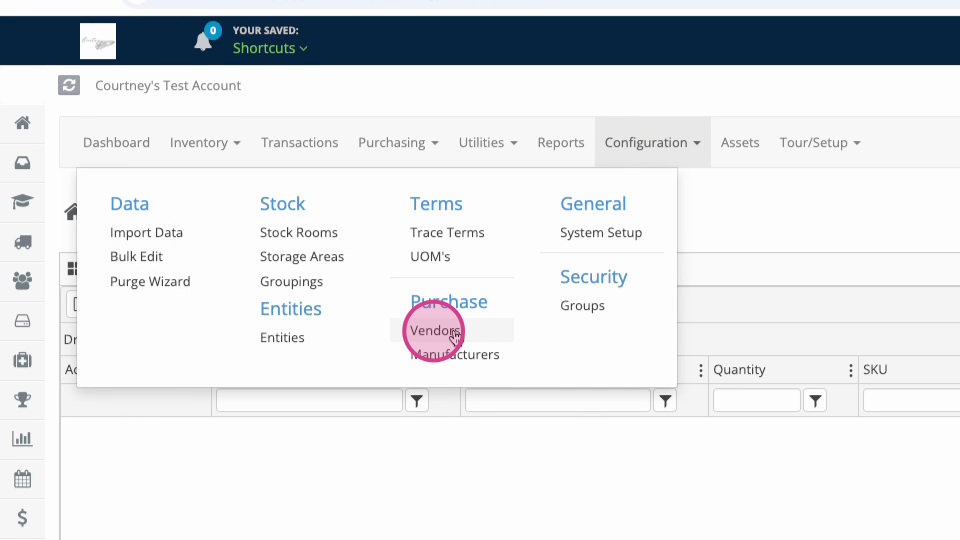
Step 3: At the top of the screen, select configuration, then Vendors
Step 4: Enter your vendor’s name and hit submit.
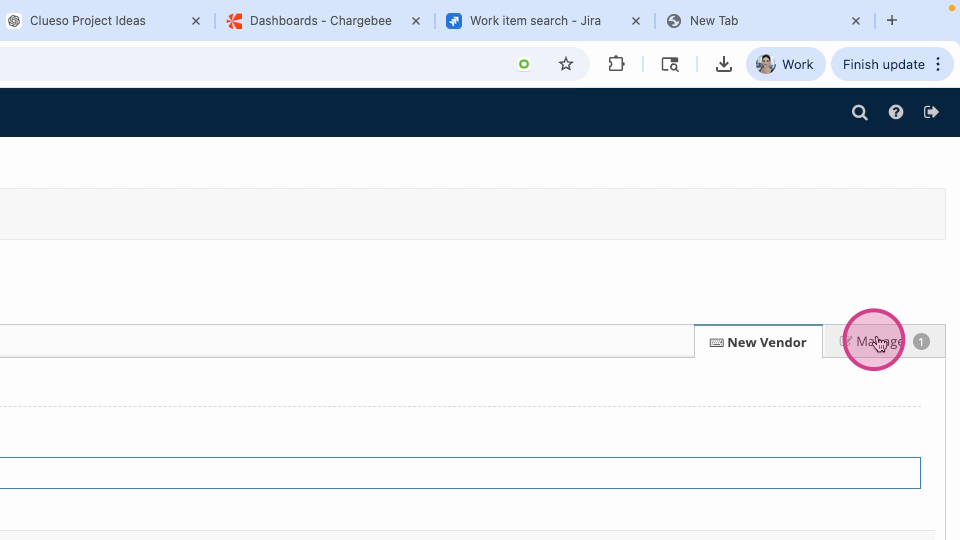
Step 5: To manage existing vendors, go to the "Manage" tab.
Step 6: Click the Actions button next to a vendor to view, edit, or delete the entry.