Inventory - Trace Terms
Step 1: Log in to the VAIRKKO platform.
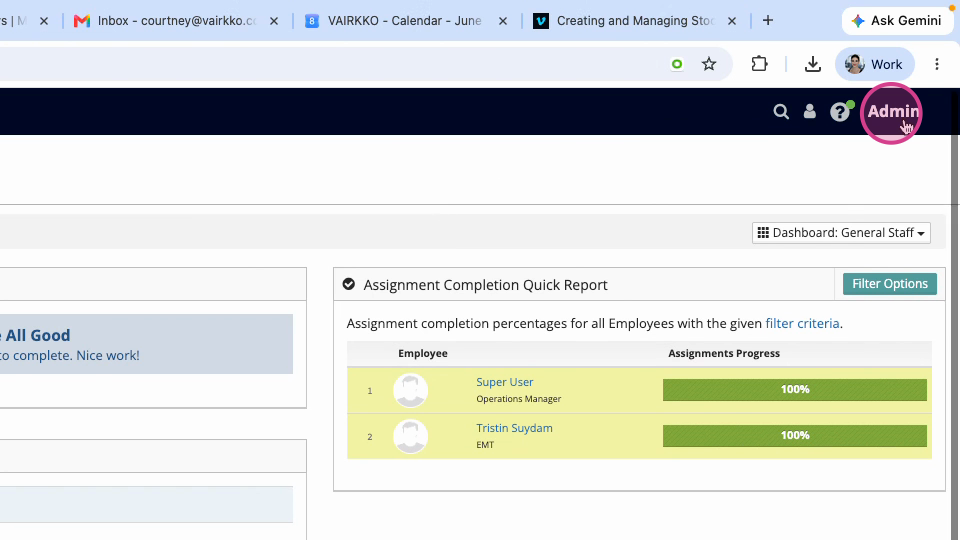
Step 2: Click admin at the top right corner to enter the administrative area.
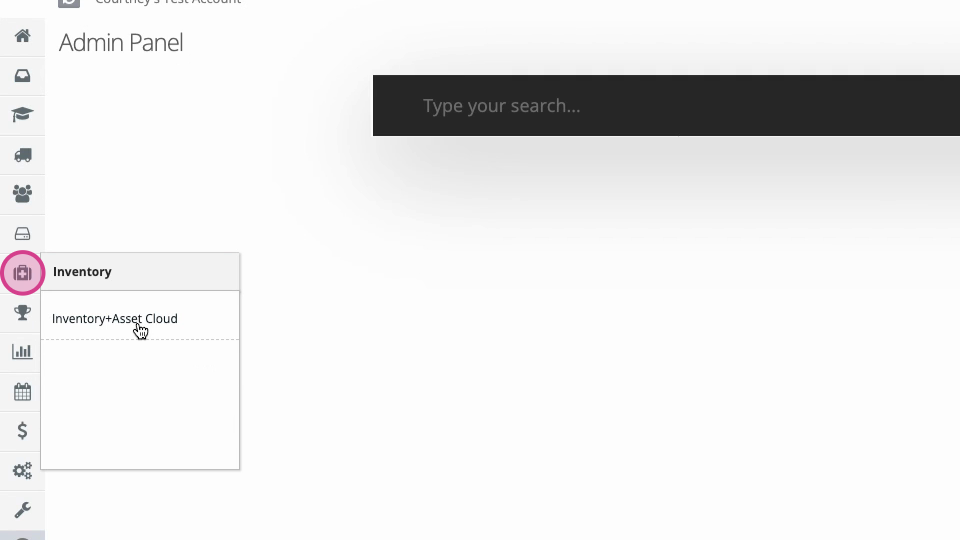
Step 3: Select the inventory and asset cloud.
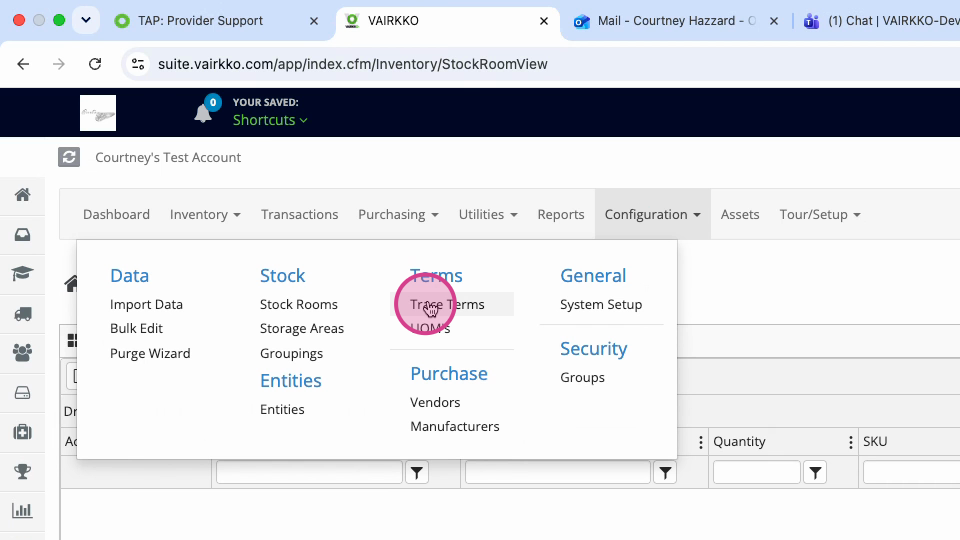
Step 4: Open the configuration area and choose trace terms.
Step 5: Click new term to create a trace term.
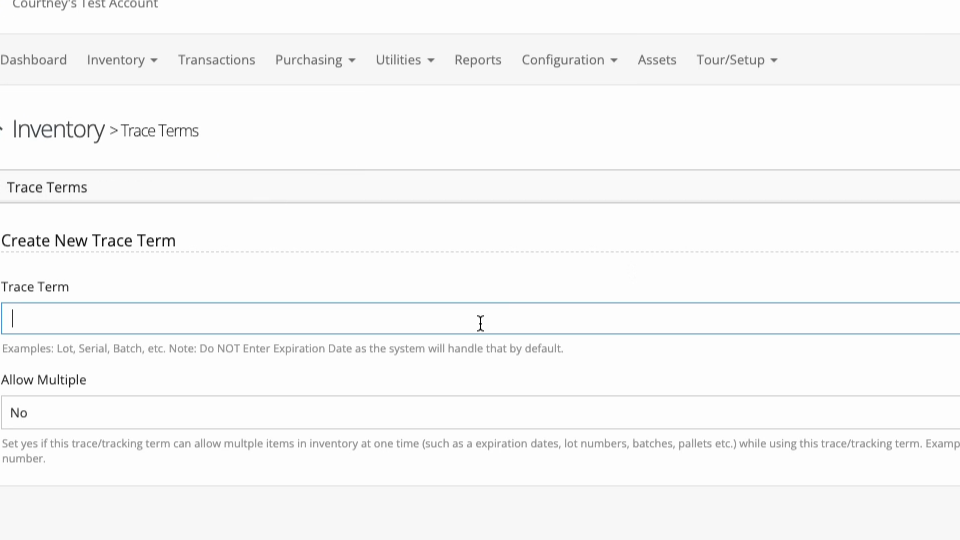
Step 6: Enter the name for your term, like “lot,” “serial,” or “batch.” Decide if you want to allow multiple trace values (select Yes or No).
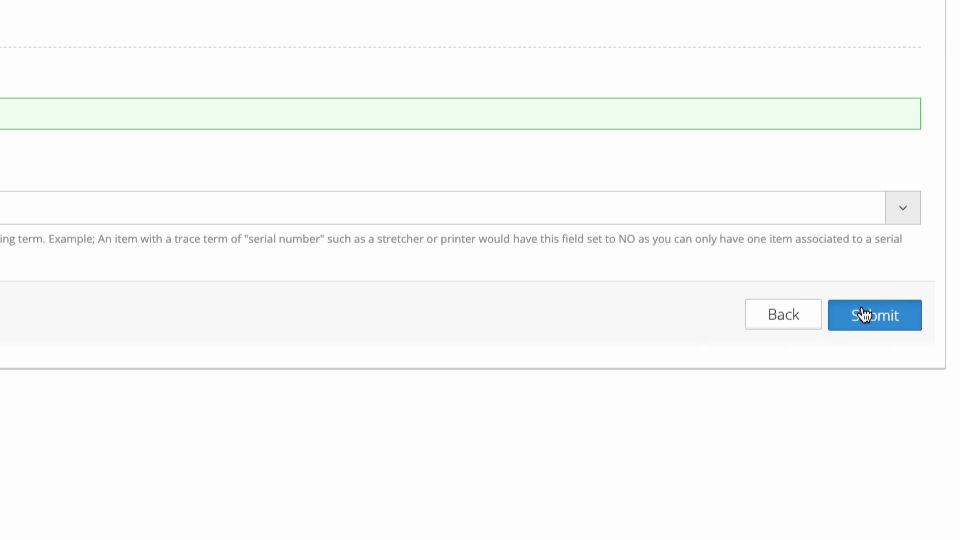
Step 7: Click submit to save your new trace term.
Once you’ve created trace terms, managing them is easy.
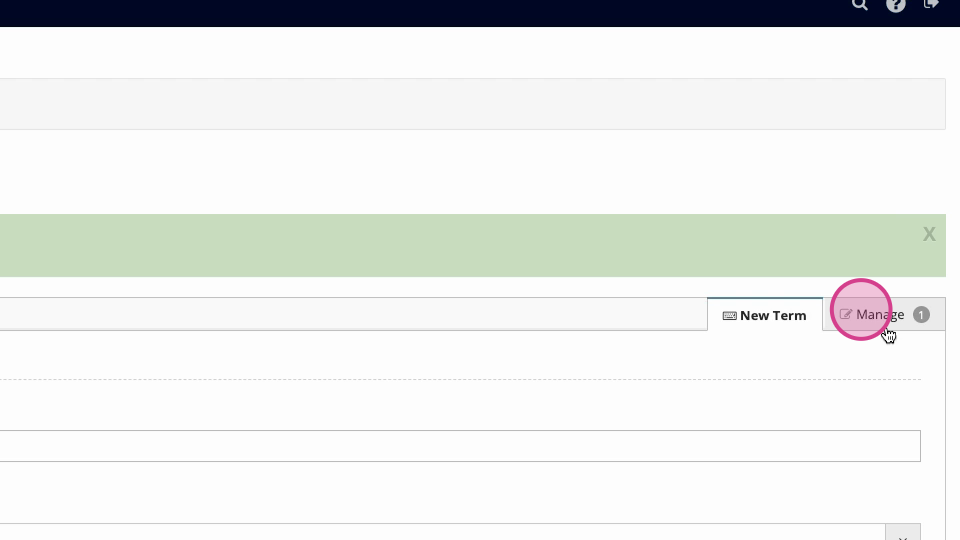
Step 8: Go to the manage tab to view your trace terms.
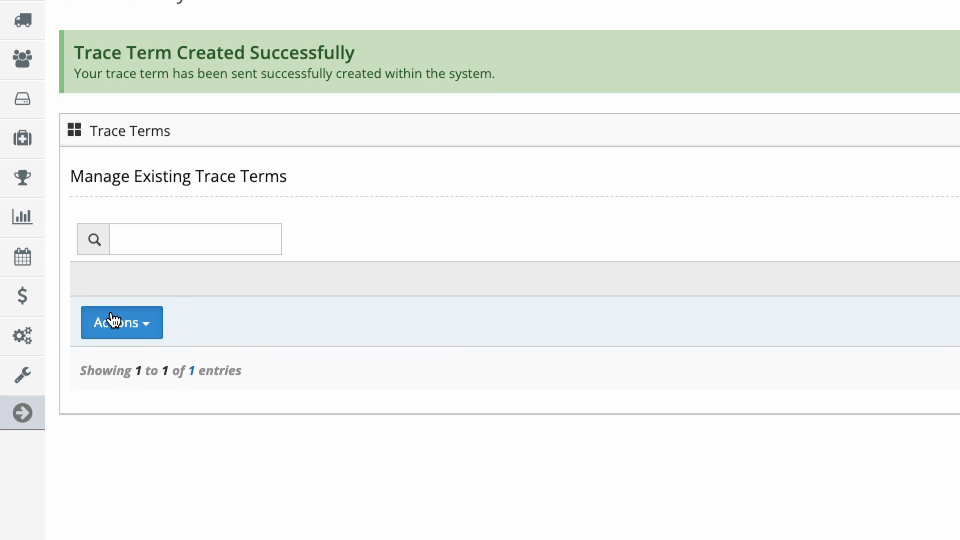
Step 9: Click the actions button next to a trace term to edit or delete it.