Access either the Grid Editor Pro, Calendar Editor Pro, or Personnel Editor to use this feature.
Step 1: Click and hold down the mouse button for the employee you want to move.
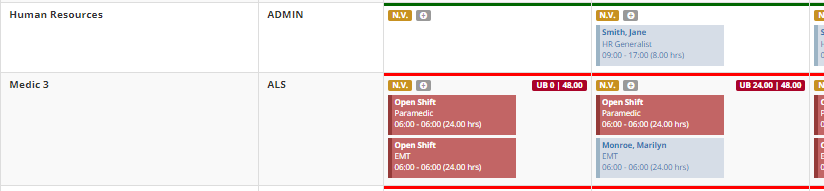
Step 2: Drag the employee to the new slot you want to place them in
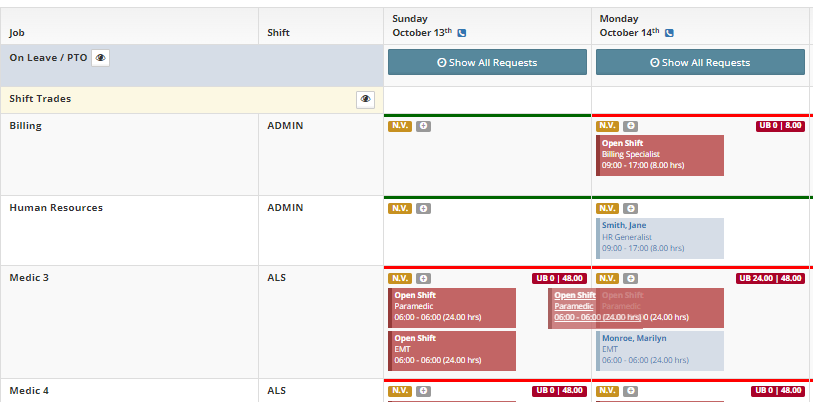
Step 3: Release the mouse button to drop the employee into the new shift.
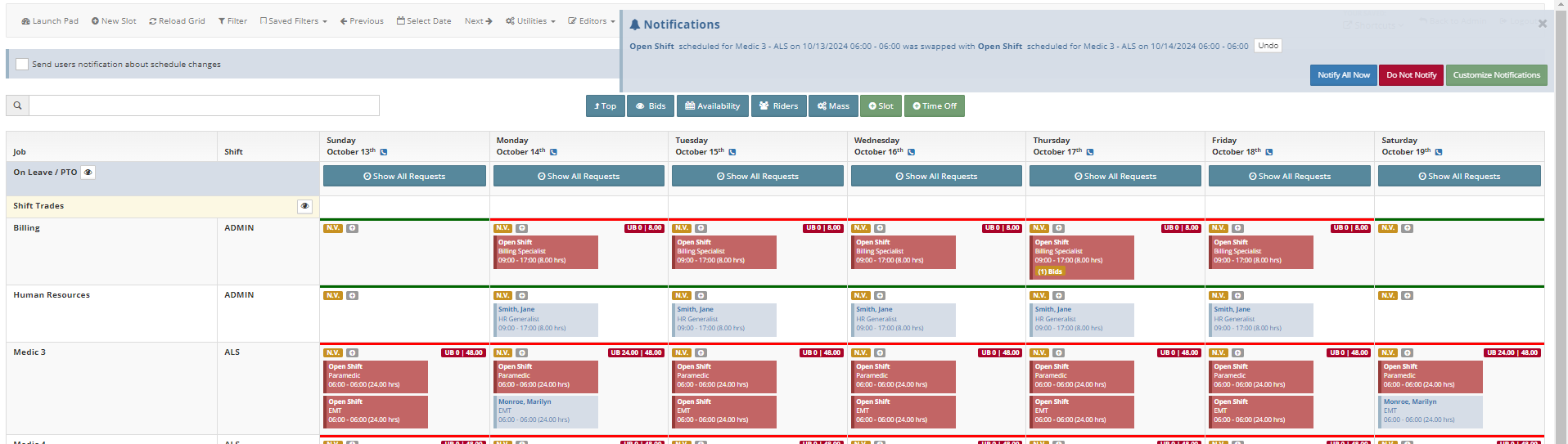
Additional Information:
- Drag and Drop will still use slot validation
- This feature will "swap" the shifts you drag the employee from and the shift the employee is dropped into