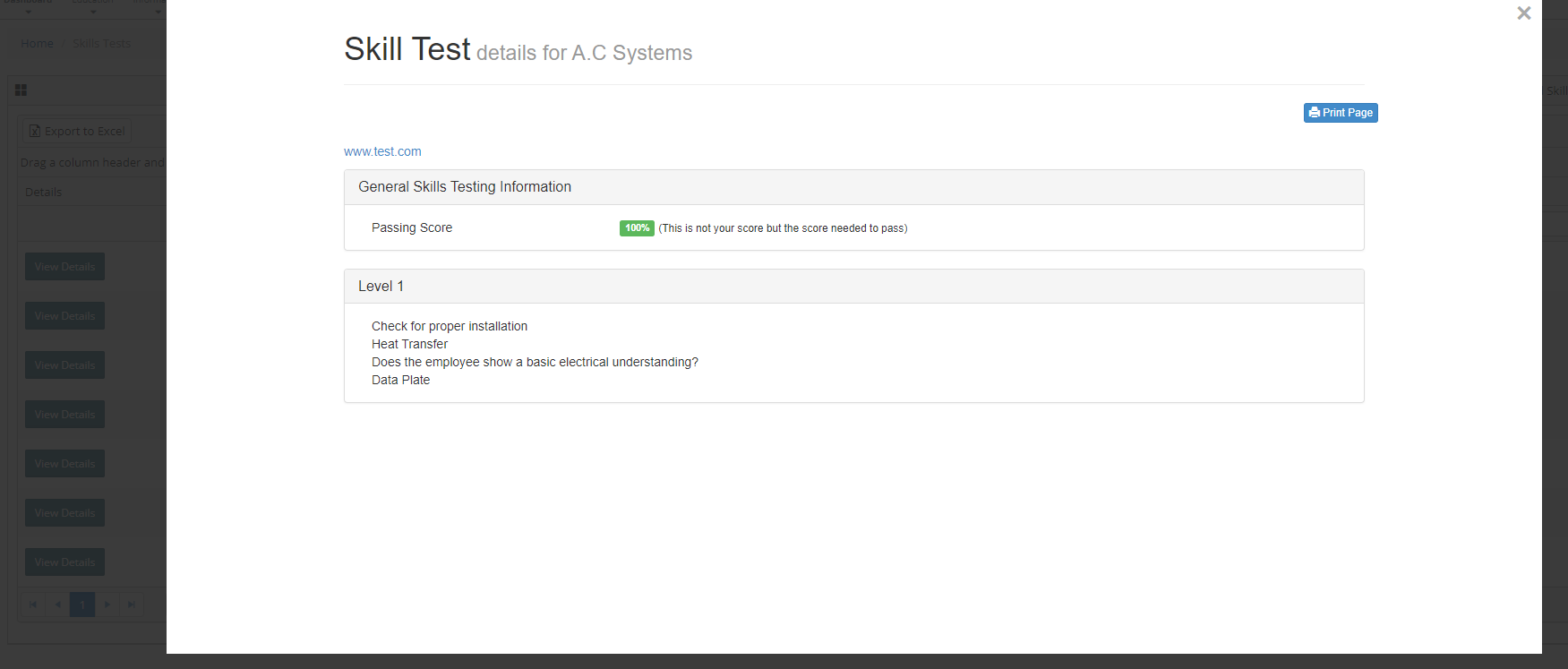
To preview the questions associated with a skills test follow the steps below.
Step 1: Log into the VAIRKKO Platform
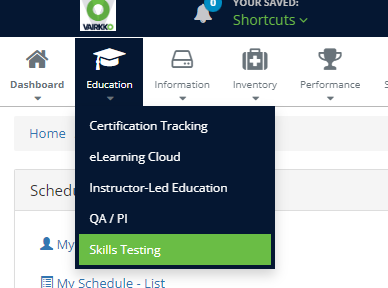
Step 2: Select 'Skills Testing' from the in-app menu.
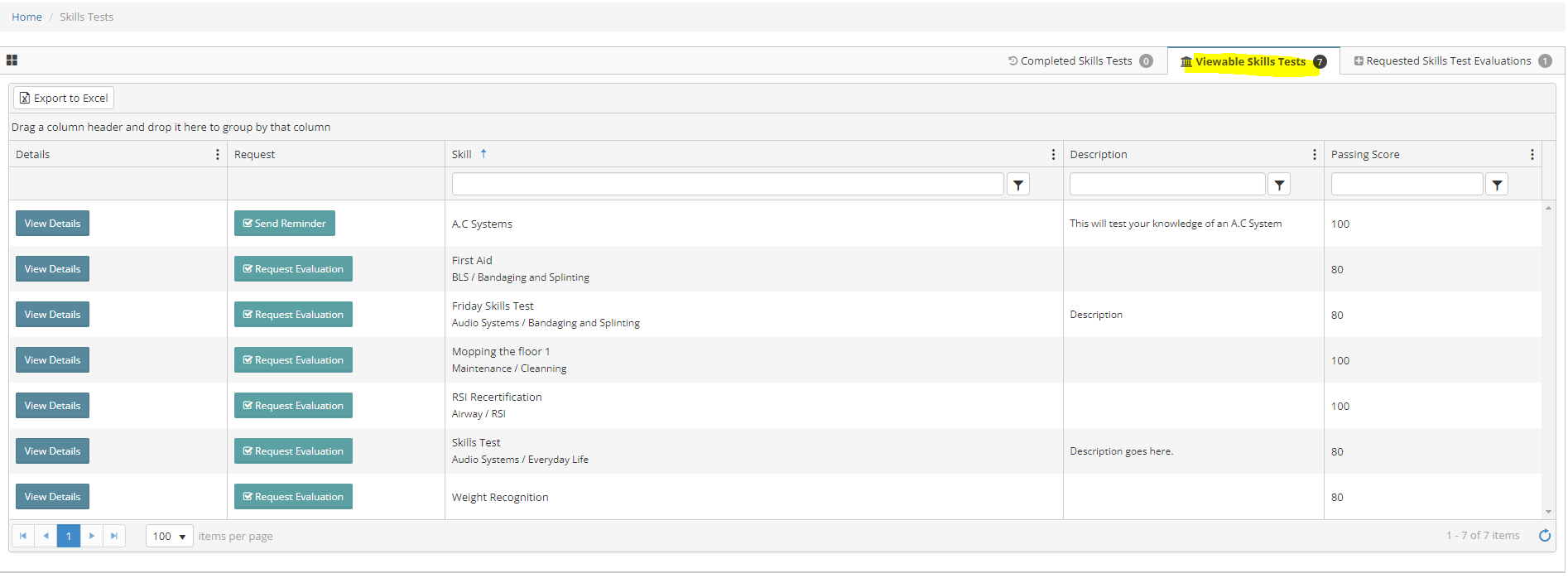
Step 3: Enter the Viewable Skills Template Area
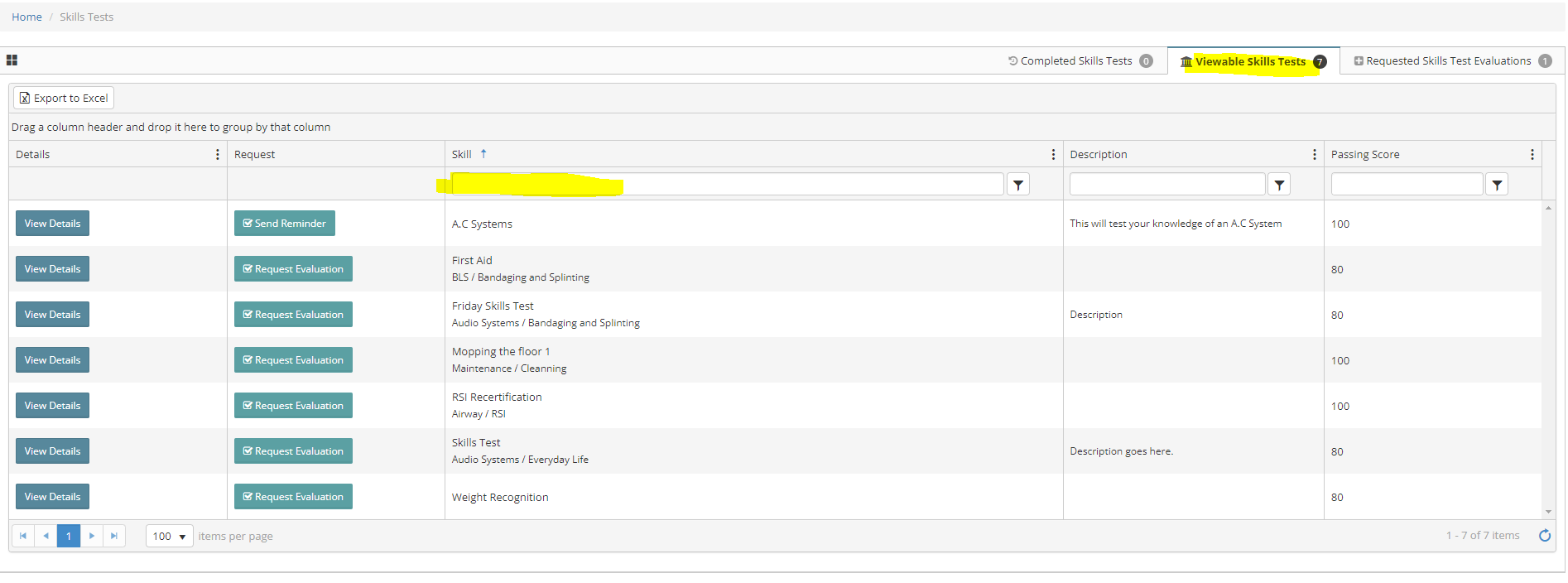
Step 4: Enter keywords to search for the template
Step 5: Select the 'View Details' button to preview the questions