To find coverage for a shift you are scheduled to follow the steps below.
Step 1: Log into the VAIRKKO Platform
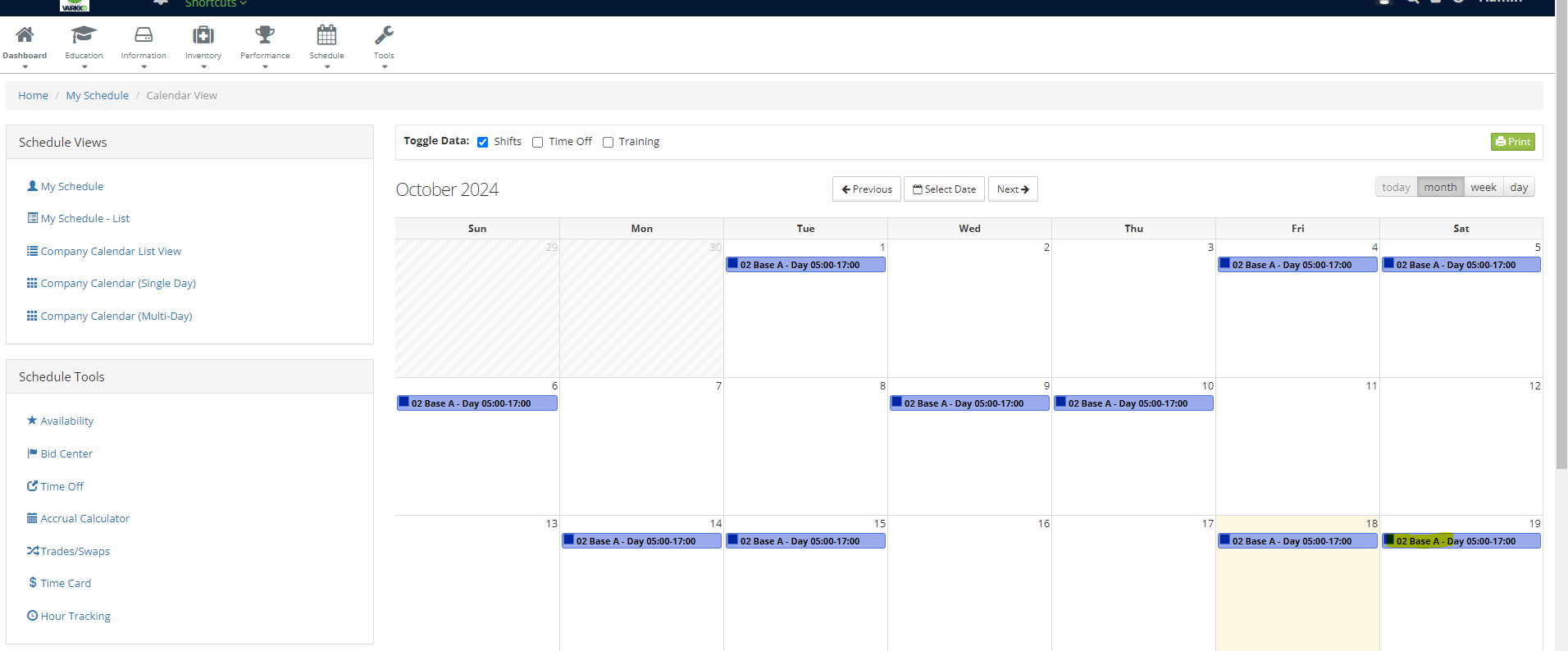
Step 2: Select 'Schedule' from the in-app menu
Step 3: Select the shift you want to find coverage for
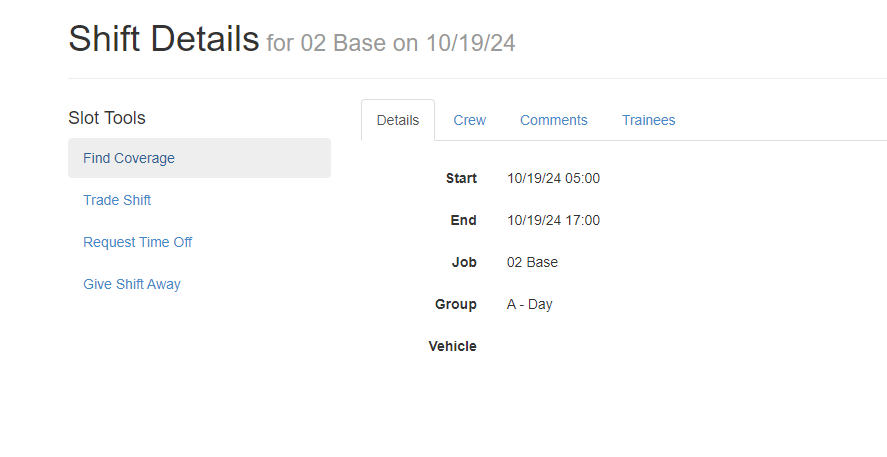
Step 4: Select 'Find Coverage' from the slot tools area
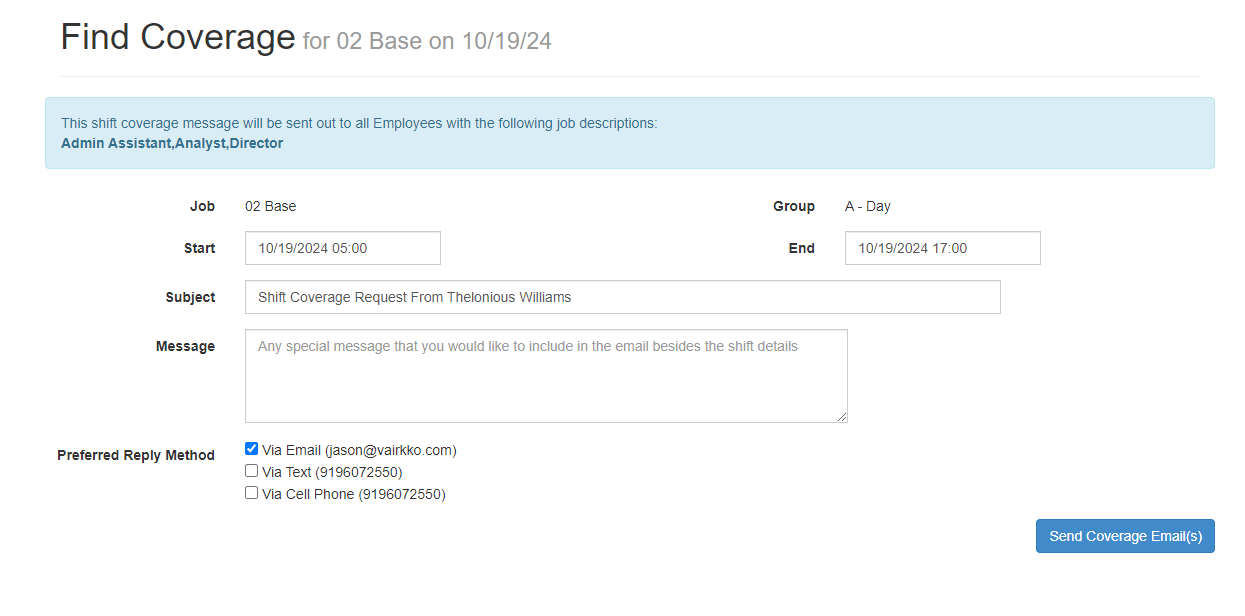
Step 5: Fill in the information to find shift coverage
Additional Information
- This feature will send an email to all employee's that are qualified to work this shift.
- This feature does not place an employee into the opening, it is to be used to help find coverage for either a swap or replacing the employee with time off.