With Career Goals, you can create custom goals or create a goal based on available VAIRKKO system data (certifications, training courses, etc.). To configure your goals follow the steps below.
Step 1: Log into the VAIRKKO Platform
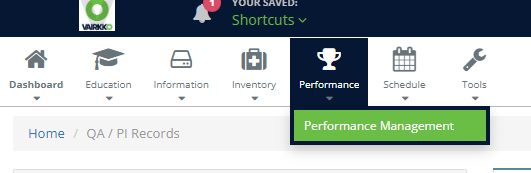
Step 2: Select 'Performance Management' from the in-app menu
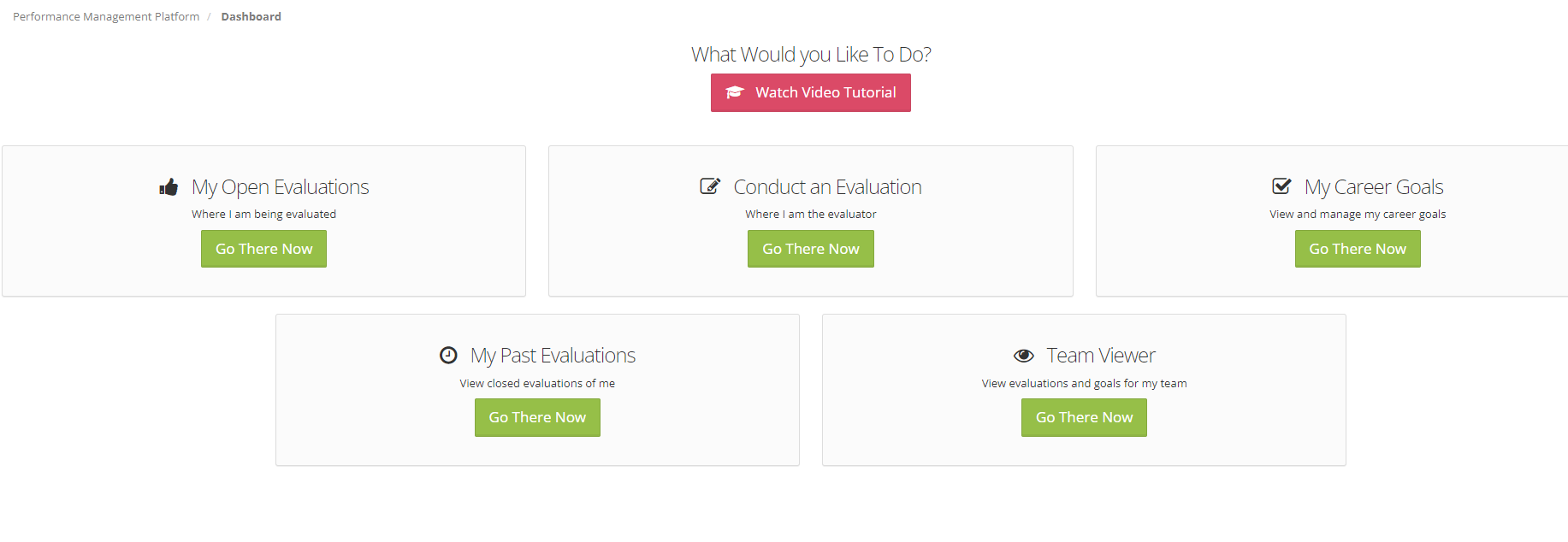
Step 3: Select the 'My Career Goals' tile
Step 4: Select the 'New Goal' option

Step 5: Follow the on-screen prompts to create your goal
Step 6: From the Manage Active tab you can easily view/edit or disable the goal from the actions button next to the goal
Was this article helpful?
That’s Great!
Thank you for your feedback
Sorry! We couldn't be helpful
Thank you for your feedback
Feedback sent
We appreciate your effort and will try to fix the article