To register for an instructor lead class follow the steps below.
Step 1: Log into the VAIRKKO Platform
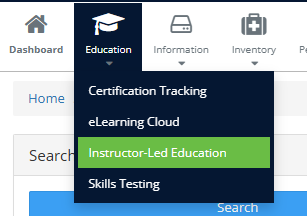
Step 2: Select 'Instructor Lead Education' from the in-app menu
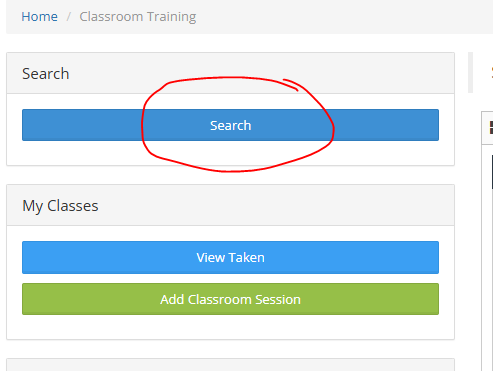
Step 3: Access the Search area and enter your date range
Step 4: Click the class you want to register for
Step 5: Follow the on-screen prompts to register for the class
Additional Information:
- When registering for a class the First Name, Last Name, and Email are the only required fields
- If your agency allows an employee to unregister for a class clicking on the class you are registered for will remove you from the class
- Low Seat Warning - Tells you the number of seats remaining for the class