To view documents that have been uploaded to your account follow the steps below.
Step 1: Log into the VAIRKKO Platform
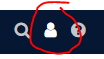
Step 2: Select the 'Person' icon in the upper right-hand corner
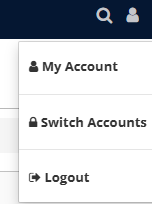
Step 3: Select 'My Account'
Step 4: Select the 'Docs' tab
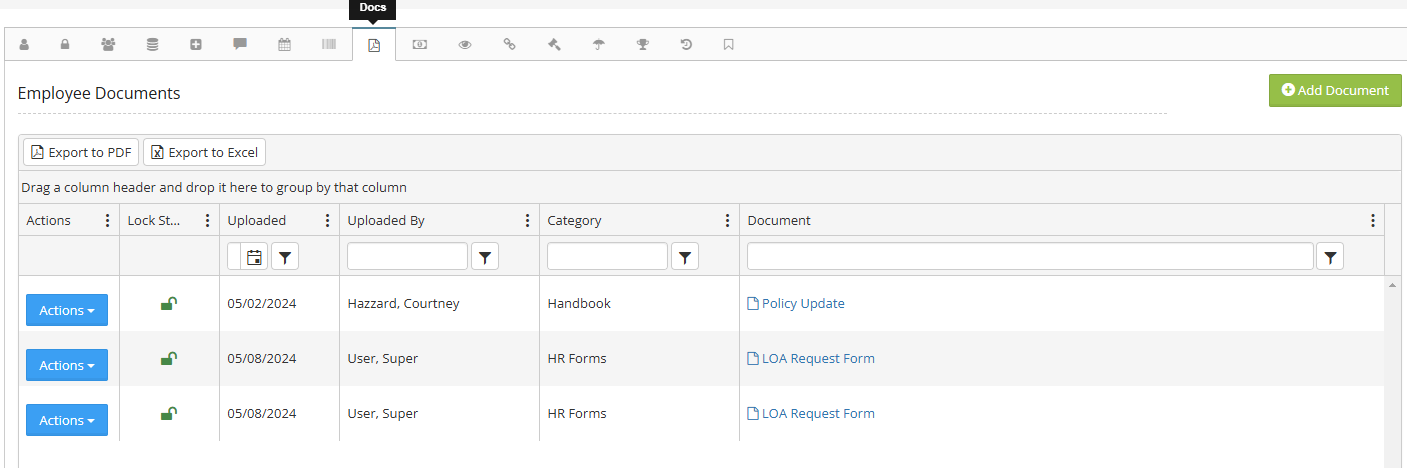
Step 5: To view the documents select the 'View' button next to the document you want to see