To configure your communication preferences follow the steps below.
Step 1: Log into the VAIRKKO Platform
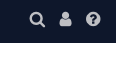
Step 2: Select the 'Person' icon in the upper right-hand corner
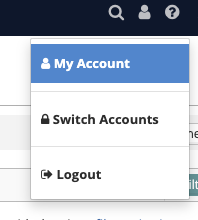
Step 3: Select 'My Account'
Step 4: Select the 'Notifications' tab

Step 5: From this tab, you can add/change the following areas:
- Notification Preferences - Receive weekly VAIRKKO update emails, preferred means of contact, and past due task notifications