To change your password follow the steps below.
Step 1: Log into the VAIRKKO Platform
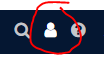
Step 2: Select the 'Person' icon in the upper right-hand corner
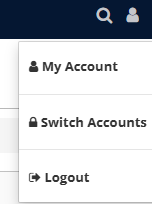
Step 3: Select 'My Account'
Step 4: Select the 'Password' tab
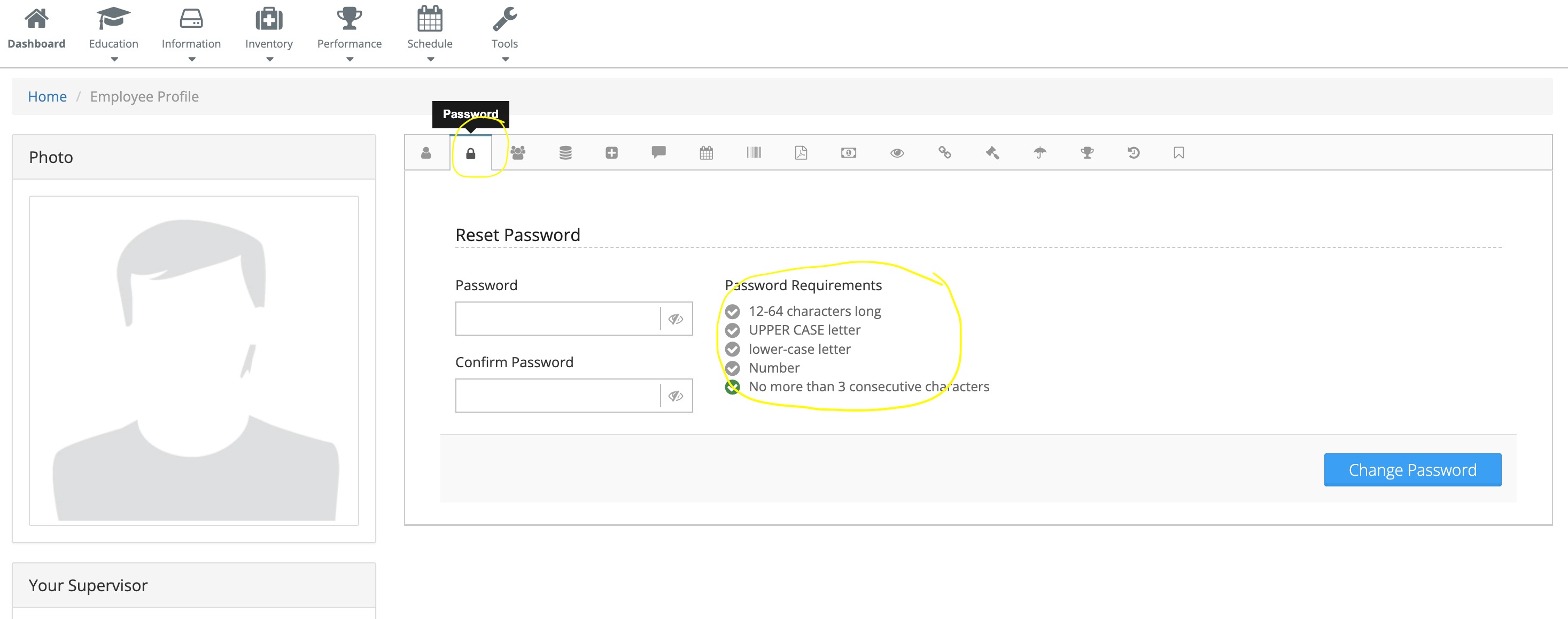
Step 5: Follow the on-screen prompts to change your password
The new password requirements are as follows:
- 12-64 characters long
- 1 Upper case letter
- 1 lower case letter
- 1 Number
- No more than 3 consecutive characters
Was this article helpful?
That’s Great!
Thank you for your feedback
Sorry! We couldn't be helpful
Thank you for your feedback
Feedback sent
We appreciate your effort and will try to fix the article