The core system settings are covered in Training Session One and are an import part of setting up the VAIRKKO Platform.
Step 1: Log into the VAIRKKO Platform
Step 2: Access the Administrative area by clicking 'ADMIN' in the upper right-hand corner.
Step 3: Access the 'General Setup' from the Administrative Toolbar
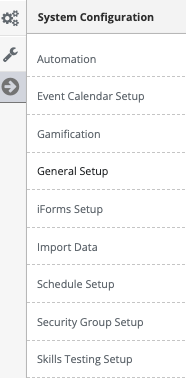
Step 4: Select the tab 'Organization Settings' to interact with these settings. Read the additional information below detailing these settings.

Organization Settings
- Change or edit your Organizations name or address
- Determine the date and time display format