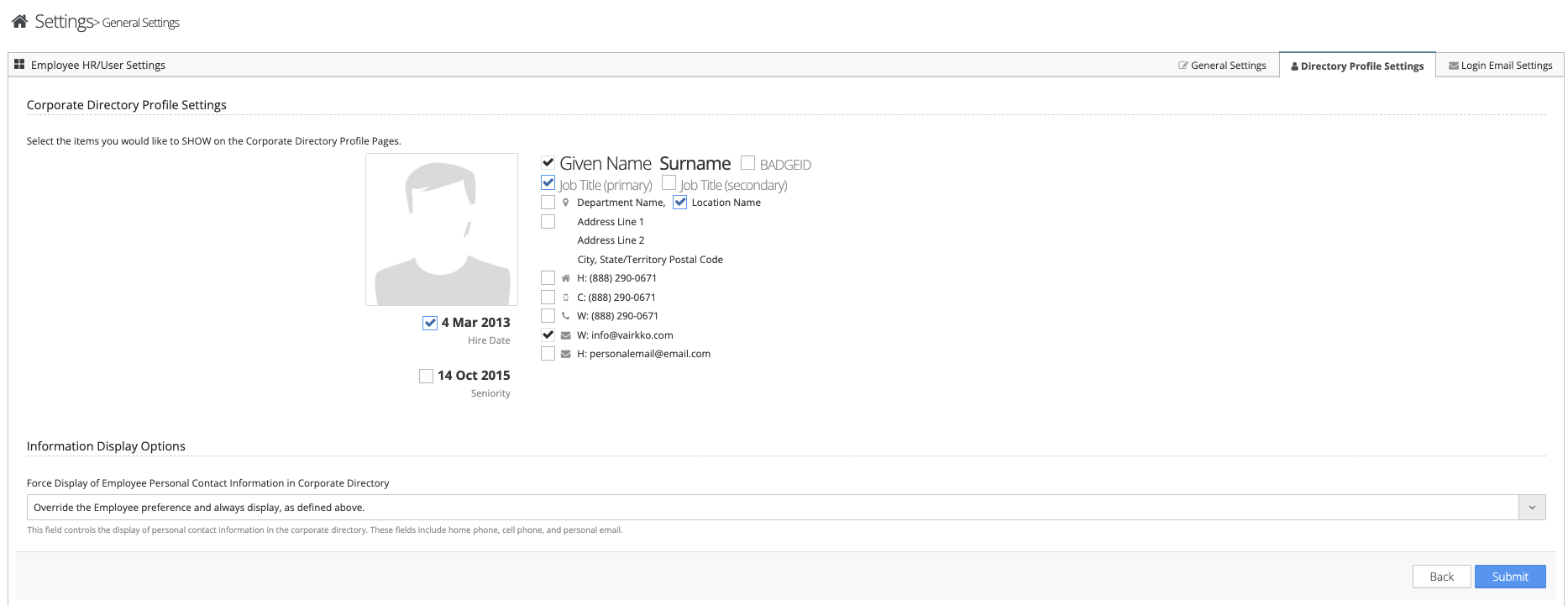
To set up your corporate directory follow the steps below.
Step 1: Log into the VAIRKKO Platform
Step 2: Access the Administrative area by clicking 'ADMIN' in the upper right-hand corner.
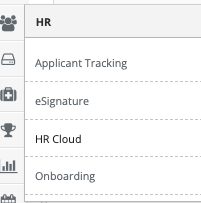
Step 3: Access the 'HR Cloud' from the Administrative Toolbar
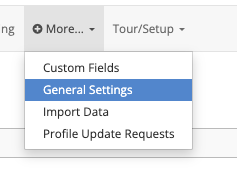
Step 4: Select 'General Settings' from the in-app menu.
Step 5: Select the 'Directory Profile Settings' tab