Custom Fields give you the ability to ask a specific question of your employee and store it within their profile. Continue reading to see how to set this fields up.
Step 1: Log into the VAIRKKO Platform
Step 2: Access the Administrative area by clicking 'ADMIN' in the upper right-hand corner.
Step 3: Access the 'HR Cloud' or 'User Management' from the Administrative Toolbar
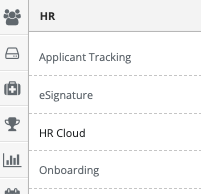
Step 4: Select 'Custom Fields' from the in-app menu.

Step 5: Select the 'New Field' tab
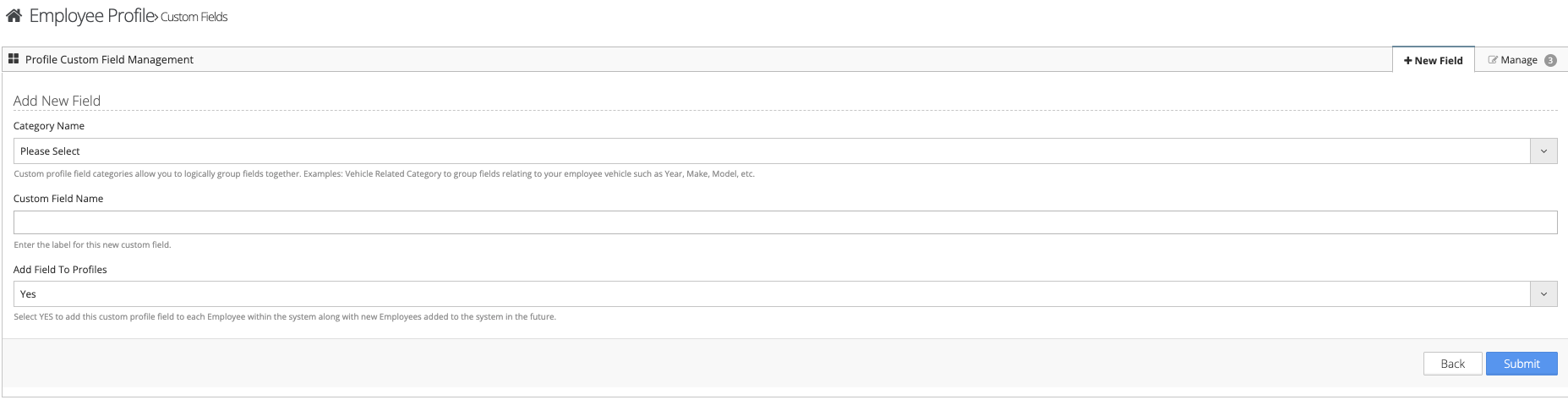
Step 6: Follow the on-screen prompts to configure your field.
Managing Custom Fields
Step 1: Select the 'Manage' tab
Step 2: From the Actions button next to the field you can view/edit or delete the field.
Examples:
- Car Make
- Car License Plate
- Shirt Size
Was this article helpful?
That’s Great!
Thank you for your feedback
Sorry! We couldn't be helpful
Thank you for your feedback
Feedback sent
We appreciate your effort and will try to fix the article