You can easily determine who receives your agency's invoices by email by following the steps below.
Step 1: Log into the VAIRKKO Platform
Step 2: Access the Administrative area by clicking 'ADMIN' in the upper right-hand corner.
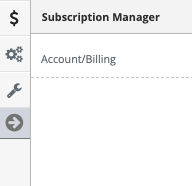
Step 3: Access the 'Account/Billing' from the Administrative Toolbar
Step 4: Select 'Payment Details' option
Step 5: Select 'Change/Update' in the Invoice Recipients area.
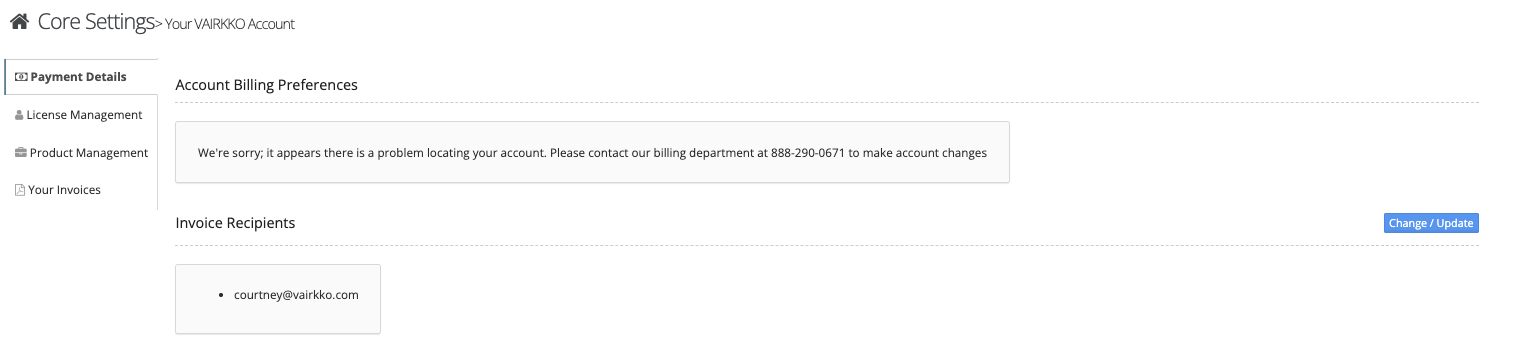
Step 6: Add or remove the recipient's email address.
Was this article helpful?
That’s Great!
Thank you for your feedback
Sorry! We couldn't be helpful
Thank you for your feedback
Feedback sent
We appreciate your effort and will try to fix the article