To configure your payroll groups continue reading below.
Step 1: Log into the VAIRKKO Platform
Step 2: Access the Administrative area by clicking 'ADMIN' in the upper right-hand corner.
Step 3: Access the 'Schedule Setup' from the Administrative Toolbar
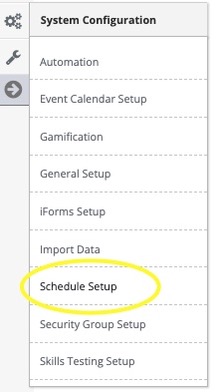
Step 4: 'Payroll' from the in-app menu

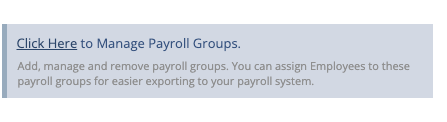
Step 5: Select 'Click Here to Manage Payroll Groups'
Step 6: Select the 'Add' tab to create your new payroll group, select the 'Manage' tab to edit configured payroll groups.
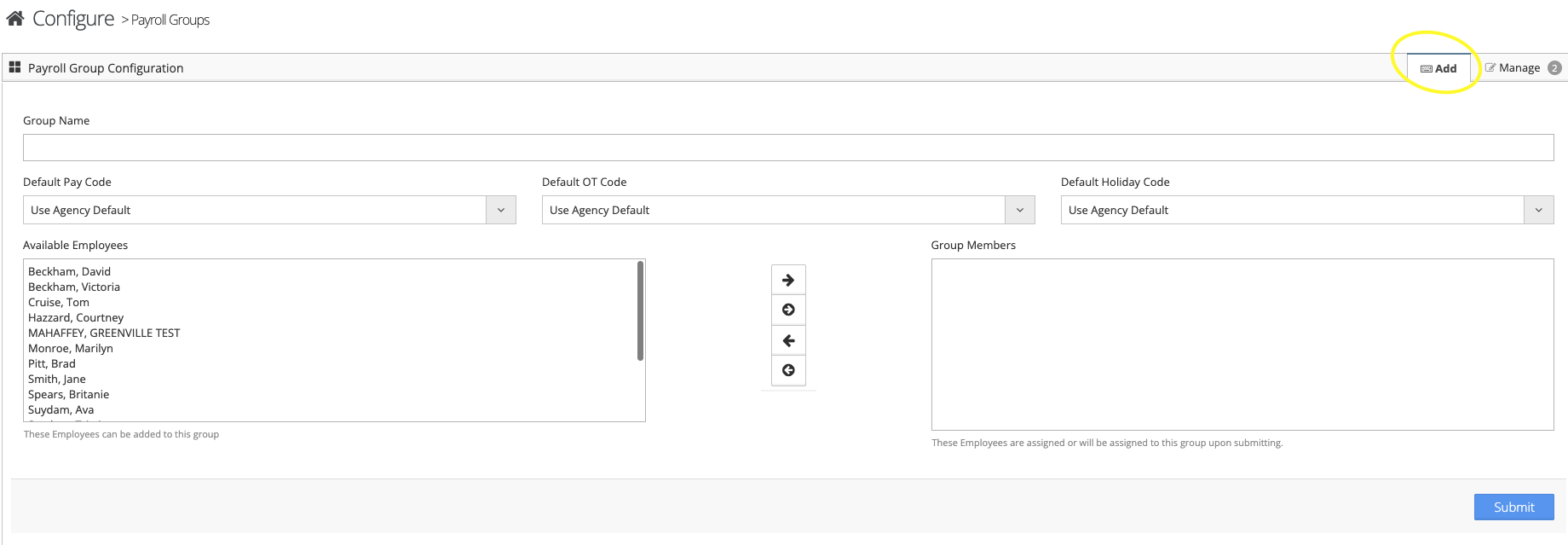
Step 7: Follow the on-screen prompts to configure your payroll group
Payroll Groups
Payroll Groups allows you to create groups for payroll export and link specific earnings code to those groups.