To configure your shift templates follow the steps below.
Step 1: Log into the VAIRKKO Platform
Step 2: Access the Administrative area by clicking 'ADMIN' in the upper right-hand corner.
Step 3: Access the 'Schedule Setup' from the Administrative Toolbar
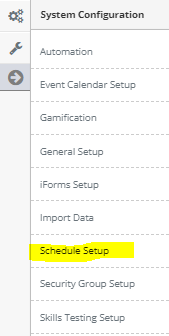
Step 4: 'Configuration' from the in-app menu

Step 5: Select 'Shift Templates' from the in-app menu

Step 6: Select the 'Add' tab
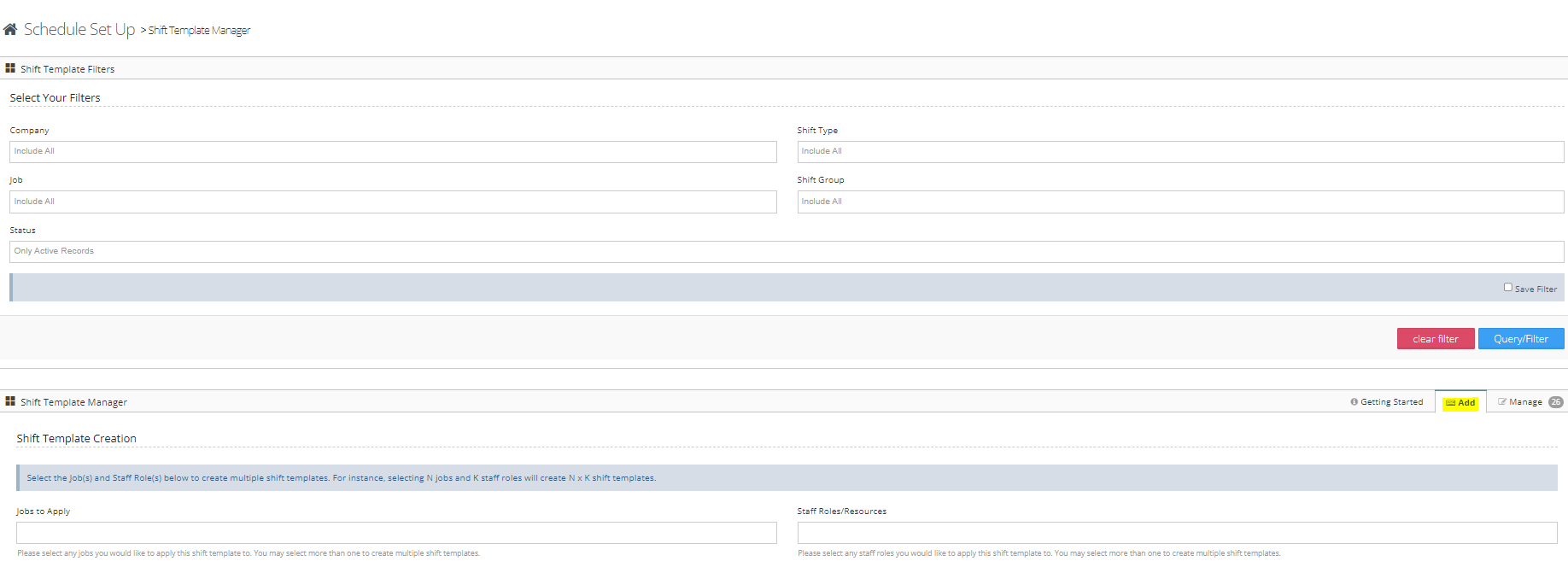
Step 7: Follow the on-screen prompts to configure your shift template
Managing Configured Shift Templates
Step 1: Click on the 'Manage' tab
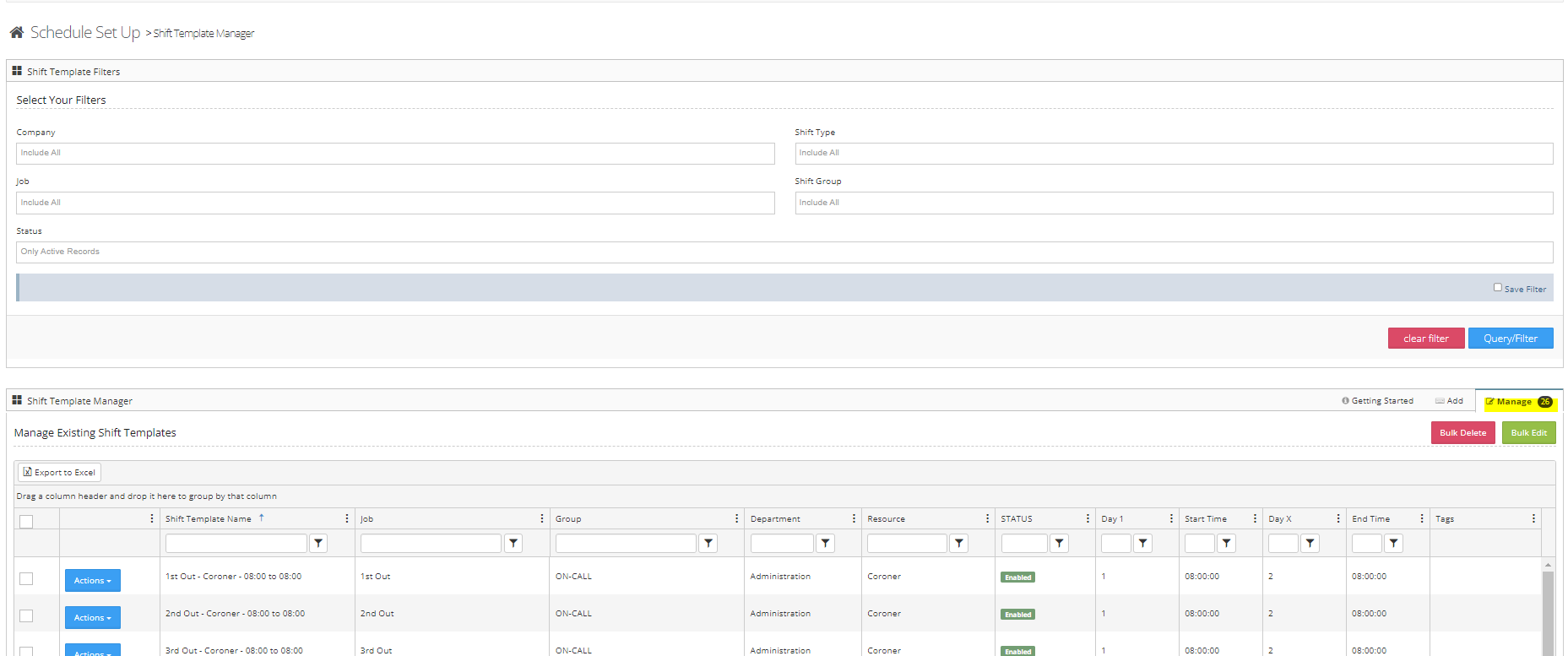
Step 2: From the manage area you can copy, edit, or delete the Job from the actions button.
Additional Information
- You can change the name of the template from the manage screen
- From the edit screen, you can determine if this template is biddable by full-time or part-time as well as custom bidding
- You can determine unpaid and time off request breaks from the edit area
- When creating a shift that cross midnight be sure to set the end day as day 2