To process a time-off event into an attendance event follow the steps below.
Step 1: Log into the VAIRKKO Platform
Step 2: Access the Administrative area by clicking 'ADMIN' in the upper right-hand corner.
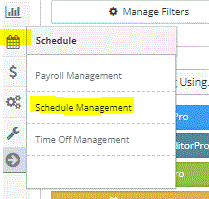
Step 3: Access the 'Schedule Management' from the Administrative Toolbar
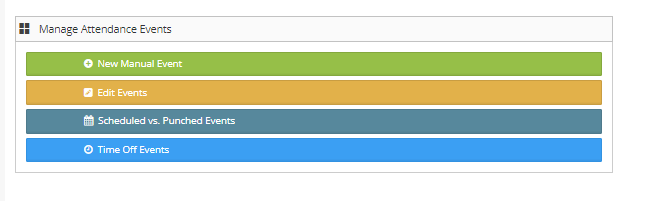
Step 4: From the Launch Pad area select 'Time Off Events'
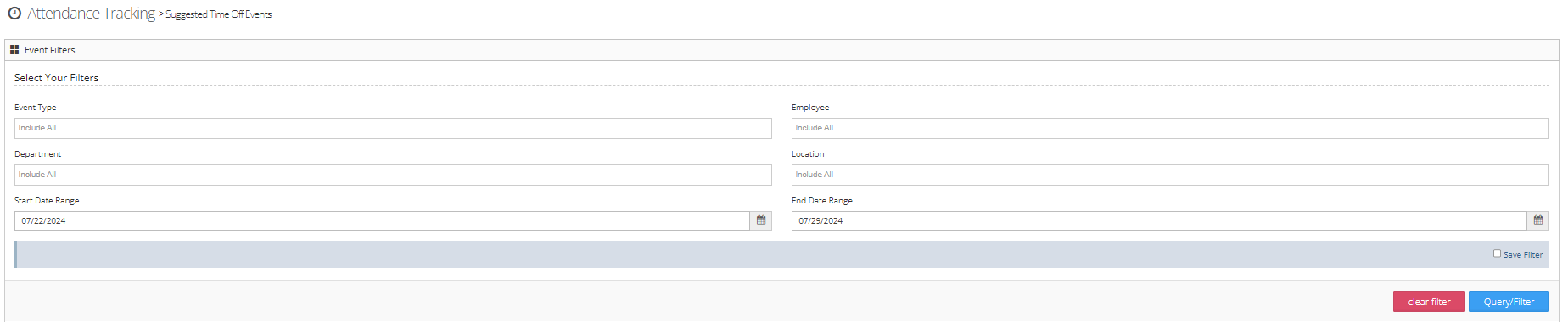
Step 5: You can use the filter to search for specific events
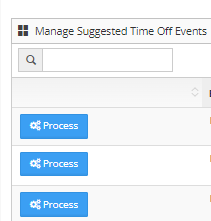
Step 6: Select 'Process' next to the event you wish to enter
Step 7: Enter the remaining information to complete adding the event
What is a Time Off Event?
A time event is any time off code you set to be used with the attendance tracking platform. For example, if you set Sick Leave to be used as a call out code it will show here when you process time off events.
Was this article helpful?
That’s Great!
Thank you for your feedback
Sorry! We couldn't be helpful
Thank you for your feedback
Feedback sent
We appreciate your effort and will try to fix the article