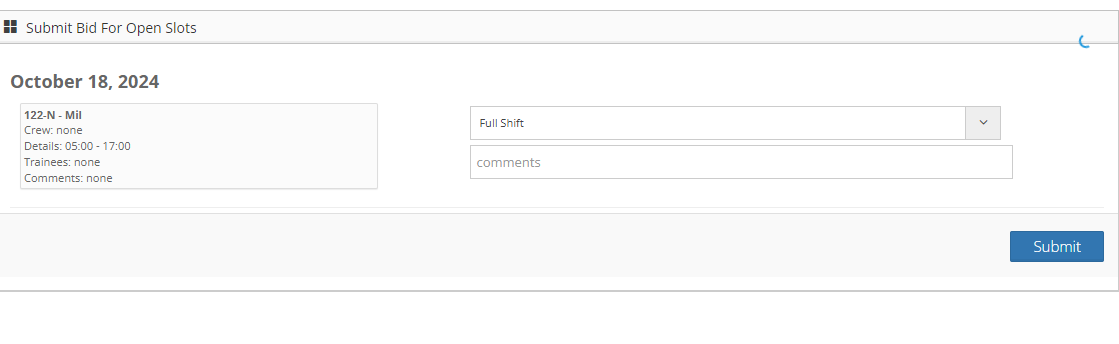
Submitting Availability for the schedule is easy, just follow the steps below.
Step 1: Log into the VAIRKKO Platform
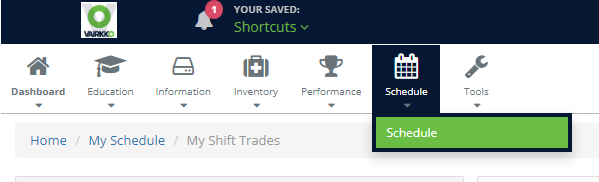
Step 2: Select 'Schedule' from the in-app menu
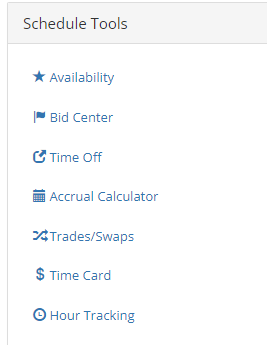
Step 3: Select 'Availability' under schedule tools
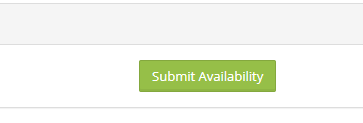
Step 4: Click the 'Submit Availability' button
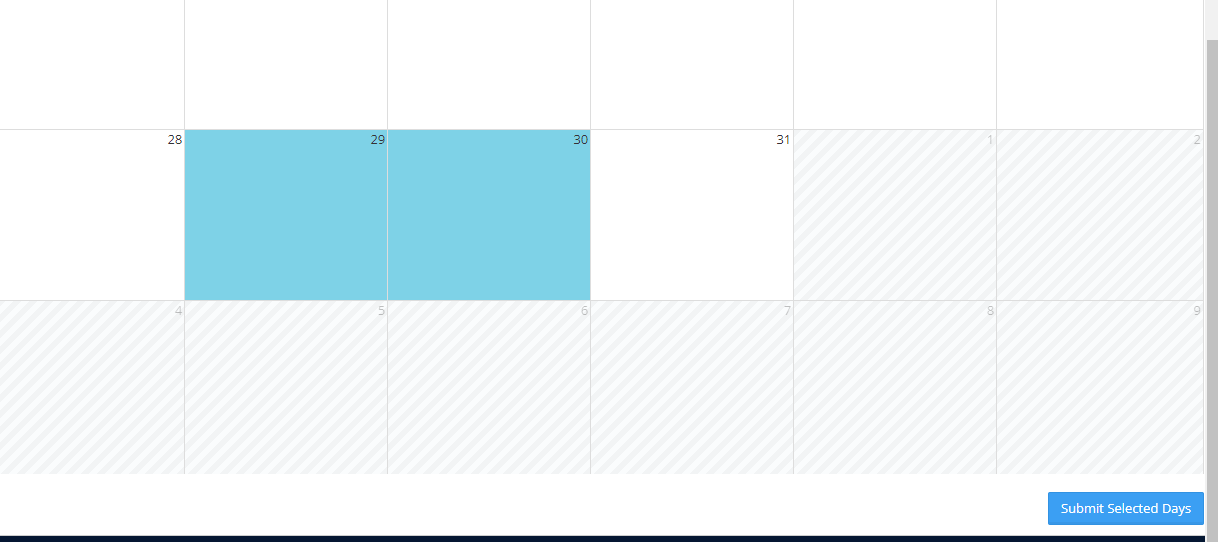
Step 5: Select the days you want to submit
Step 6: Enter your availability information to finish the process