The equipment tab shows you all equipment that has been assigned to you.
Step 1: Log into the VAIRKKO Platform
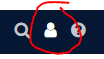
Step 2: Select the 'Person' icon in the upper right-hand corner
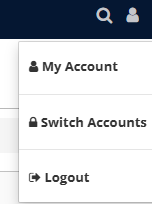
Step 3: Select 'My Account'
Step 4: Select the 'Equipment' tab
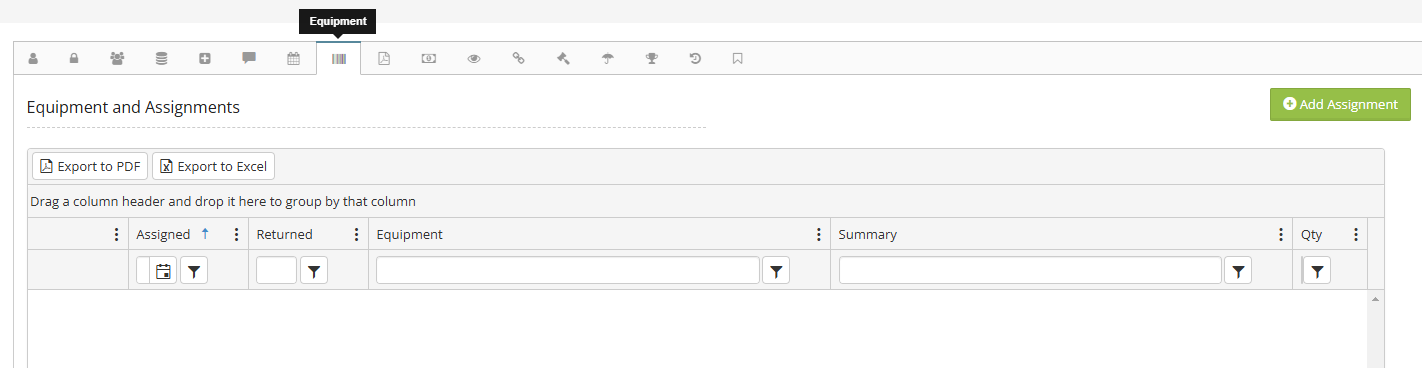
Step 5: From this tab, you can see all assigned equipment and assets