If you have been assigned to a compliance rule you can easily see which certifications you need to become compliant.
Step 1: Log into the VAIRKKO Platform
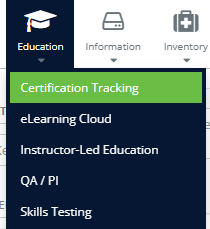
Step 2: Select 'Certification Tracking' from the in-app menu.
Step 3: Select the 'Compliance Rules' tab.

Step 4: Select the '+' button beside the certification you wish to add.