Follow the steps below to configure a new online training course in VAIRKKO.
How to Create a Course
Step 1: Log In
Log into the VAIRKKO platform.
Step 2: Access Admin
Click “Admin” in the upper right-hand corner.
Step 3: Open eLearning
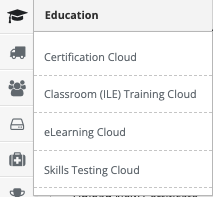
From the Administrative toolbar, select:
Education → eLearning
Step 4: Open Courses & Tests
From the in-app menu, select “Courses & Tests".

Step 5: Create a New Course
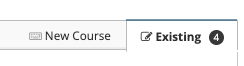
Select the “New Course” tab and enter your course name.
Step 6: Add Course Materials
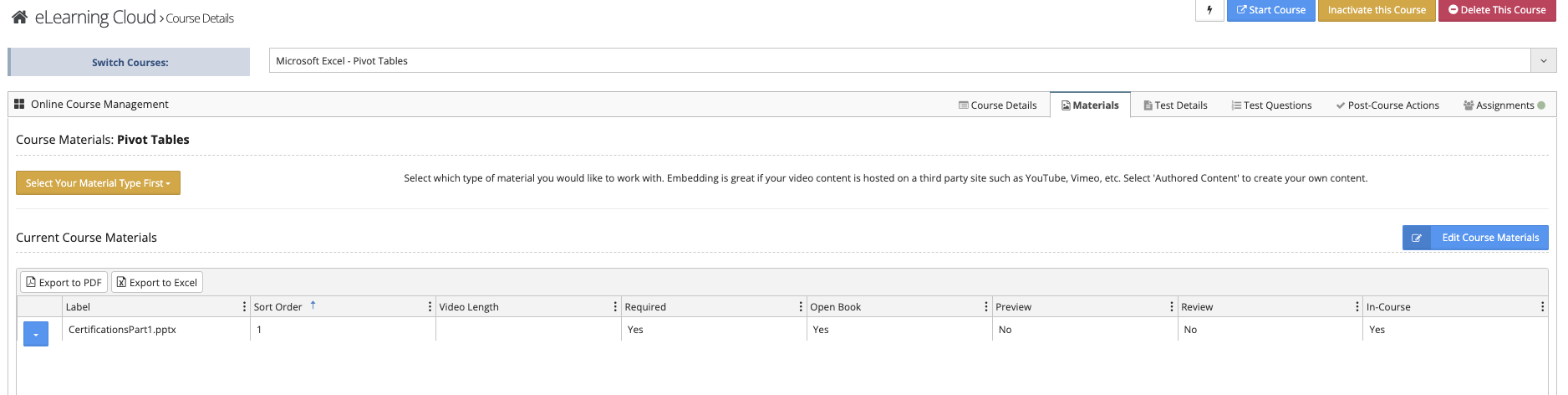
Go to the “Materials” tab to upload course content.
After uploading, choose whether materials are available for:
- Preview
- Review
Step 7: Add Test Questions
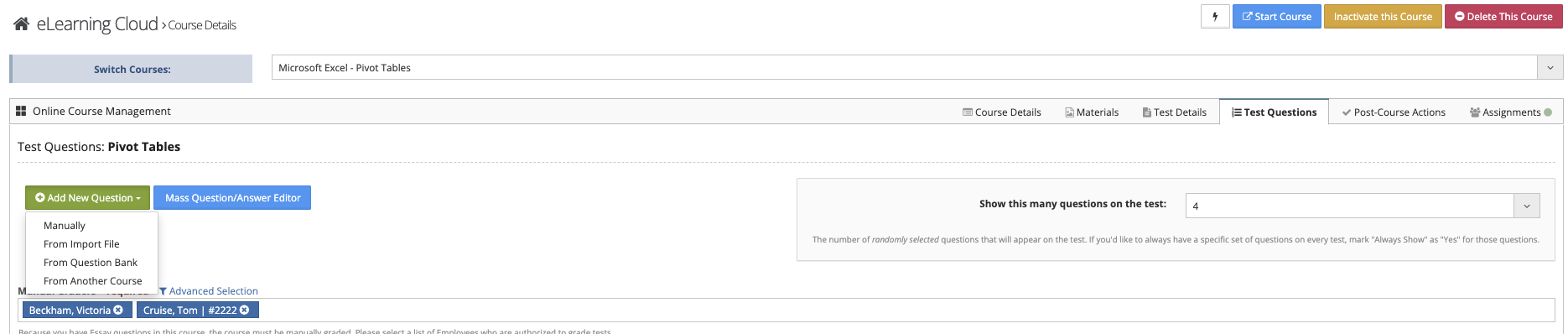
Navigate to the “Test Question” tab to create and manage test questions.
Step 8: Configure Post-Course Actions (Optional)
Use the “Post-Course Actions” tab to define actions after course completion.
Important Note
For a course to be Active, it must include at least one of the following:
- Course materials
- A test