To edit an entered attendance follow the steps below.
Step 1: Log into the VAIRKKO Platform
Step 2: Access the Administrative area by clicking 'ADMIN' in the upper right-hand corner.
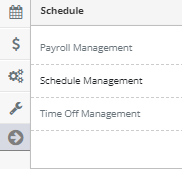
Step 3: Access the 'Schedule Management' from the Administrative Toolbar
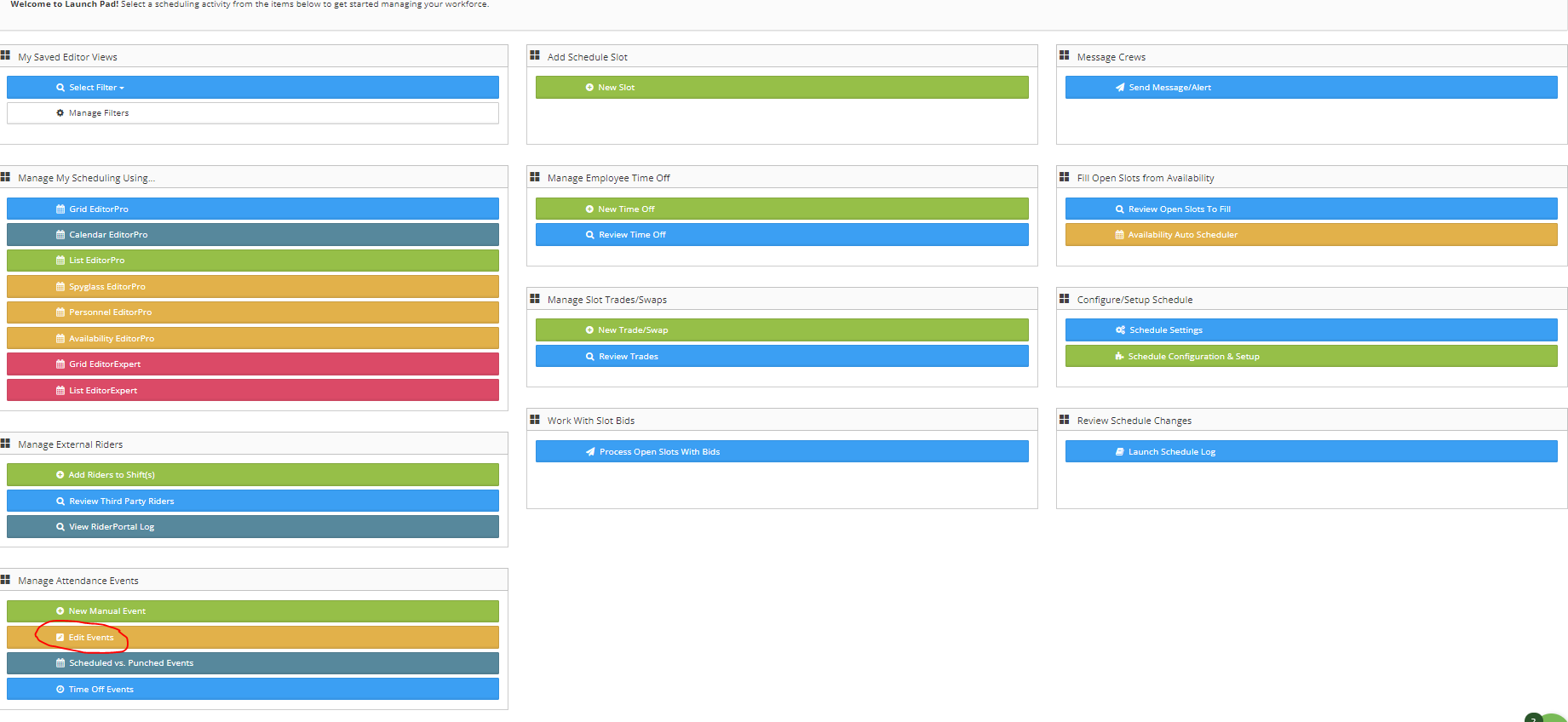
Step 4: From the Launch Pad area select 'Edit Events'
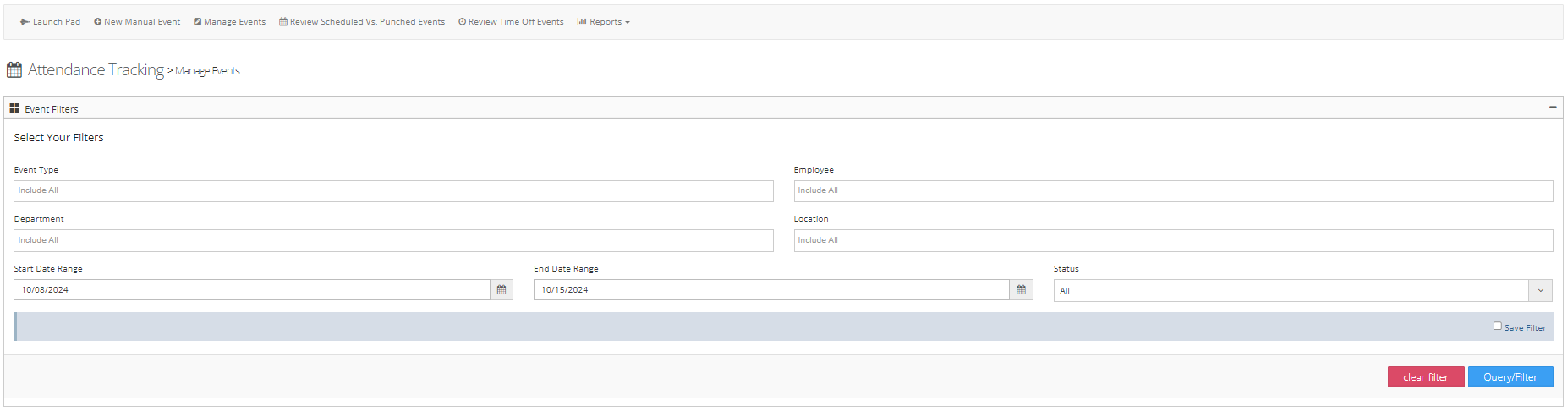
Step 5: You can use the filter to search for specific events
Step 6: From the actions button next to the event you View/Edit the event, Overturn the event, or Delete the event

Overturn vs. Delete an Event
When an event is 'Overturned' it will still show associated with the employee but the points will not count towards the employee, a deleted event is no longer viewable in the system.