The online training launch pad is where you will come to take any online training courses. To learn more follow the steps below.
Step 1: Log into the VAIRKKO Platform
Step 2: Select 'eLearning Cloud' from the in-app menu.
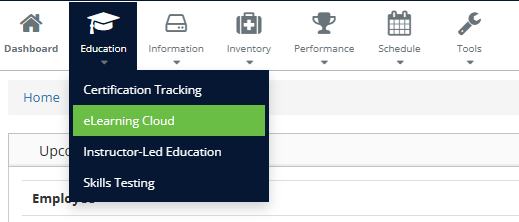
Step 3: Select the tile you wish to interact with.
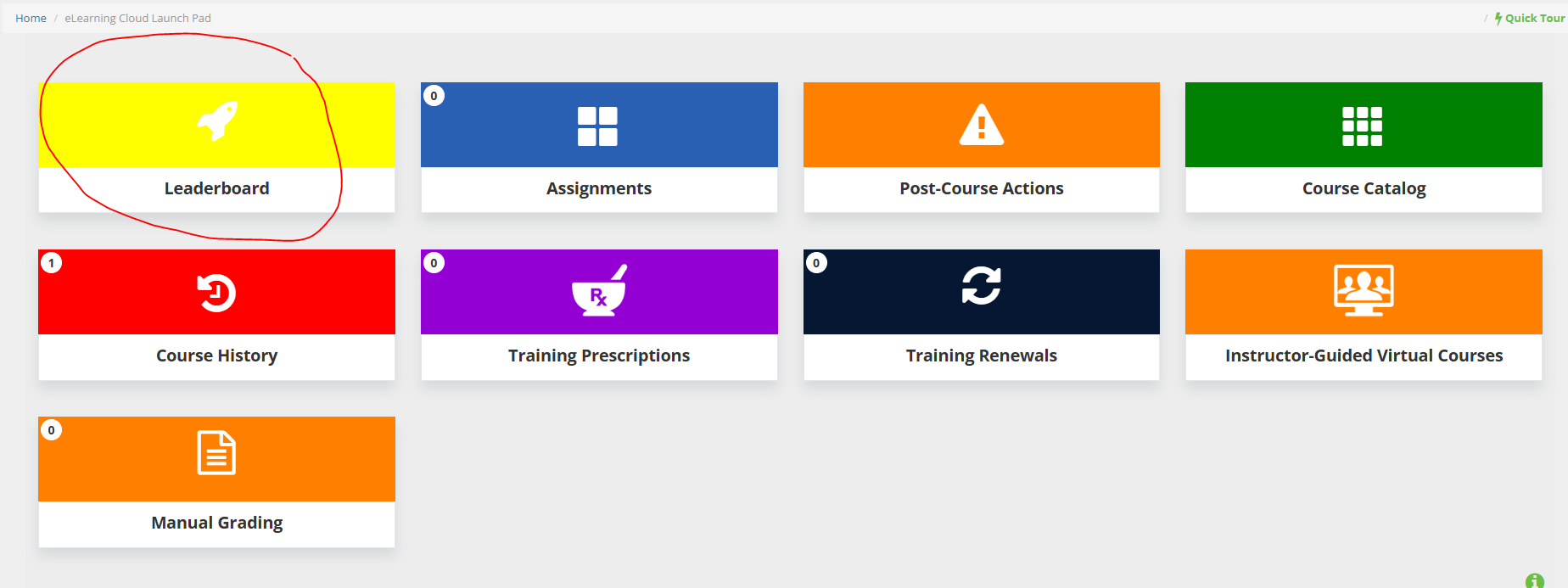
Leaderboard - This tile will display how you compare to other employees within your agency. This may or may not be visible depending on your agency's settings.
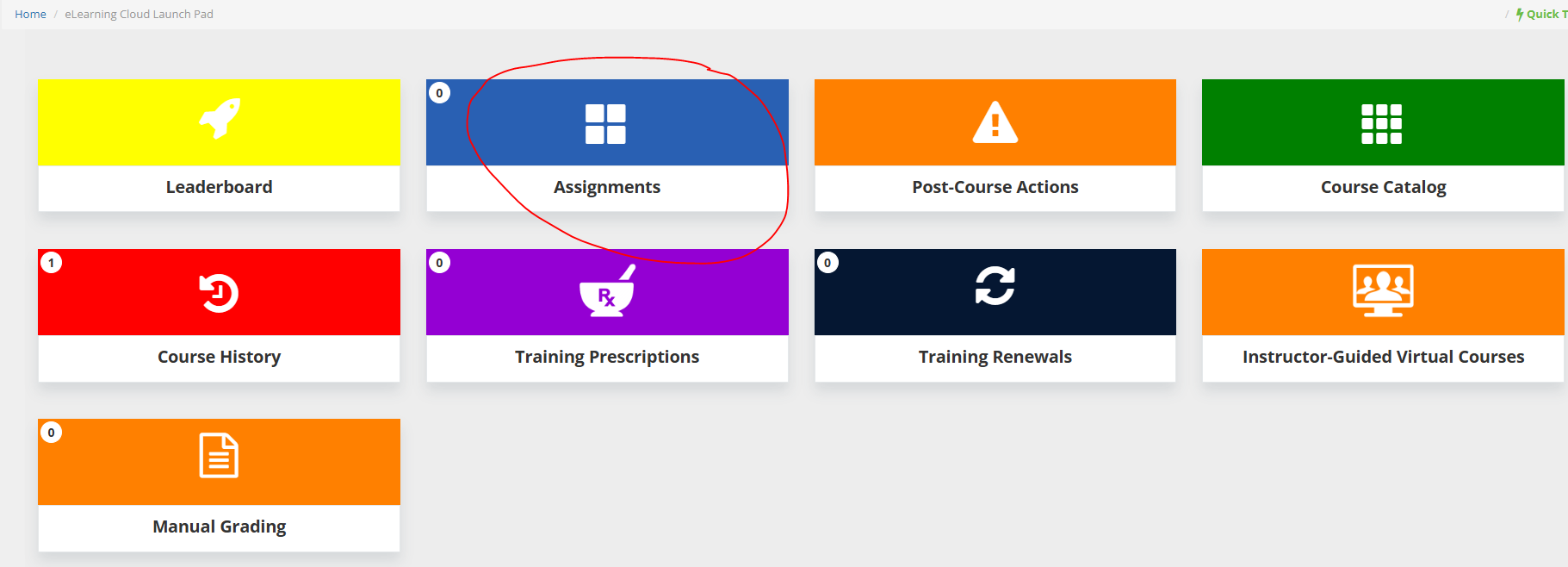
Assignments - This tile will take you to any online training that you have been assigned to take.
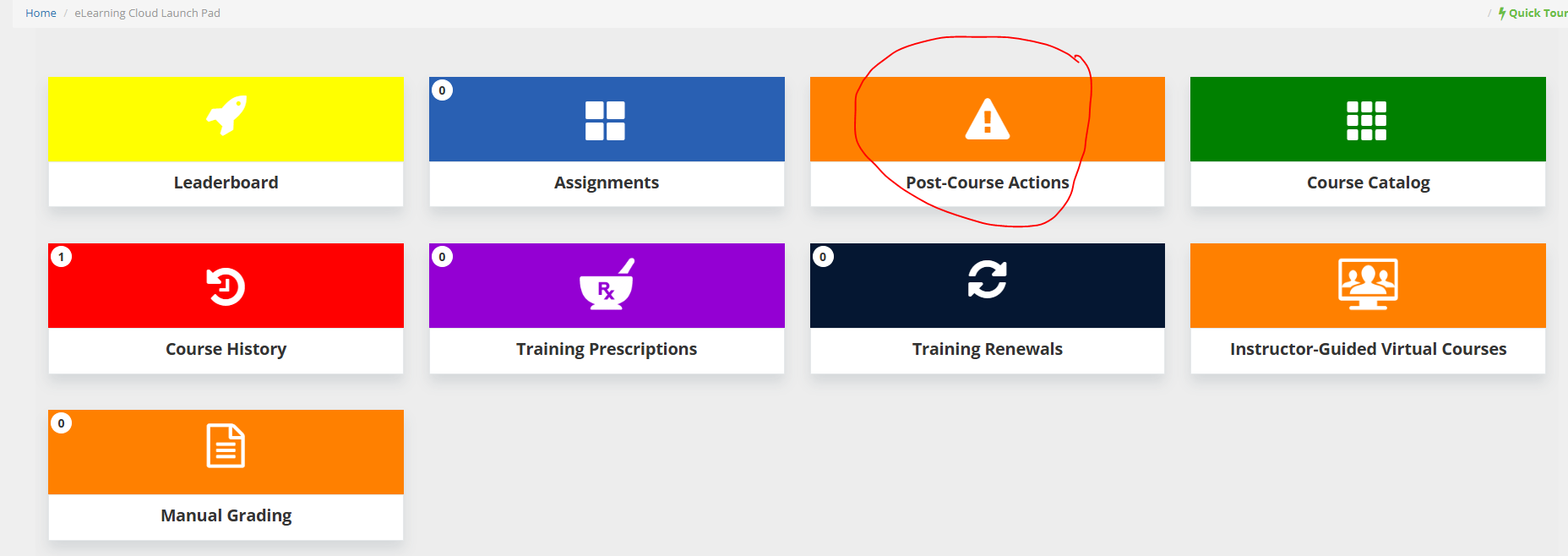
Post Course Actions - This tile will show you any Post Course Actions you have to complete. If you currently do not have any Post Course Actions this tile will not be visible.
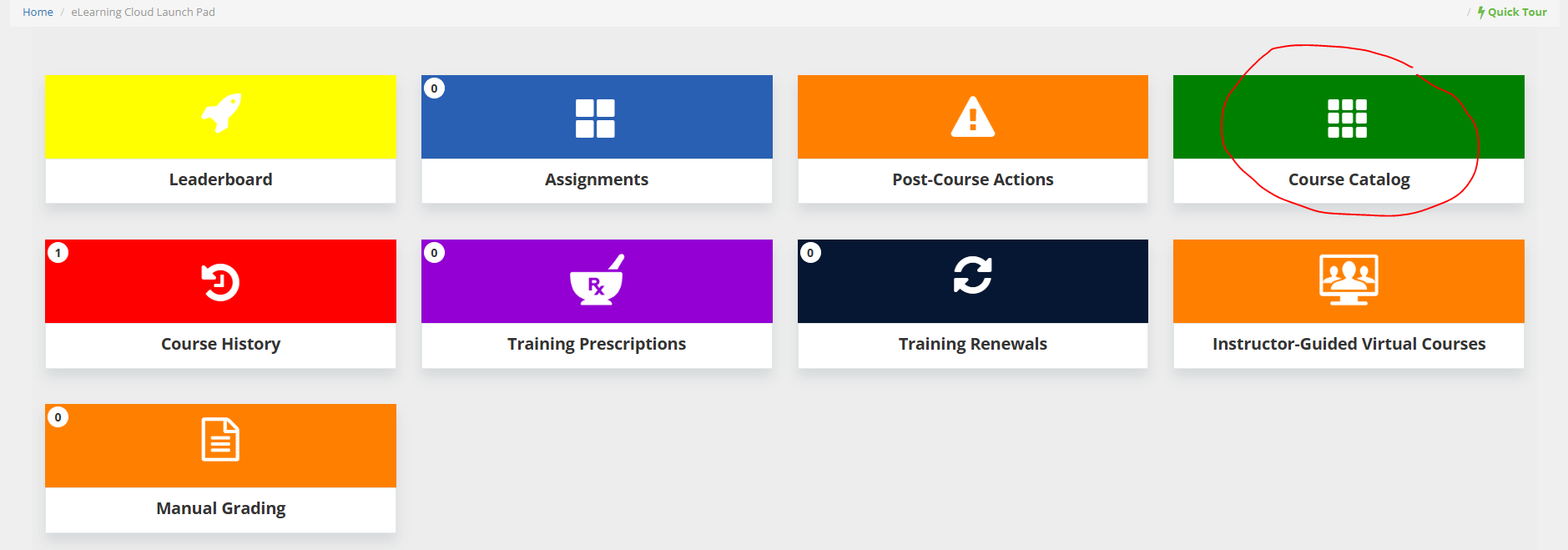
Course Catalog - This tile will give you access to all courses you have access to view/take. This may or may not be visible depending on your agency's settings.
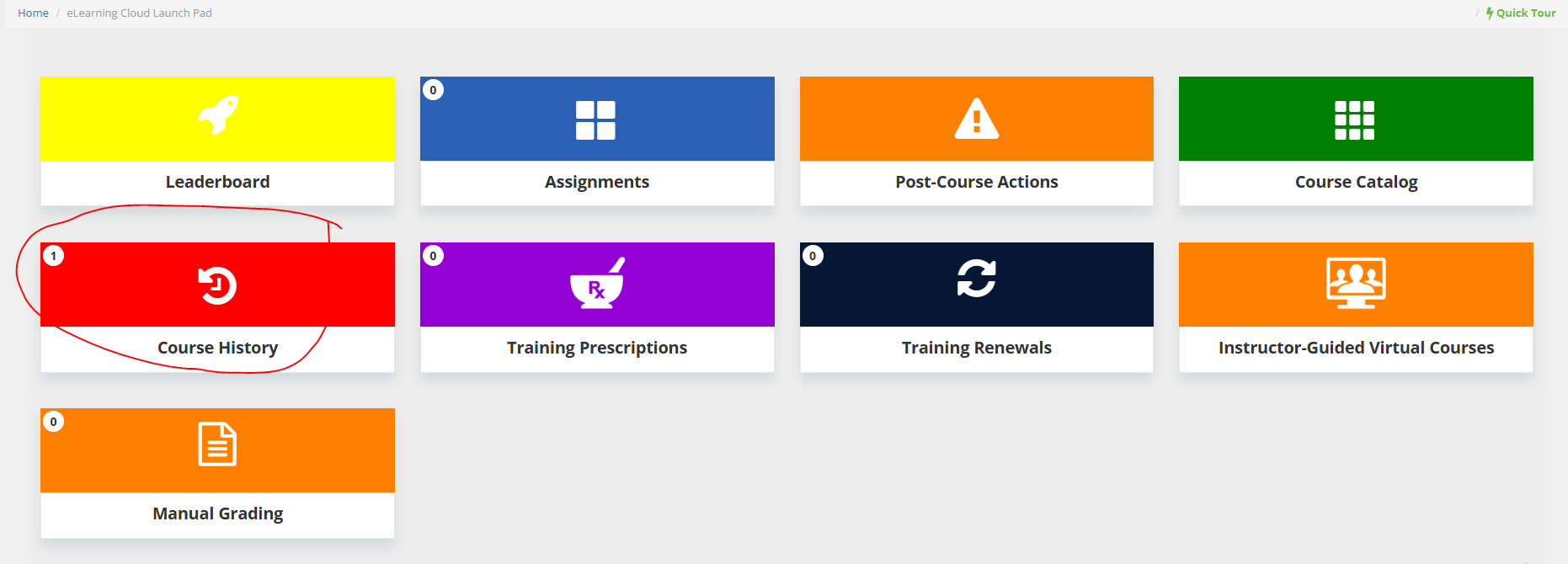
Course History - This tile will give you the ability to see any courses you have already taken.
Was this article helpful?
That’s Great!
Thank you for your feedback
Sorry! We couldn't be helpful
Thank you for your feedback
Feedback sent
We appreciate your effort and will try to fix the article