Use this guide to add and manage test questions within your online training courses.
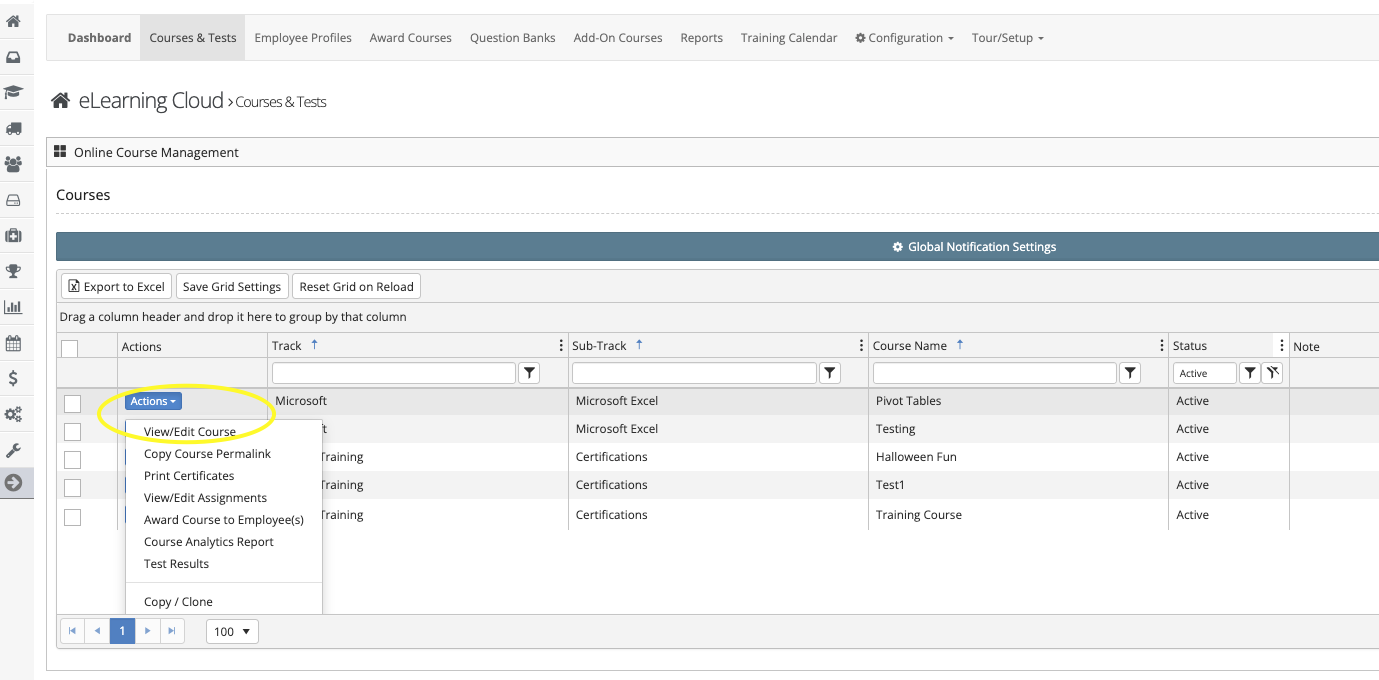
How to Add Questions
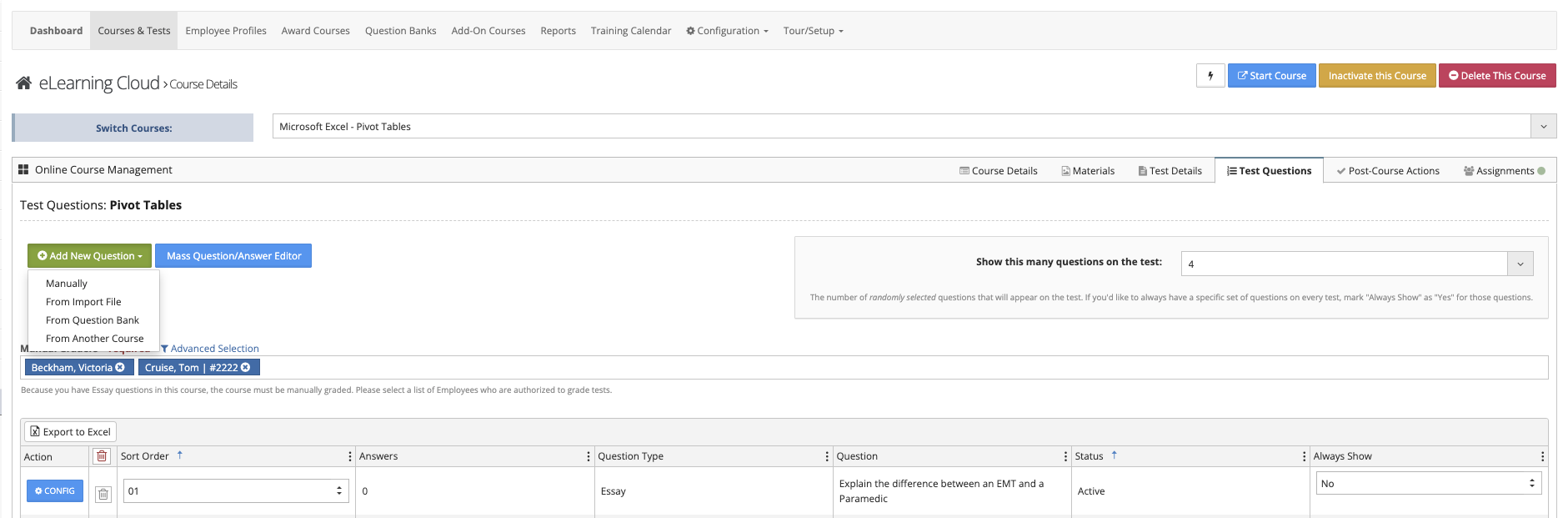
You can add questions to your test using several methods:
Available Options
- Manually
Create and enter each question individually - Import from File
Upload questions using supported formats:- VAIRKKO import template
- Angle 7
- Blackboard
- Moodle
- From Question Bank
Import questions from a pre-configured question bank - From Another Course
Copy questions from an existing course
Manually Adding a Question
Step 1: Select Question Type
- Choose the question type
- Enter your test question
Step 2: Add Answers and Details
- Enter answer choices (if applicable)
- Identify correct answer(s)
- Attach any supporting documents
- Add remedial training information if needed
Question Types
- Multiple Choice (Single Answer)
Multiple options with one correct answer - Multiple Choice (Multiple Answers)
Multiple options with more than one correct answer - Fill in the Blank
Employee enters a response that matches a predefined answer - Numeric
Employee enters a numeric value - Yes/No
Employee selects Yes or No - True/False
Employee selects True or False - Essay
Open-ended response